DESK STORY · Developer · Work from Home
A Wood and Black Developer's Office with Landscape and Portrait Monitors
Wood & Natural · Developer · Work from Home desk setup

Taeyoung
September 21, 2026 · 8 views
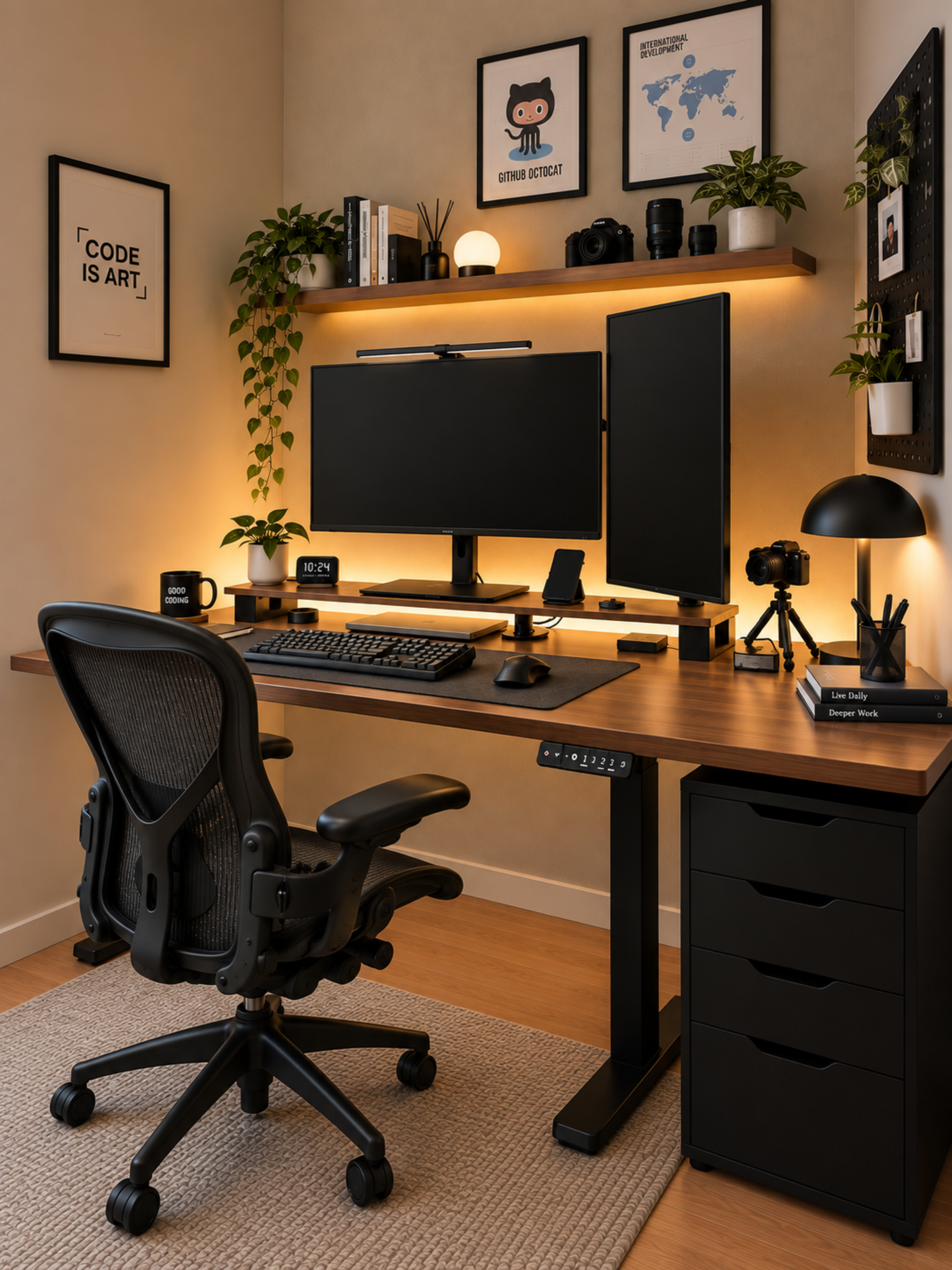
Do you lose your place while switching between code and documents? This developer's desk separates viewing areas with landscape and portrait monitors and organizes the background with wood and warm light. Screen roles stand out before equipment count.
Give landscape and portrait screens different roles
A portrait display sits beside the central landscape screen, allowing long documents and wider work to occupy different surfaces. There is no single correct assignment. Start with what you view most often.
Before positioning a secondary screen, notice how often you turn toward it. Ensure frequently checked content is not too far away. Attractive alignment and comfort during use require separate checks.
Black equipment establishes a center on the grain
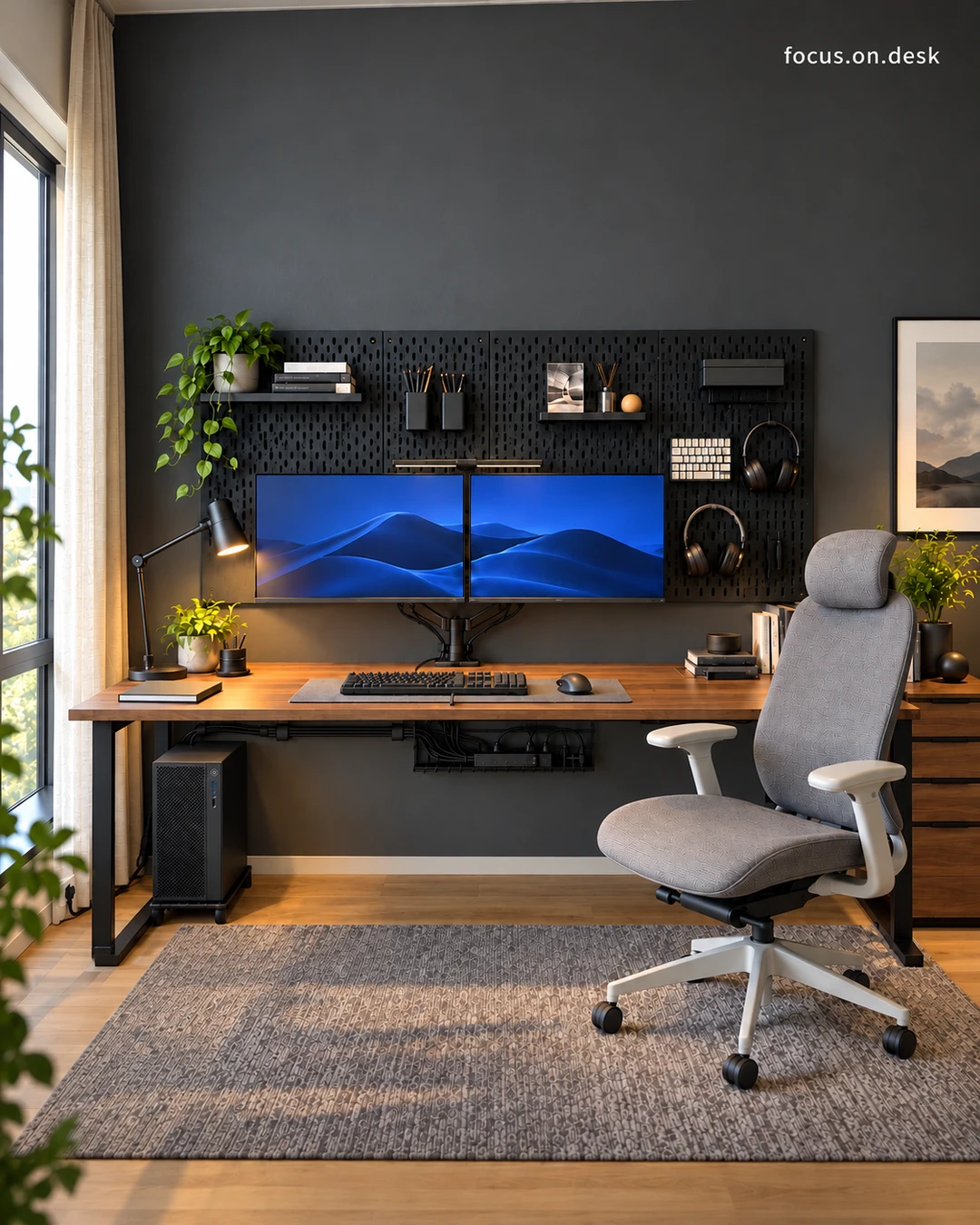
Black repeats in monitors and input devices over the wood desktop. Even with multiple screens, grouped colors clarify the overall outline. Warm wood softens the equipment's background.
A mat or small stand can connect mixed equipment colors. Look for common features among existing devices before replacing them all. Reducing surrounding accessories can also make them read as one area.
Cameras and books on shelves, hands on the mat
Books, a camera, and plants move onto wall shelves, while keyboard and mouse gather within a broad mat. Display and work are separated, keeping favorite things close without turning the whole desktop into storage.
Separate shelf objects retrieved often from those displayed. After checking weight and wall fixings, consider reach and front-to-back order so decorations do not hide everyday tools.
Indirect shelf lighting and a small lamp
Light below the wall shelf and a small task lamp brighten the black equipment's surroundings. Different lighting heights reveal textures behind the screens and on the desktop, leaving a quiet background despite many devices.
Check screen reflections at your actual working time. Consider switches and power-cable routes as well as light color. Choose by the roles your desk needs rather than the number of lamps in the photo.
A developer's layout begins with the work sequence
Listing repeated tasks reveals which screens and tools should be close. Consider reading documents, writing code, and taking out a notebook for meetings. Setup photographs can help compare that flow.
The accompanying developer home office tour explores the arrangement further. Start by aligning the screen you use most and the place your hands return to.
Product and styling notes
This is a reference setup based on photographs. Detailed placement and similar products appear in the desk tour, A Developer's Home Office in Wood and Black with Warm Lighting.
More desk stories to explore
Products in this photo 0
You can also tap + on the photo to see them