DESK STORY · Work from Home
Walnut and Black Continue Beneath the Desk
Wood & Natural · Work from Home desk setup

URITRIP
October 10, 2026 · 6 views
Does your desktop look right while the PC below feels out of place? Carrying a walnut-toned top and black frame through to a wood-fronted PC case can make the area beneath the desk part of the design too.
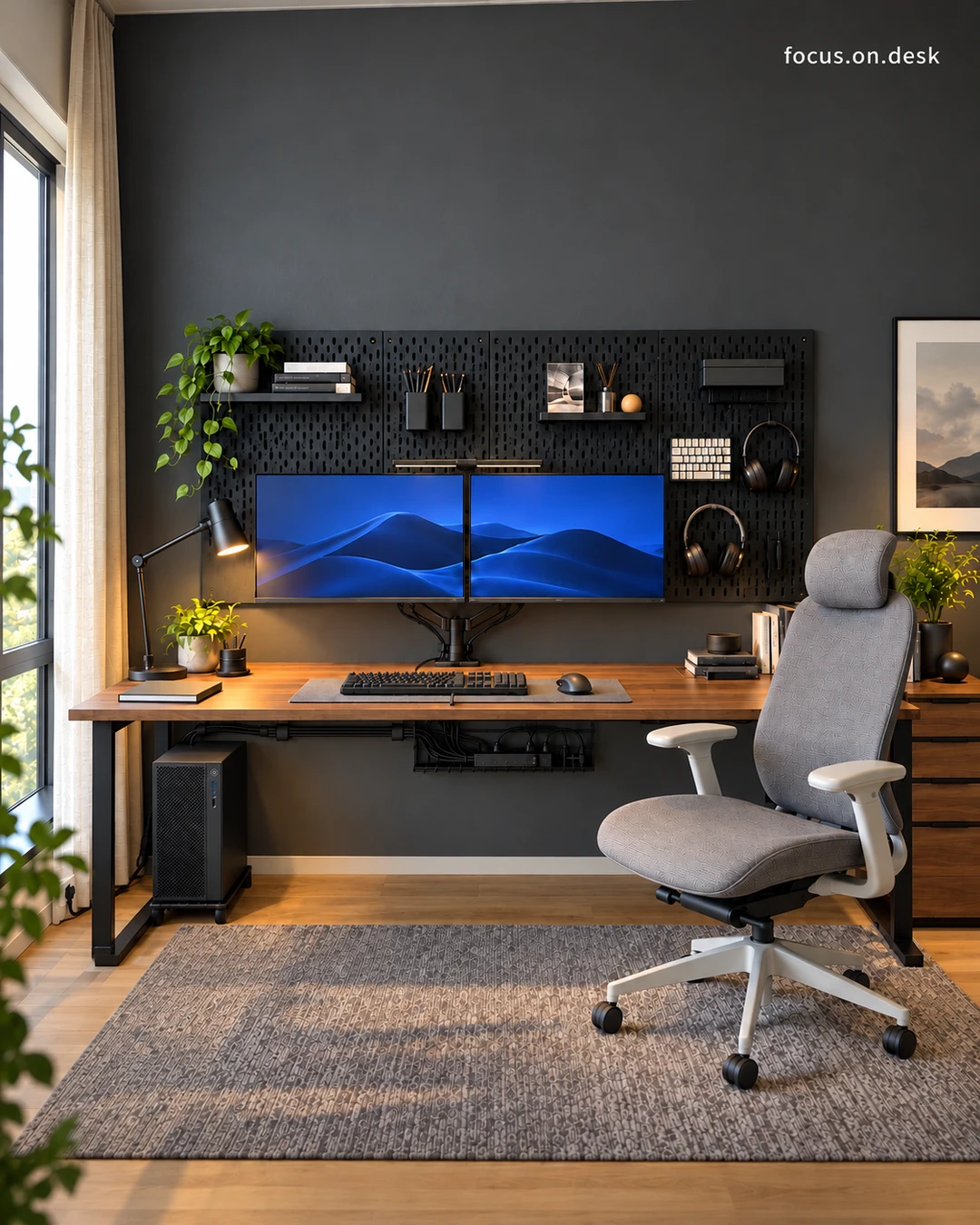
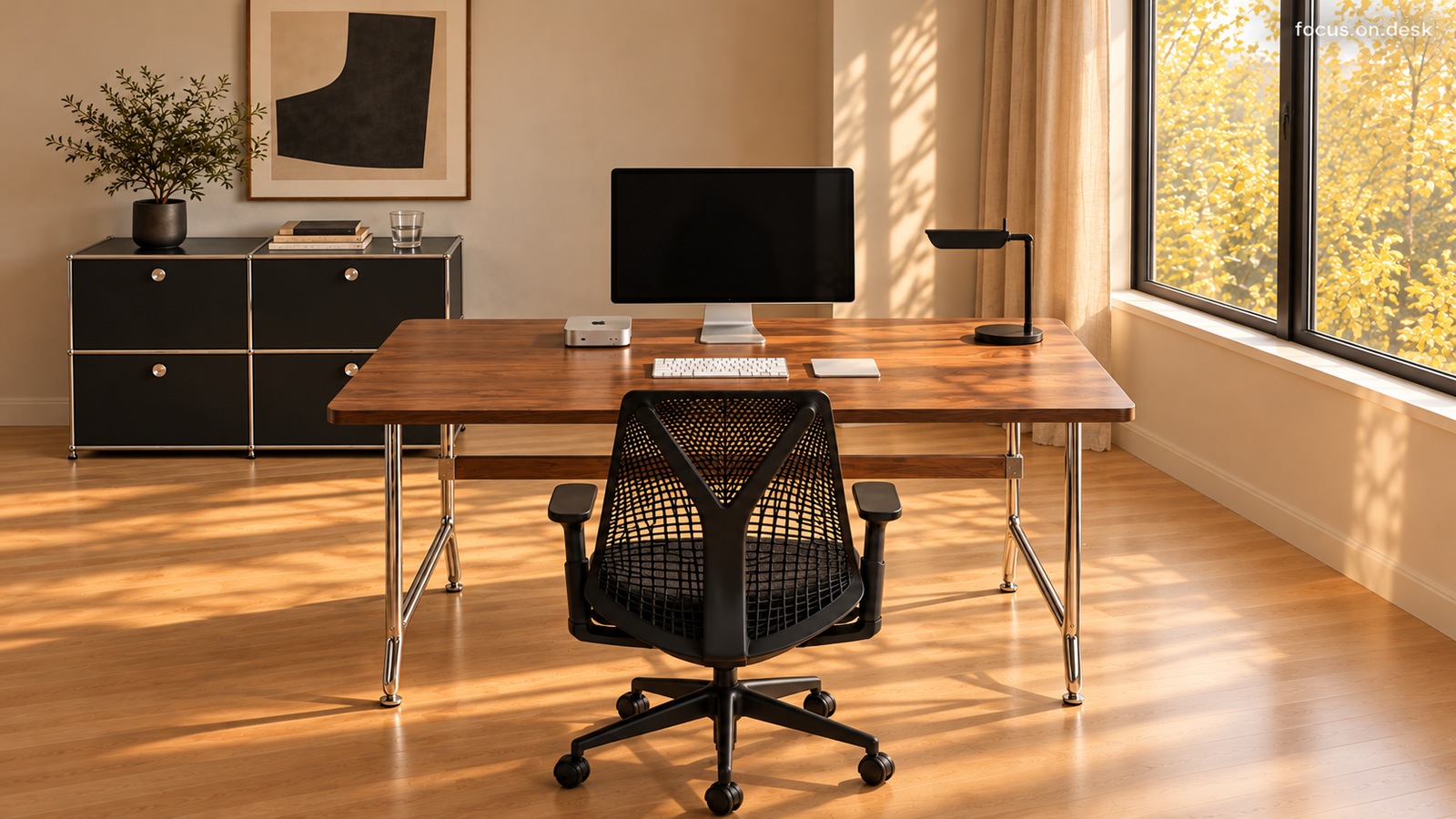
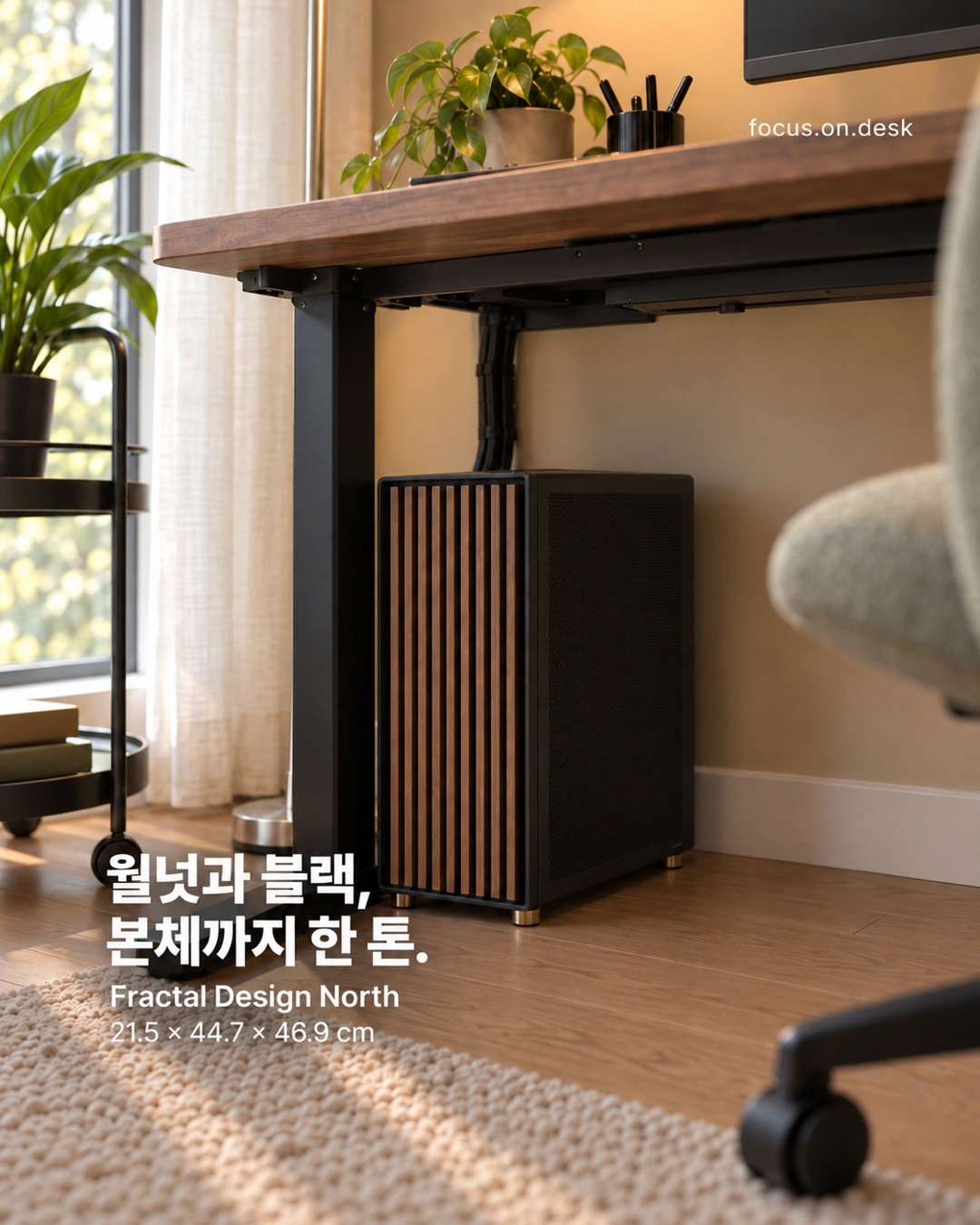
This desk reveals more when you lower your gaze. Black legs descend from a dark wood top beside a black PC with vertical wood detailing. Separate objects read as one combination because the same two colors repeat above and below.
Why a walnut desk works with a wood-fronted PC case
The desktop's horizontal grain contrasts with the case's vertical wood details. Wood repeats as a broad surface on the desk and narrow lines on the PC, avoiding monotony. A wood setup can connect materials while varying their forms.
The wood colors need not match perfectly. The desktop and case face different light and sit in different positions. Compare their brightness and reddish undertones in the actual room rather than relying on one product image. Beside a strongly grained desktop, begin with a smaller area of additional wood.
Black connects the frame and computer
Black repeats in the desk legs, lower frame, case body, monitor border, and pen holder. It clarifies the overall outline amid the warmth of the wood. Walnut and black feel calm here because neither color is confined to one spot.
Window-side plants and light curtains soften the arrangement. Green leaves offer visual relief among dark furniture, while curtains and a rug add softer textures. If a black setup feels heavy, consider surrounding light surfaces and fabrics; they can change the room without replacing the desk or PC.
Move the chair before placing a PC under the desk
The computer sits on the floor beside a desk leg, preserving desktop space and displaying its wood front. Whether that position works for you requires sitting down. Check where your knees and feet go and where the chair wheels travel as you move.
Measuring only the case can overlook room for rear cables. Check clearance to the wall with power and peripheral cables connected, plus access to the power button and frequently used ports. A photogenic position becomes inconvenient if every cable change requires moving the entire PC. Plan around actual use.
Cable organization keeps the area below clear
Cables descend together and continue behind the PC. Staying close to the desk structure instead of hanging separately lets the wood top and black frame stand out. Begin by gathering cables and routing them away from your feet and chair.
Before adding a cable tray or fasteners, check desktop thickness and interference with the frame or PC. On an adjustable desk, verify that cables do not pull taut at different heights. Leave frequently changed connections accessible instead of binding everything too tightly.
After matching the design, allow for airflow and cleaning
Products in this photo 0
You can also tap + on the photo to see them