DESK TOUR
Inside a Dual-Monitor Desk, One Shelf at a Time
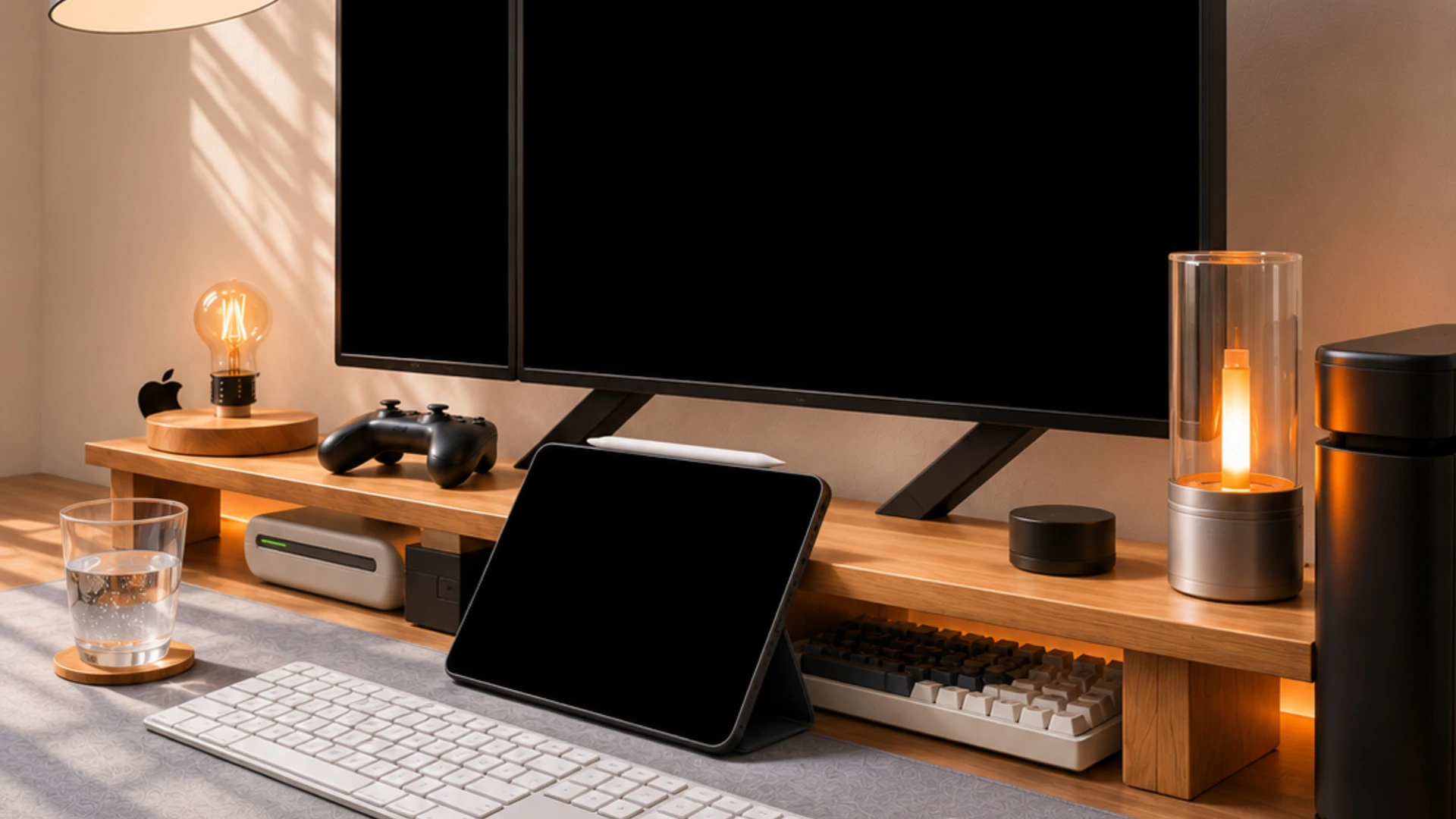
From the front, the screens claim your attention first. The left one stands upright, and a slim light bar sits over the wide display on the right. Look a little lower and the shelf tells a more interesting story about what stays within reach.
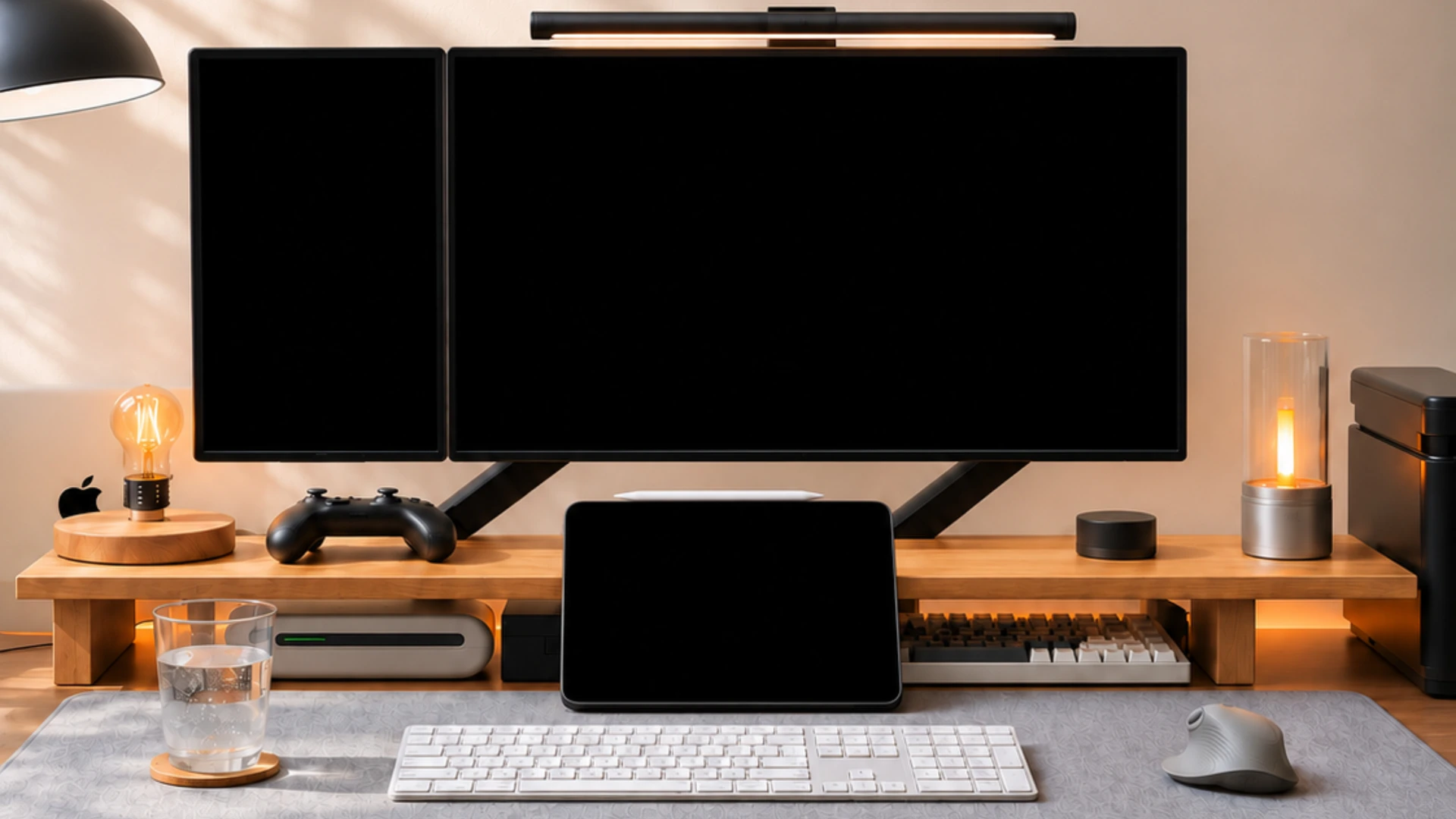
- Screen layout
- Portrait monitor on the left, landscape monitor on the right, tablet below the centre
- Lighting
- A small lamp at each end of the shelf, a monitor light bar and a black shaded lamp on the left
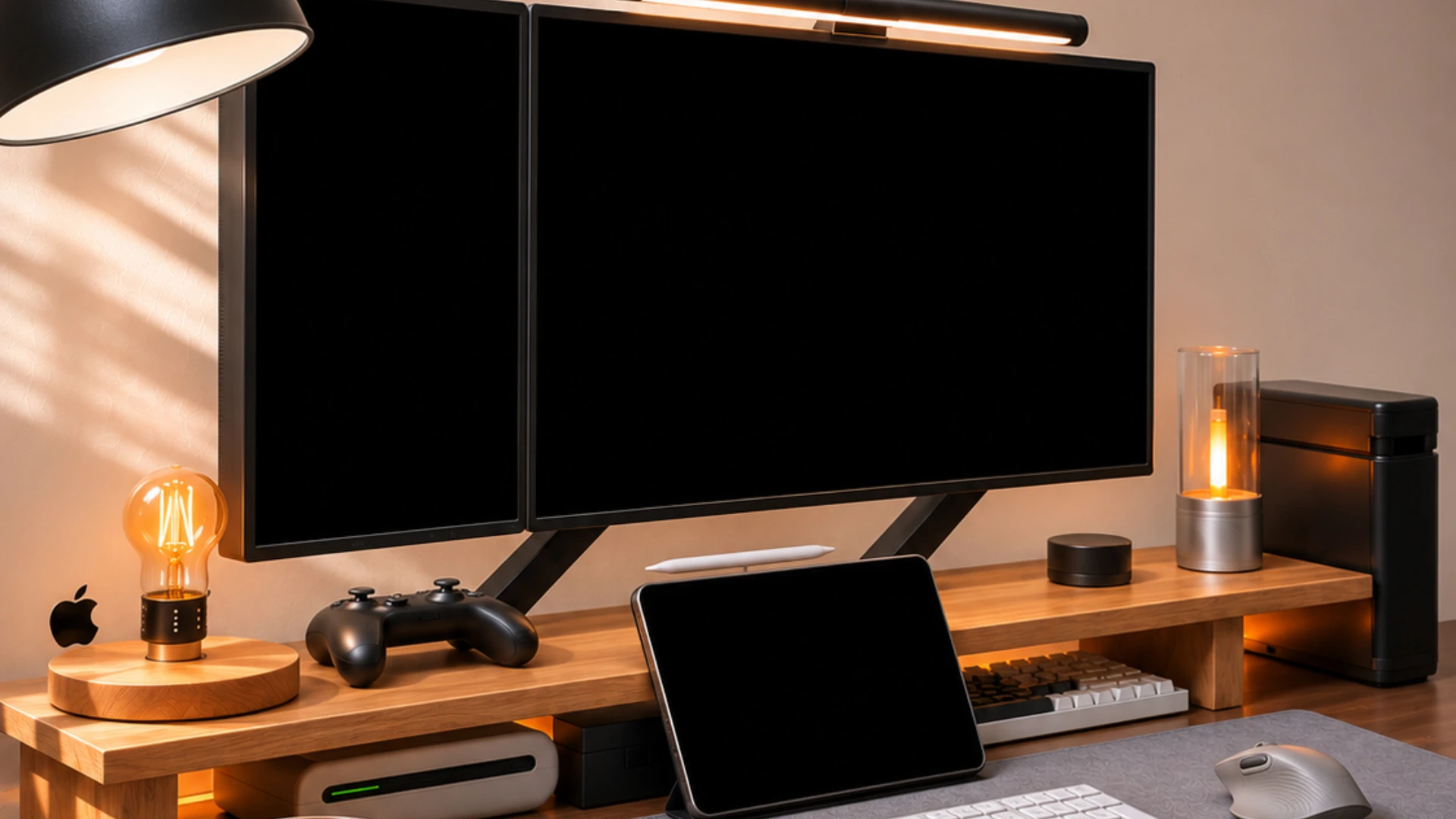
A small landing beside the portrait screen
Seen from the left, the round bulb peeks out beneath the sweep of the black desk lamp. A controller rests just beside it. Both the curved wooden lamp base and the dark outline of the controller stand out against the long run of grain beneath the screens.
A second keyboard behind the tablet
The tablet fills the low gap between the two screens. Look to its right and a few rows of keycaps appear under the shelf. The white keyboard stays out on the mat, while the spare slips underneath the riser, freeing up a keyboard’s depth on the main work surface.
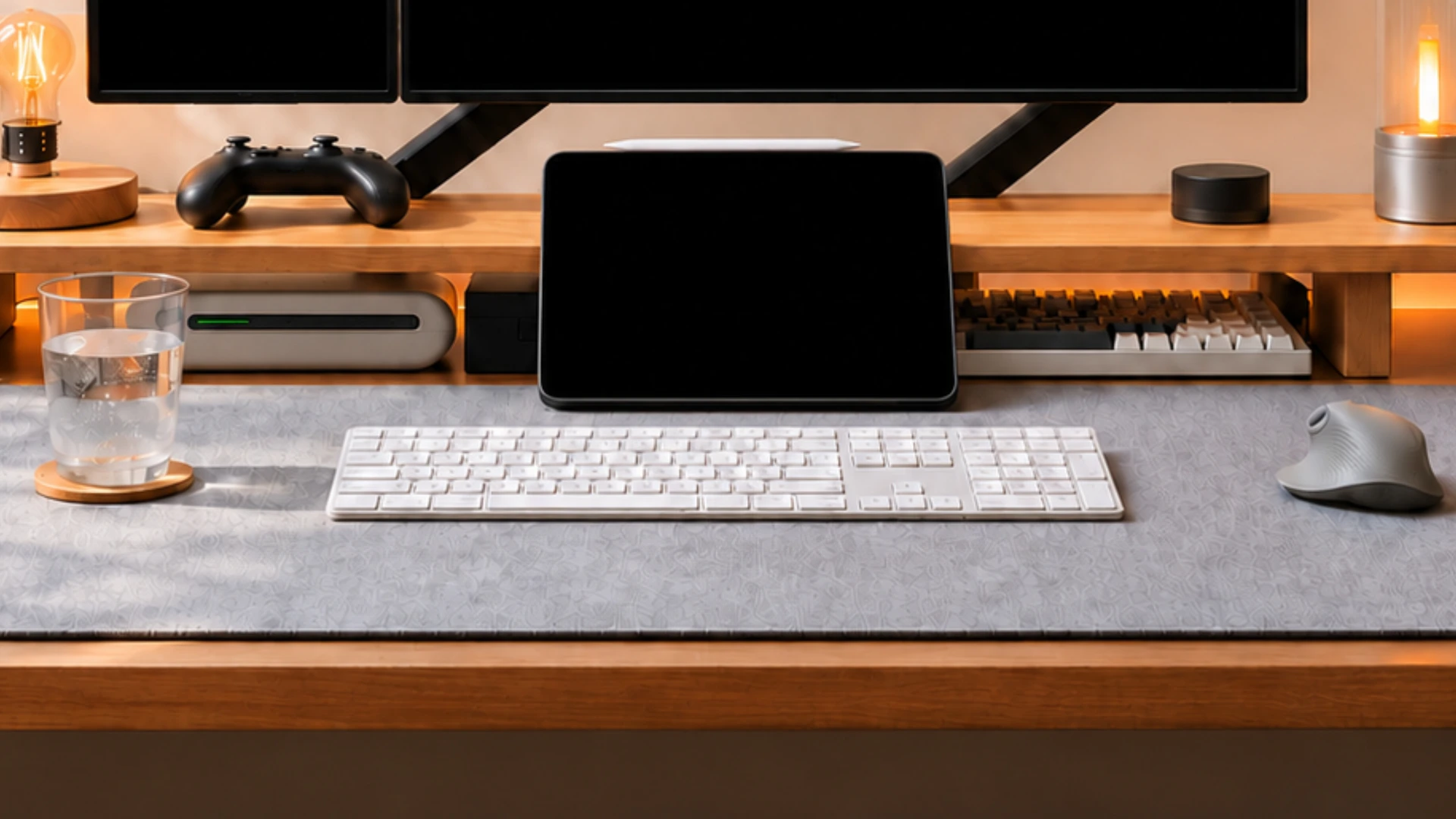
What the side view reveals
From the opposite side, you can see the triangular fold that props up the tablet. It leans back just in front of the shelf. The keyboard and mouse sit further forward on the mat. This angle shows how much depth the tablet needs behind the typing area.
A single upright light at the far end
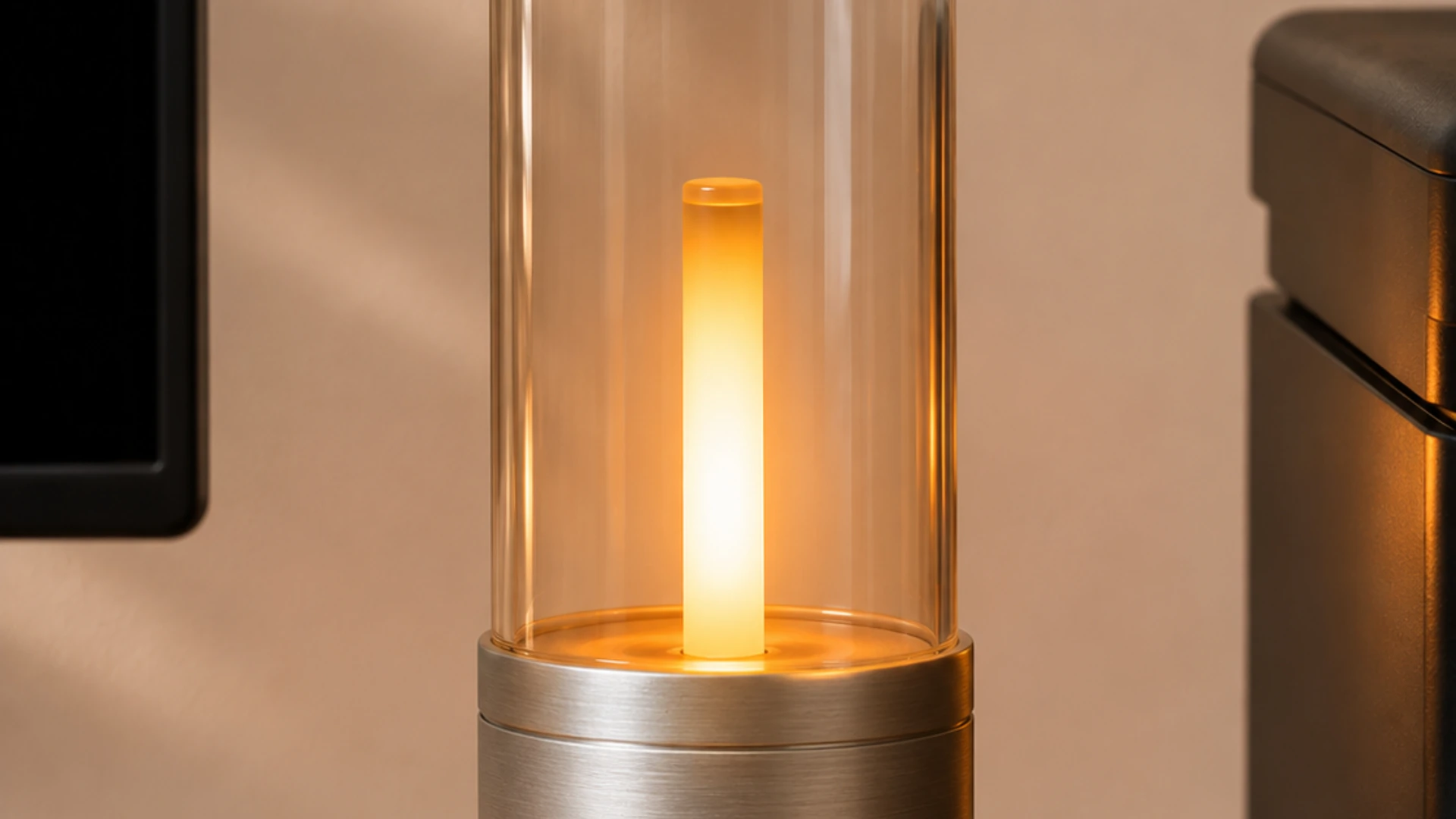
A short line of light rises through a clear cylinder above a silver-coloured base. Where the round bulb on the left shows several glowing filaments, this lamp draws a single vertical stroke. A little of its amber colour catches the black case beside it.
TAKEAWAY
Ideas to take to your own desk
Try sliding the spare keyboard in and out
Leave clearance for tall keycaps and the cable at the back. The linked LÅNESPELARE is a black 97 × 19 cm stand with a different finish from the wooden shelf shown here.
Size the task lamp and mat for your own desk
The FORSÅ serves a similar purpose to the black shaded lamp on the left. The SUSIG cork pad is smaller than the wide grey mat shown here. Set down your keyboard first to see how much room your mouse needs.
Products in this post
3 products · Prices as listed for the linked products below
- Monitors & StandsIKEALÅNESPELARE Ronespelare monitor stand black 97×19cm₩24,900
- LightingIKEAFORSÅ work lamp, black₩29,900
- Desk MatsIKEASUSIG desk pad, cork, 45 × 65 cm₩9,900
- Total₩64,700
Prices are as of when they were added and aren't updated in real time. Check the product page for the final price.
- #Dual monitors
- #Monitor shelf
- #Wood desk
- #Desk lighting