DESK TOUR
A red task lamp and an ash desk beside ivory curtains
An ash top stands beside floor-length ivory curtains. From the front, a red task light on the left, a landscape monitor in the middle and a portrait display on the right rise to different heights. Filtered daylight spreads across the wall and floor, with a warmer pool of light at the left end of the desk.
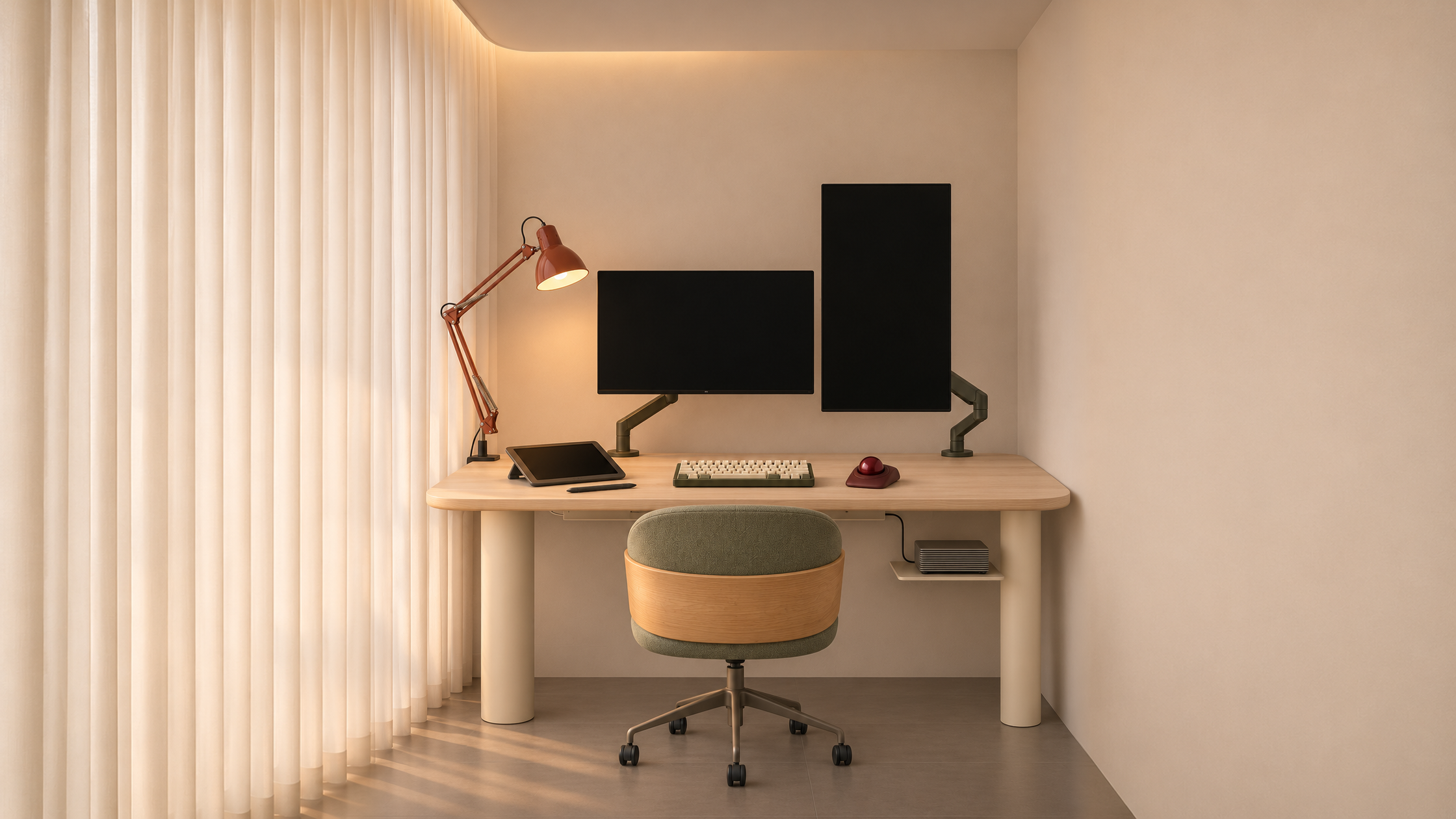
Olive repeats on the monitor arms, keyboard surround and chair. Red appears on the lamp and trackball, while the keycaps and cylindrical legs pick up the pale curtains. Each tool has an identifiable place in a busy setup. The views move from the angled displays to the computer underneath and the lighting in the evening.
A place for the pen tablet, keyboard and trackball
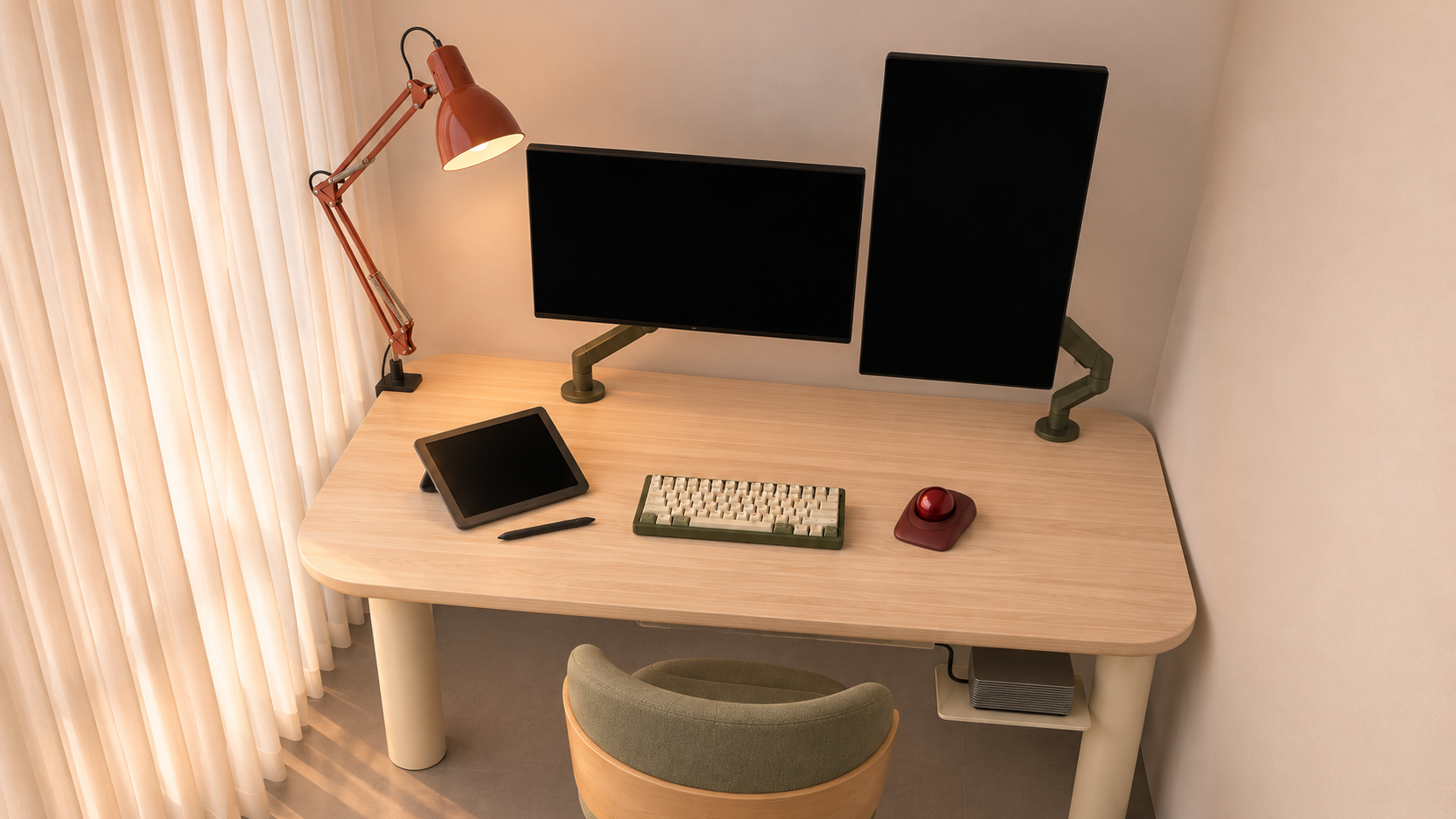
From overhead, the pen tablet and stylus sit on the left, keyboard in the middle and trackball on the right. Pale wood shows between the two monitor arms at the back and the input devices at the front. There’s enough room to move from pen to keys to ball without their edges overlapping.
The tablet is tilted slightly, with the pen resting horizontally in front. Slide it closer for drawing or retouching, then move it left again for a long stretch of typing. A compact keyboard leaves room for that exchange. The tool you use longest can also guide where to center the chair and keyboard.
The rounded desktop and wooden chair back are particularly clear from above. Push the chair in and the two curves draw close beneath the straight lines of screens and arms. Olive upholstery and pale wood echo the keyboard palette below the desk.
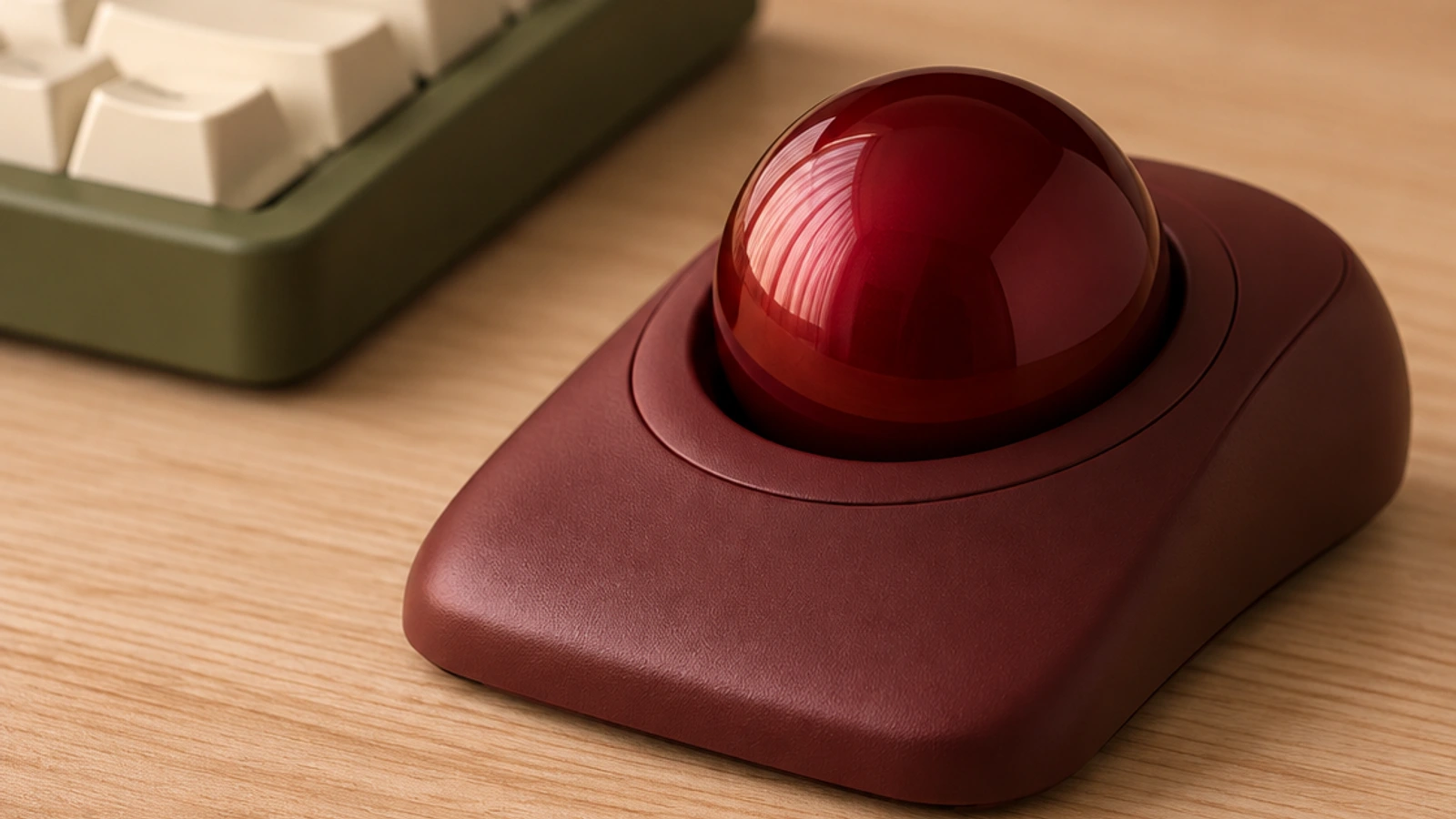
A burgundy trackball beside cream keys
Vertical folds of curtain reflect in the ball. Its burgundy base sits darker, while a bright line catches the sphere. Cream keys and an olive surround are visible alongside. From across the room the lamp carries the red; close up, the small trackball brings it back.
The ball rolls while the base stays still. Here it fits between the right edge of the keyboard and the edge of the desk. With a tablet sharing the surface, check how far your hand moves as well as the size of each device. If you reach too far, bring the tools closer or clear a place for your wrist at the front.
Against the pale ash, small areas of olive and burgundy distinguish the tools. With the strongest color close to the hands, the front of the desk draws the eye without needing extra objects.
A red articulated lamp lights one end
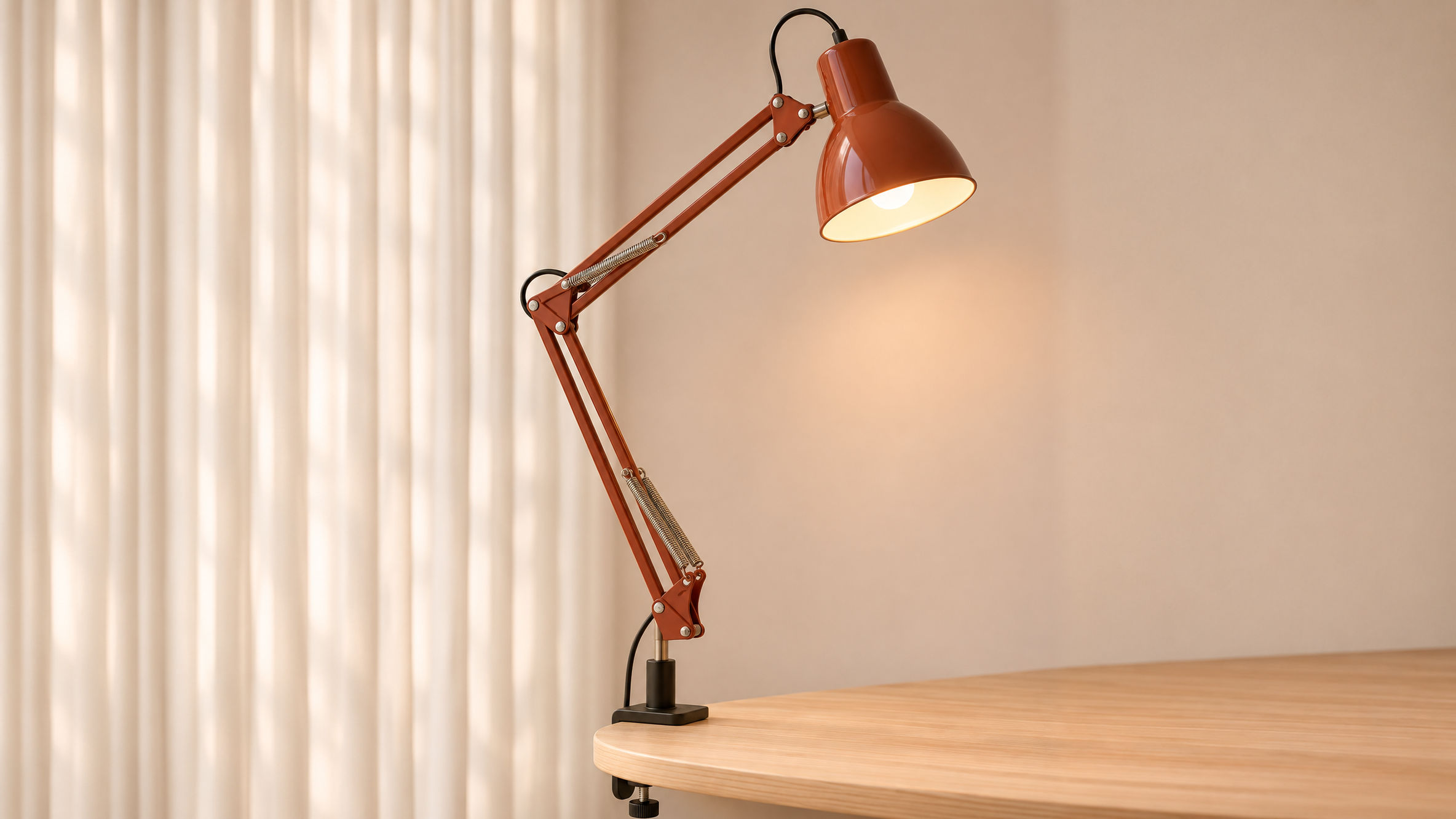
Fixed to the left corner, the lamp shows two joints and exposed springs, with the shade tilted down toward the top. Lower the head to bring the light close, or extend the arm farther over the desk. The pool of light moves with it.
Bring the shade toward your hands for tablet or paper work. If you see glare on the screen or your hand shadows the tools, try changing direction before height. With lamp and monitor arms sharing the desk, check the lamp’s full reach against the display corner and curtain.
Red runs from the joints to the shade. A bright interior and warm spill on the wall mark the left edge even at a distance. With no broad lamp base, more surface remains available for the tablet.
A mini PC on a small shelf below the desk
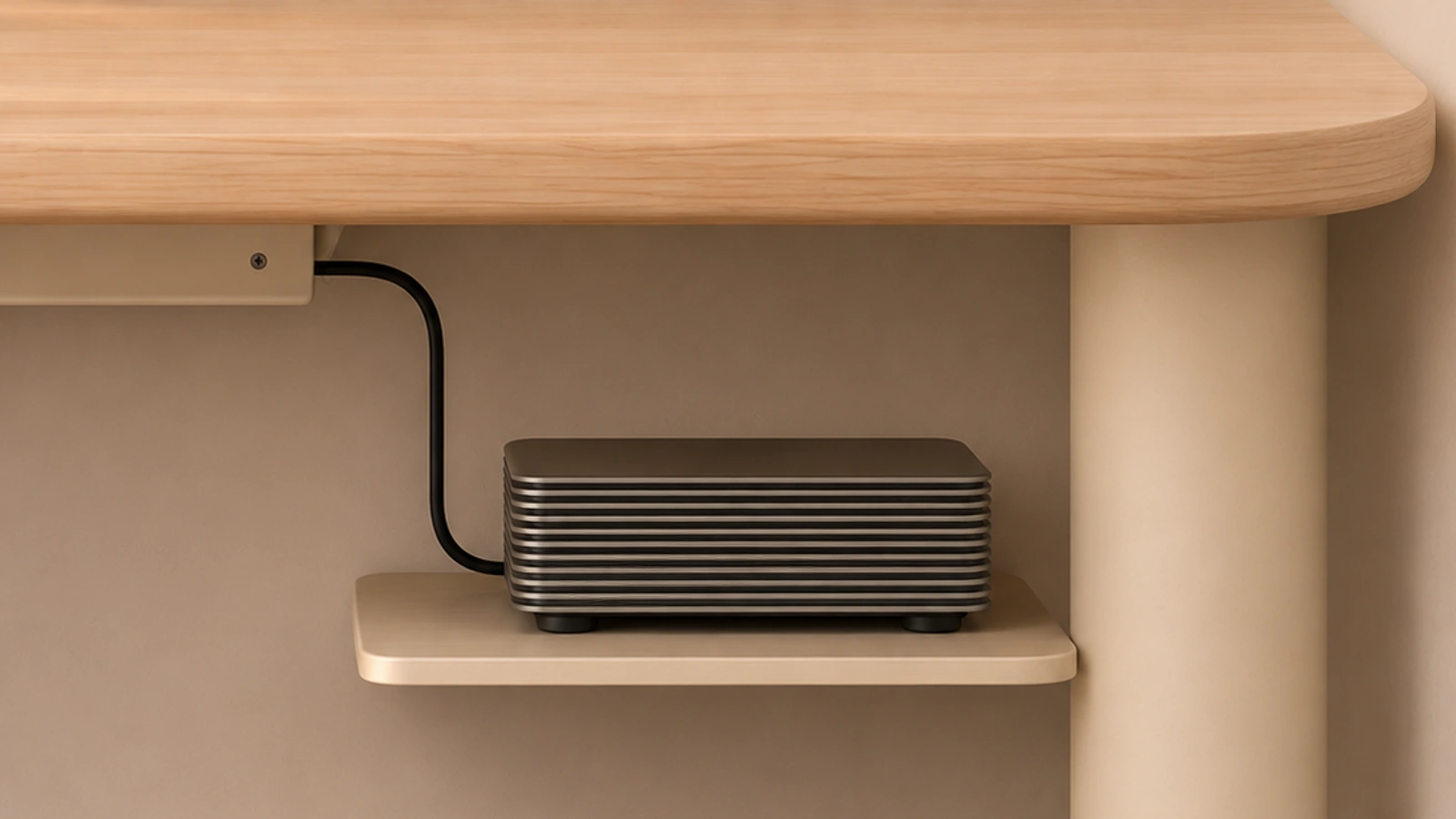
A mini PC lies flat on a pale shelf under the right end. Its cables turn sideways, then rise into the tray beneath the top. Gathering equipment beside the right leg keeps the PC off the working surface and prevents long leads from hanging to the floor.
The rounded edges of the shelf and ash top echo each other. Horizontal lines on the dark case stand out between pale fittings. From the front the PC looks small; from below, the gap above it becomes clear.
For a similar installation, check shelf size, fixing method and space to slide the PC out. Follow the device’s vent orientation and clearance requirements. Reach for the ports and try removing the unit without pulling the cables tight.
- #Ivory
- #Ash
- #Articulated lighting
- #Trackball