DESK TOUR
Two screen configurations on a white desk
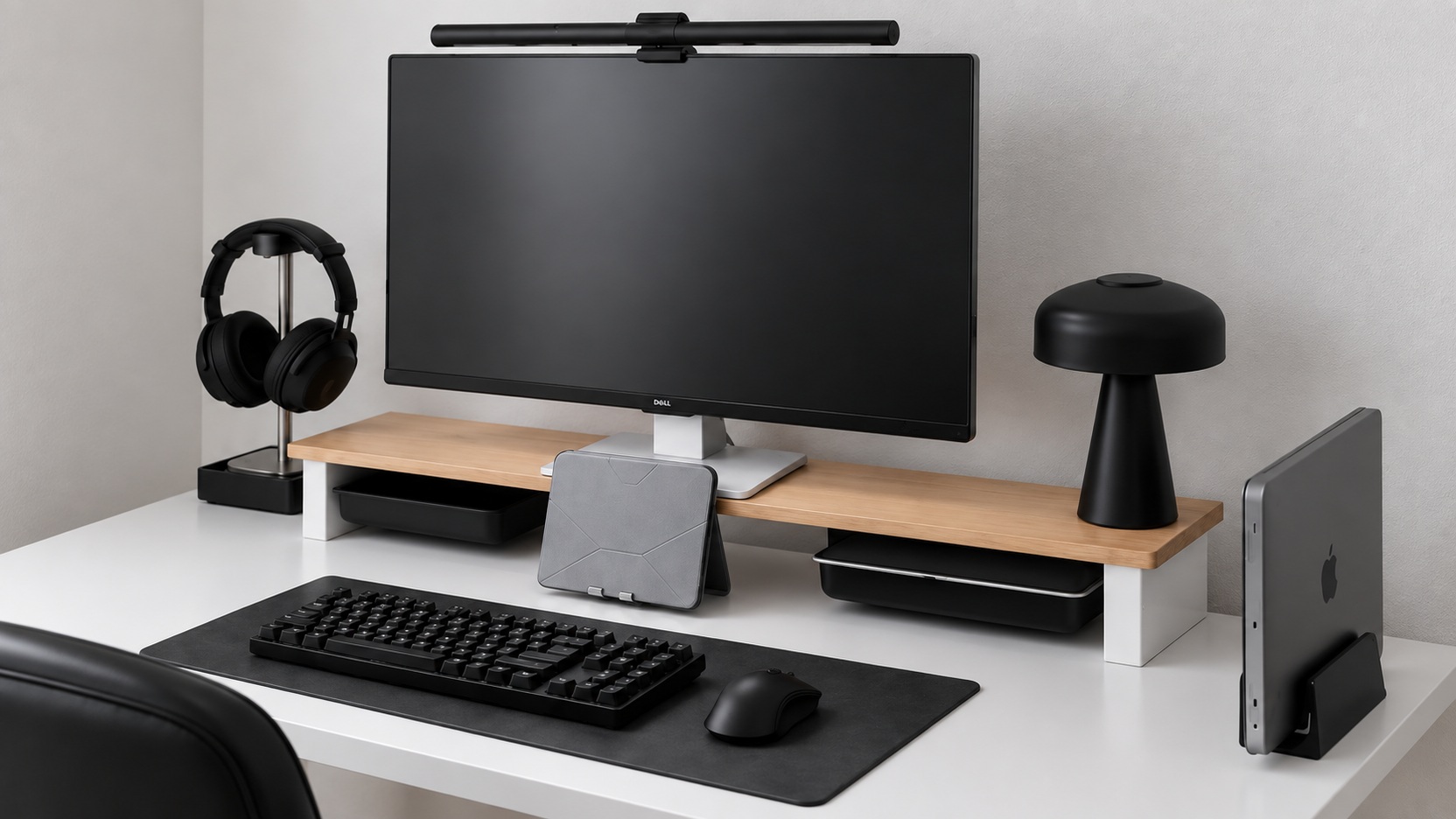
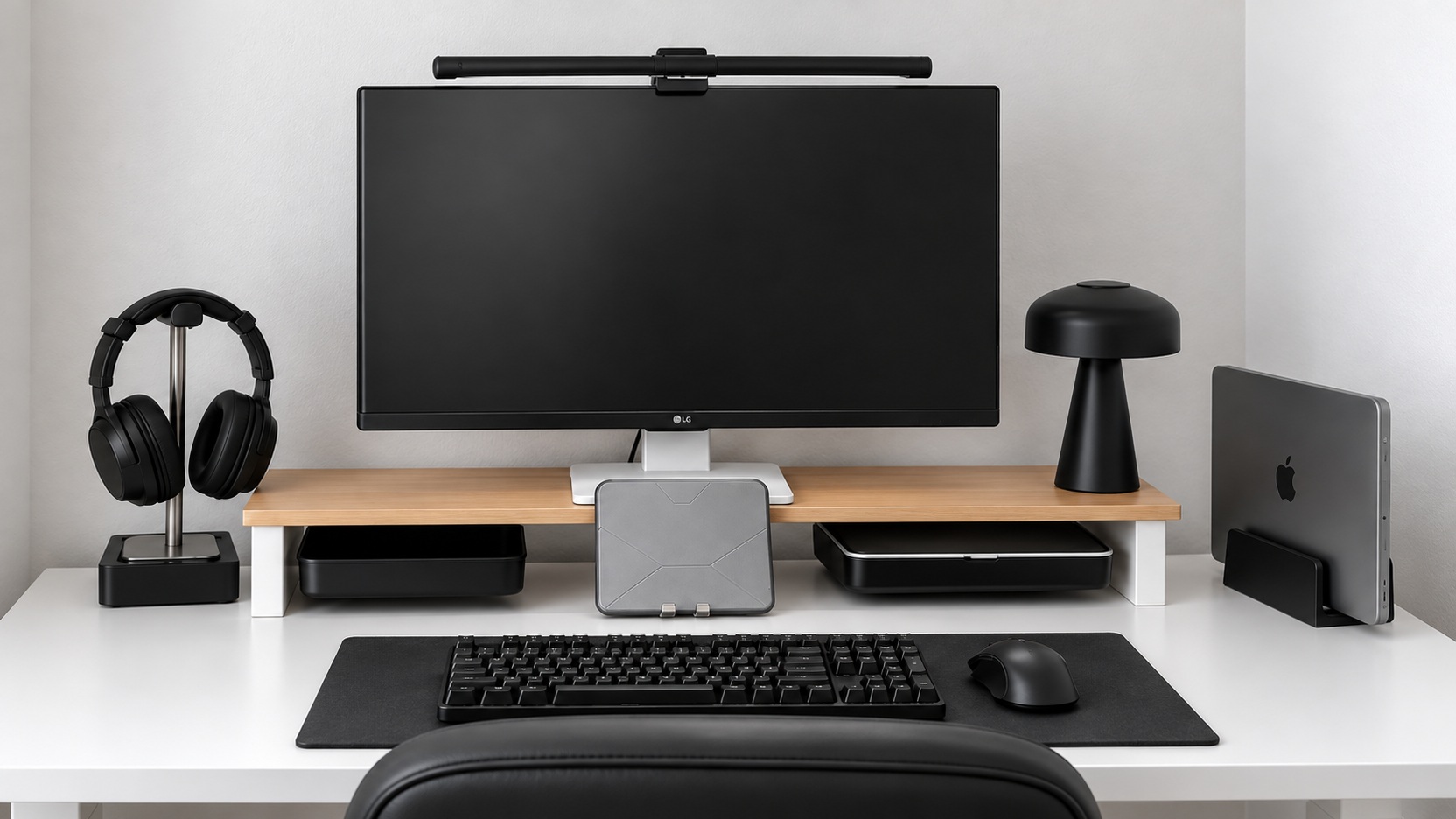
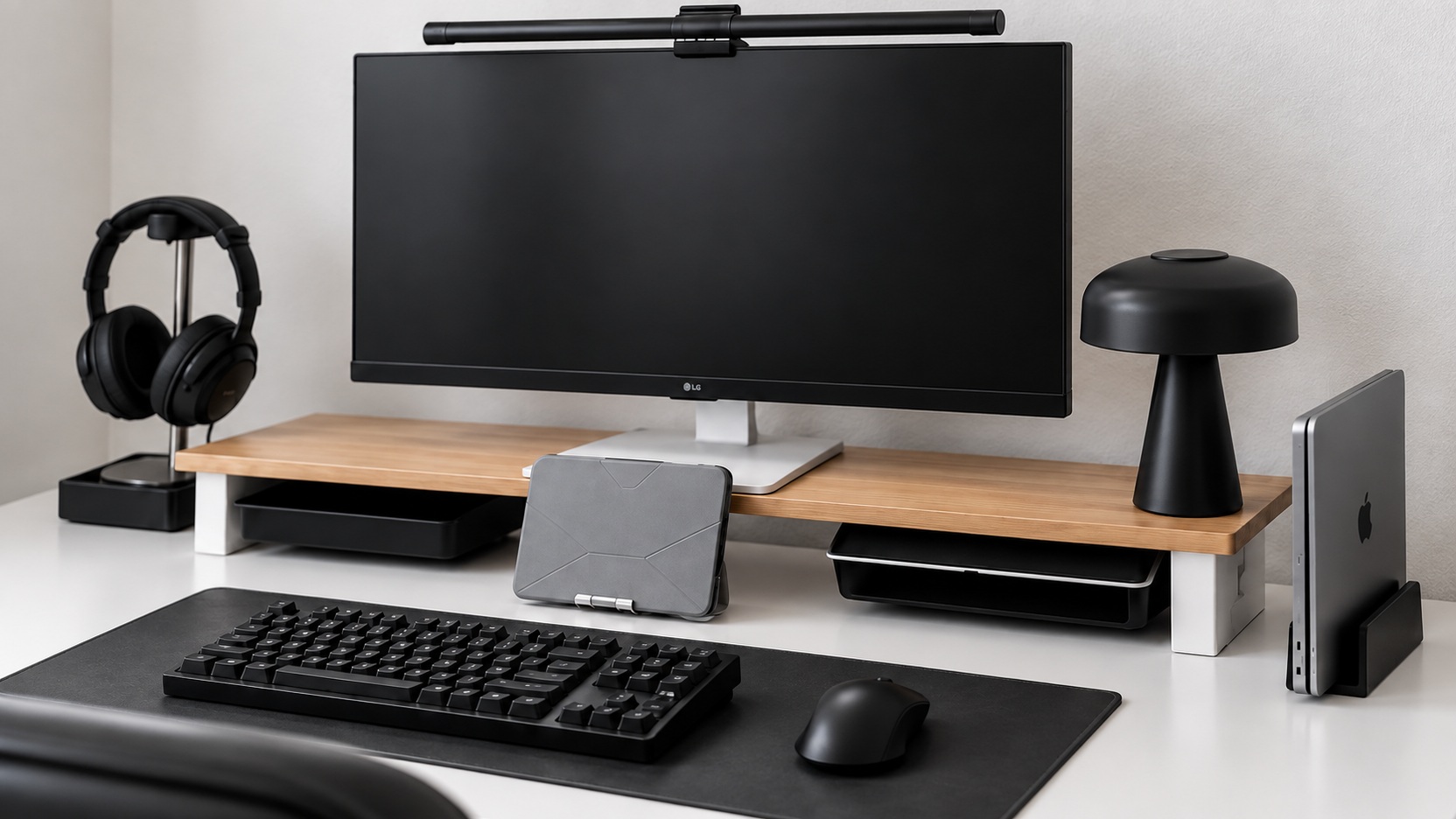
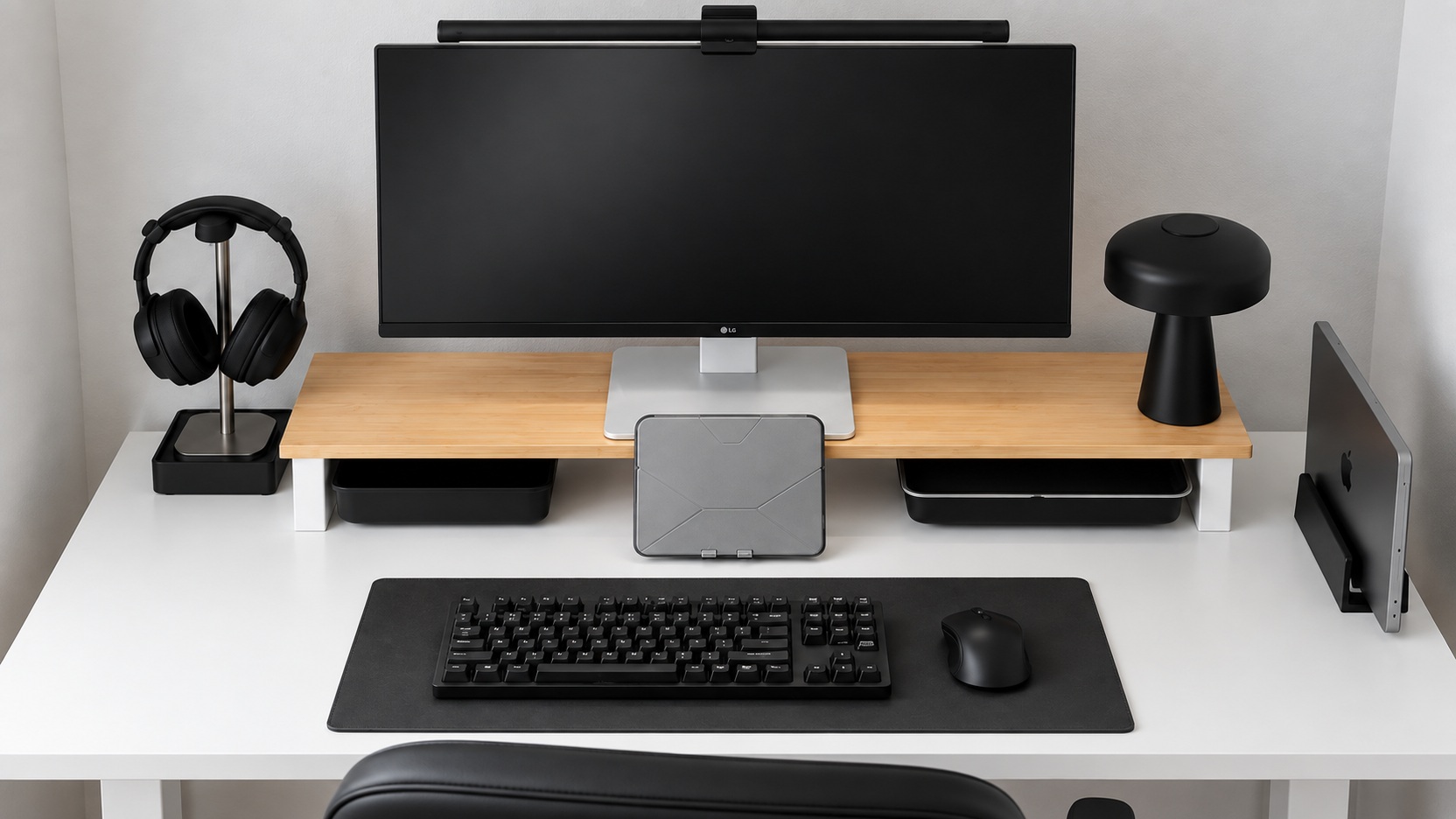
Should I redecorate my desk between days when I use my laptop screen and days when I use an external monitor? There are two screen configurations that maintain the colors of white, black, and wood. Compare the changing margins and the positions of peripheral devices.
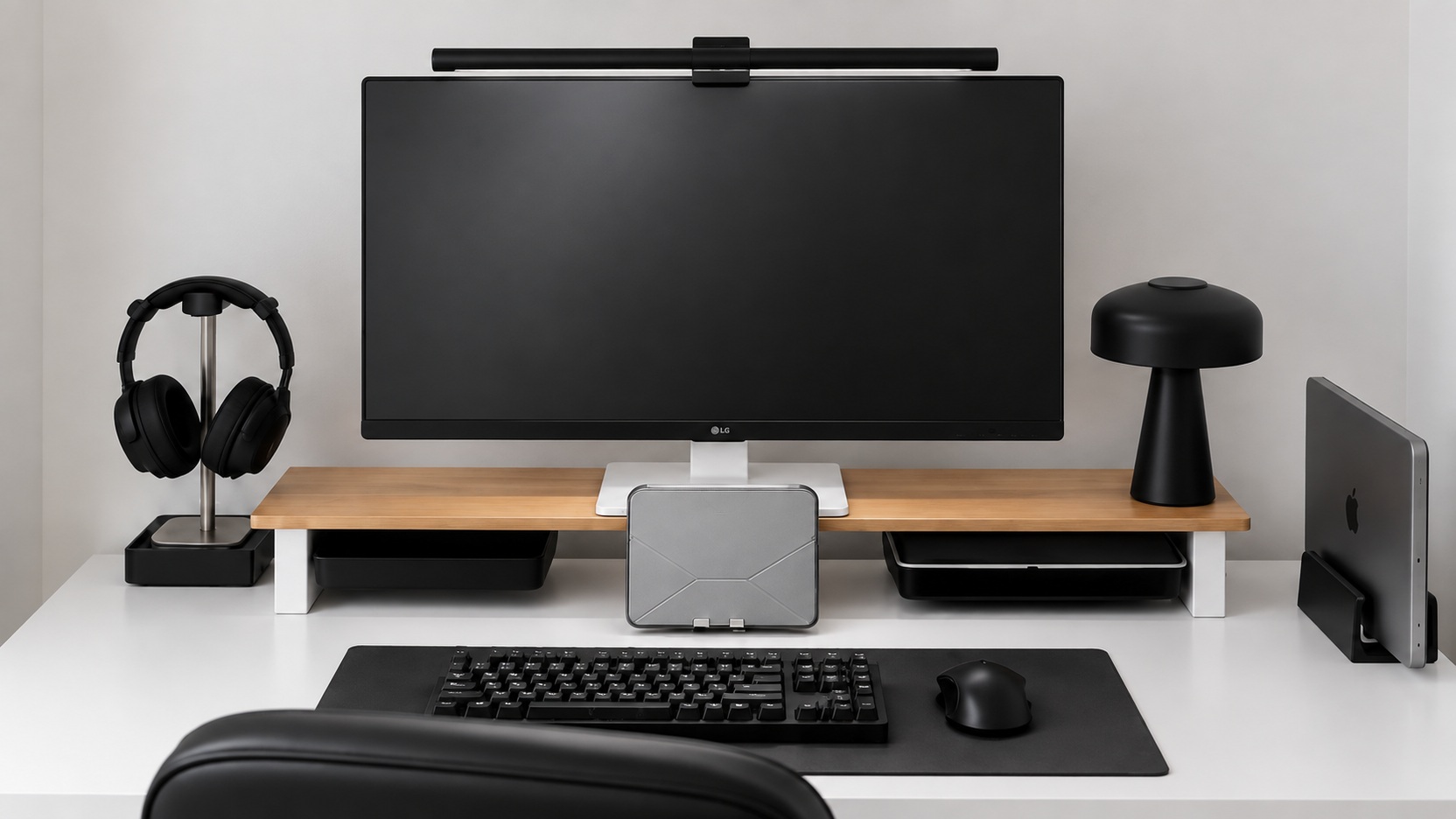
- color combination
- White, black, wood tone
- Screen composition
- Comparison of two MacBook screens and external monitors
- Storage method
- Tray and vertical mounting under the stand
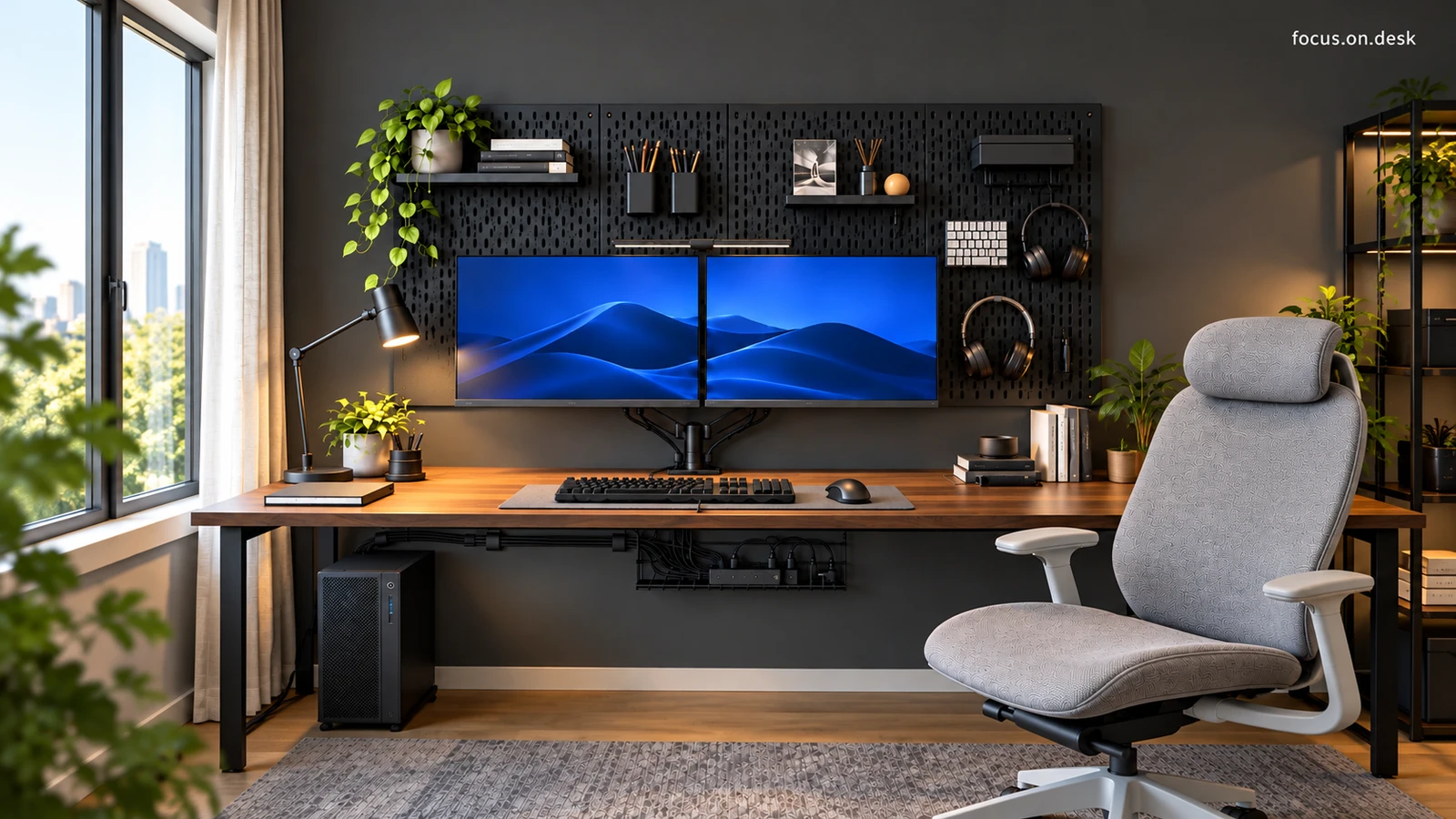
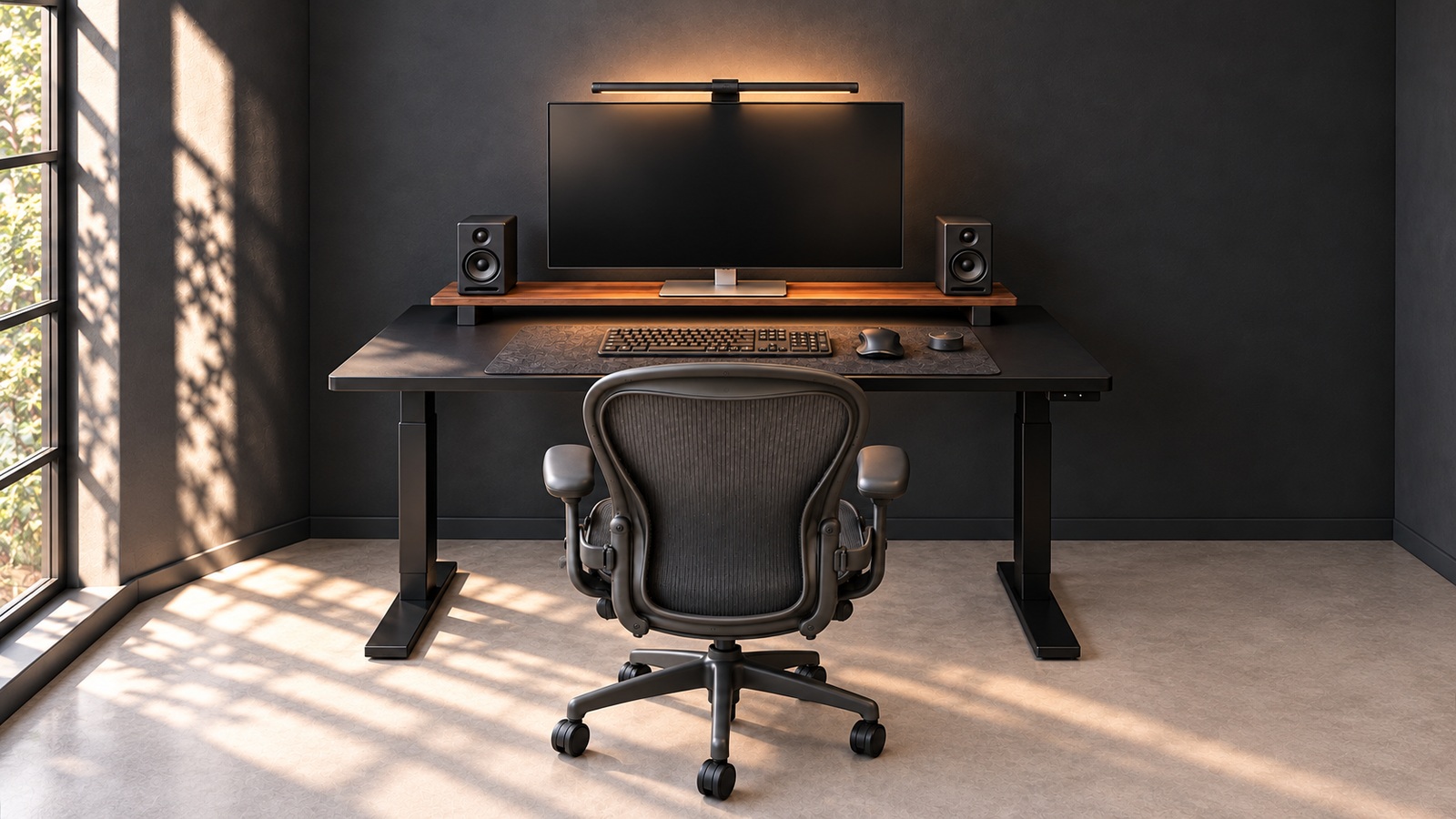
The six photos provided are divided into one MacBook-centered configuration and five external monitor configurations. Instead of looking at actual user reviews or owner equipment lists, look at the placement and color relationships you can see in photos.
A line of black and wood on a white background
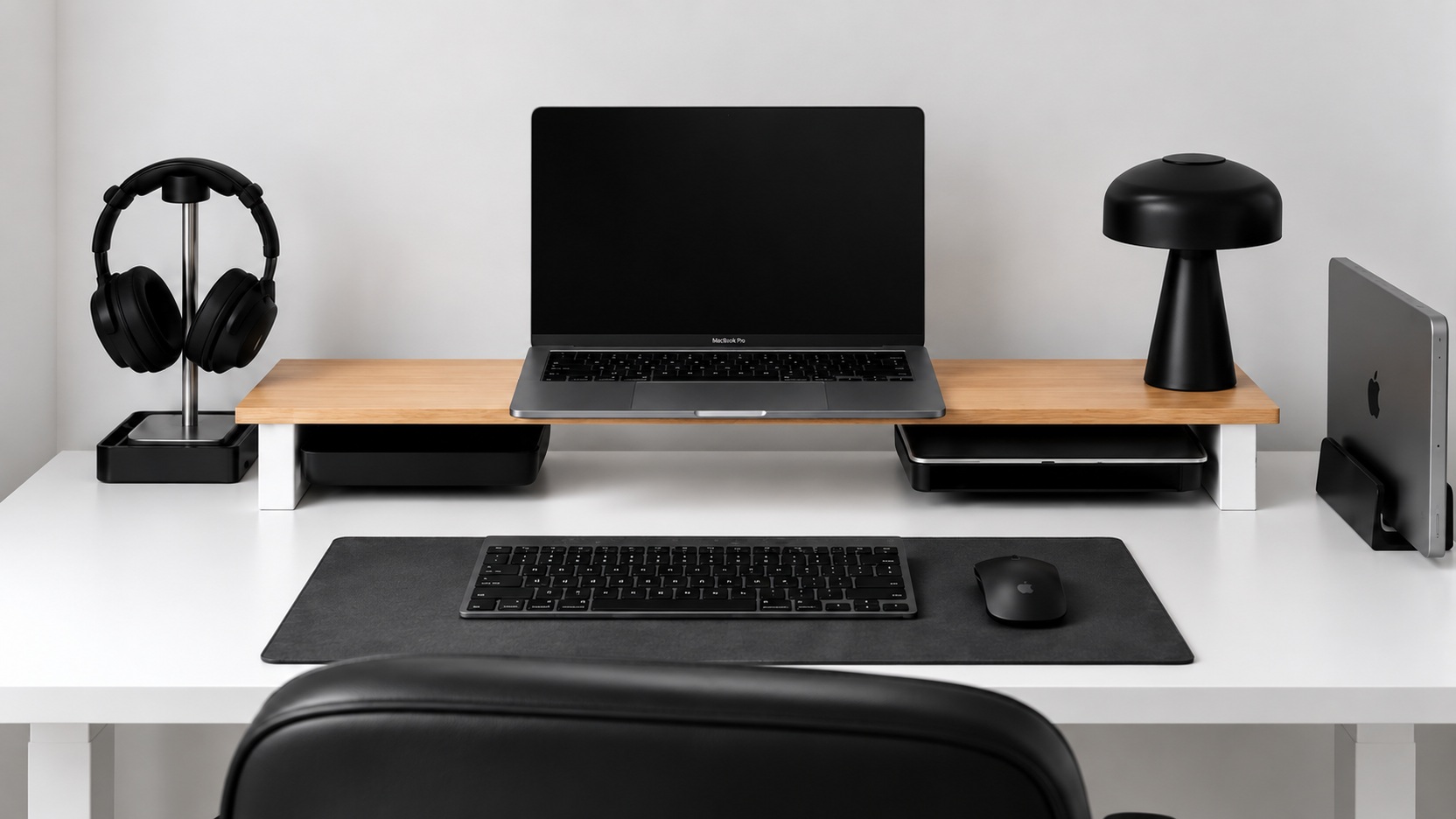
When viewed from the front, the white desk and wall create a wide background, and the black chair and monitor catch the eye. Black is repeated on the headphones, stand, desk mat, and picture frame. A long wood-toned stand bridges the gap between the light background and the dark appliance. Rather than adding color, the composition repeats existing colors.
Another configuration that directly uses the MacBook screen
In the first photo, there is an open MacBook and an external keyboard and mouse in the center of the stand. In the other five, a large external monitor takes its place, and a closed laptop is placed vertically on the right. Although the actual connection method or device generation cannot be confirmed in the photo, you can compare the differences in screen size and desk space within the same color combination.