DESK GUIDE / monitor arm
5 things you must check before purchasing monitor arm
If the monitor weight is just right, can I install the monitor arm right away? The structure behind the desk, the mounting specifications, and even the path the screen will move must match. I've put together five things to check on my desk and monitor before ordering.
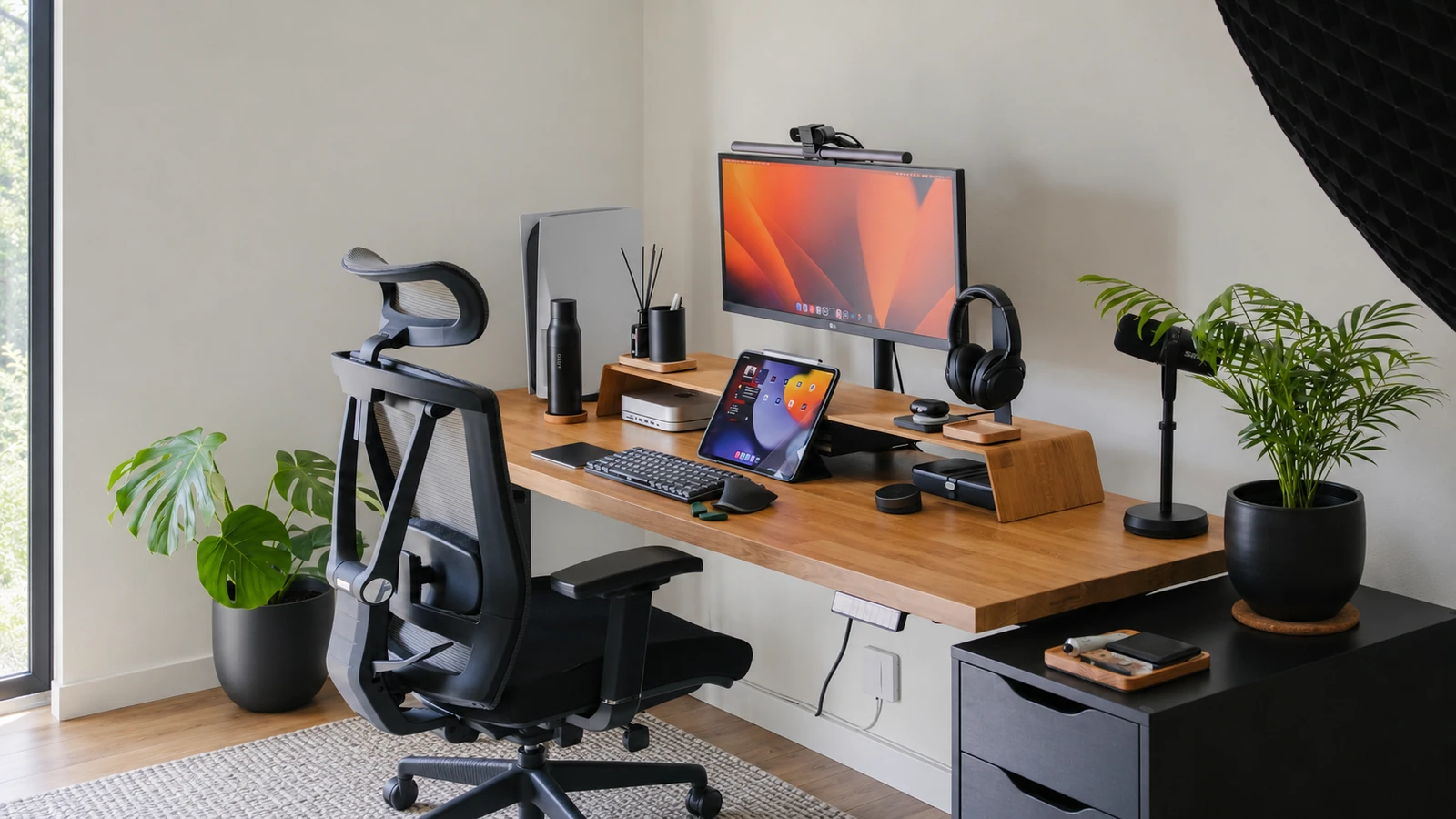
The space, furniture, and product details of the expanded area may differ from the actual appearance, so please look at it as a layout idea.
Check desktop thickness and bottom structure together
Even if it falls within the thickness supported by the monitor arm clamp, not all installation conditions are met. desktop You should also look at the shape and material of the edges and the location of the lower frame or storage. Make sure there is room to reach the fixture in the way indicated.
It is difficult to say for sure that glass or hollow desktop can be installed simply by adding a reinforcement plate. First check to see if the desk and arm manufacturer accepts the material and fastening method. If the possible installation location is unclear, it is better to make a decision based on the product description and manufacturer confirmation.
Weight depends on exact monitor model and configuration
Even if the product name is similar, the weight varies depending on the screen size and model. Find official information for the monitor you plan to use, and compare the weight and support range required by the arm manufacturer. If the stand is installed separately, the weight excluding the stand must be calculated.
The support range may include not only the maximum weight, but also minimum weight and screen size conditions. If you add parts such as adapters, you must also look at the conditions of the configuration. Other users' installation photos do not guarantee compatibility with your combination.