DESK GUIDE / Storage organization
Divide desk areas with drawer stands and mats
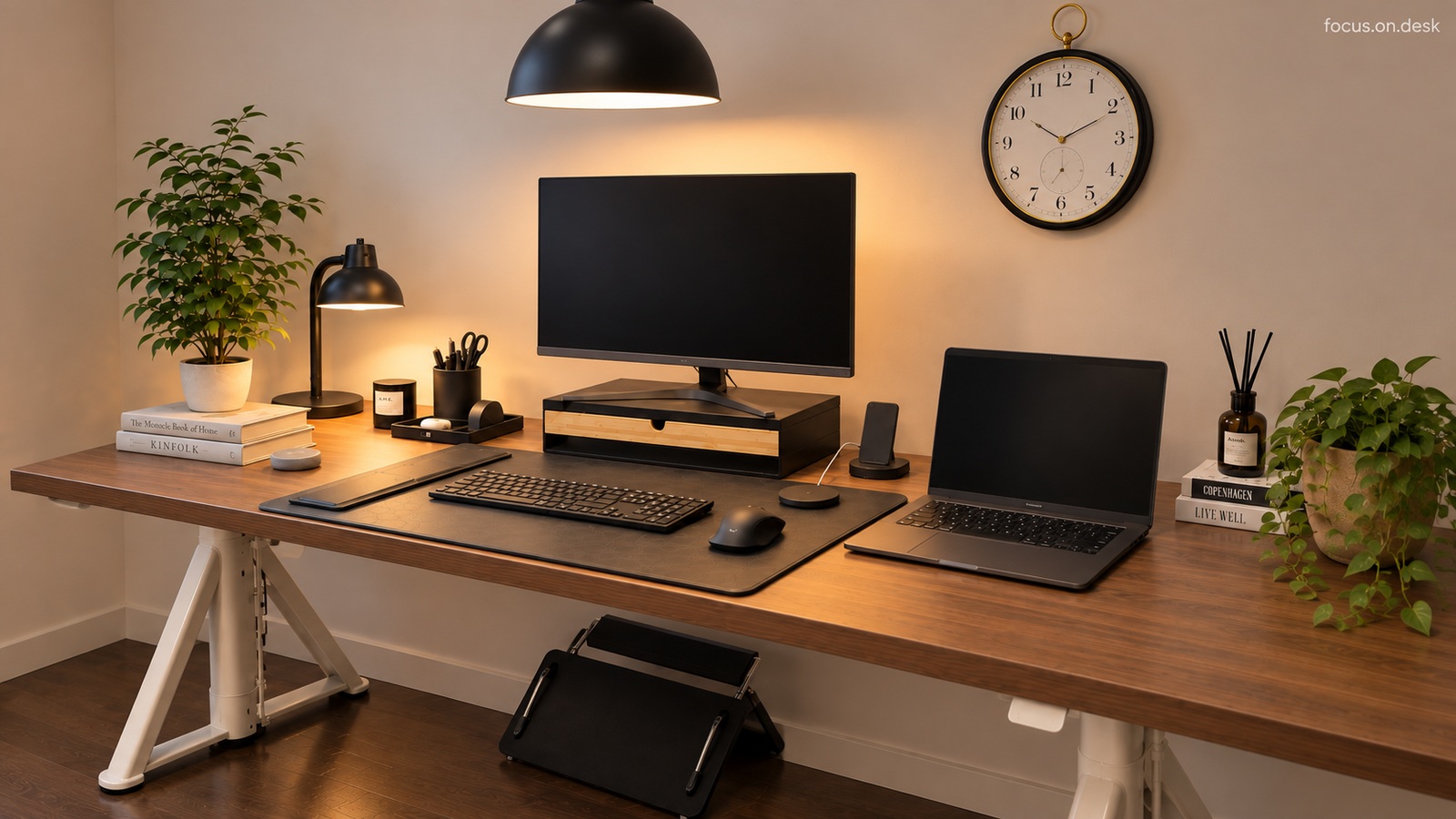
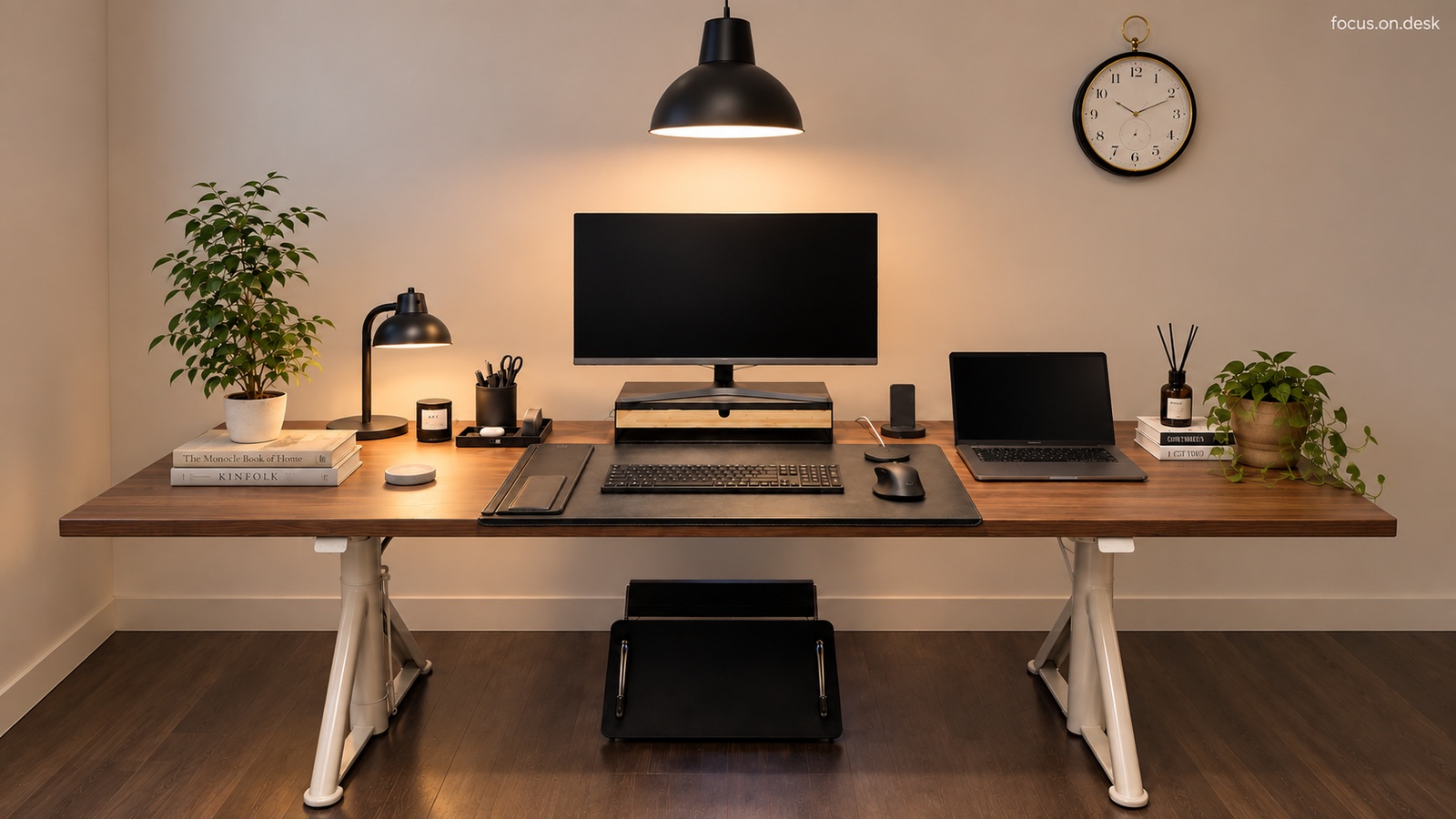
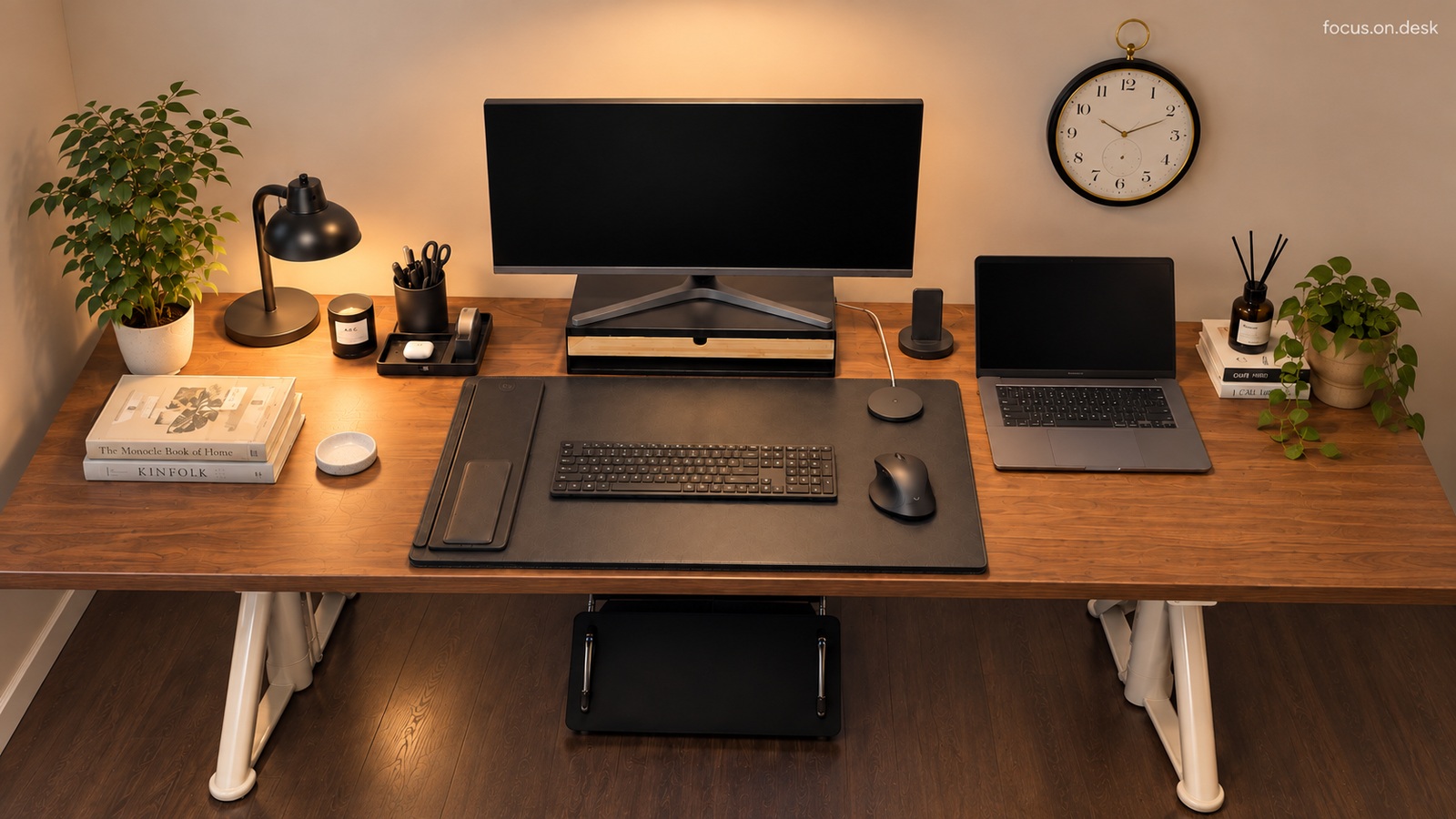
Will my desk be organized if I just add monitor riser and a mat? First, place the keyboard, mouse, and notebook, and separately check the space needed on the stand and in front of the drawer. I've organized the order to check before adding two items.
The connected product is an alternative for purchase reference only.
Measure the range of movement of your hands before the mat
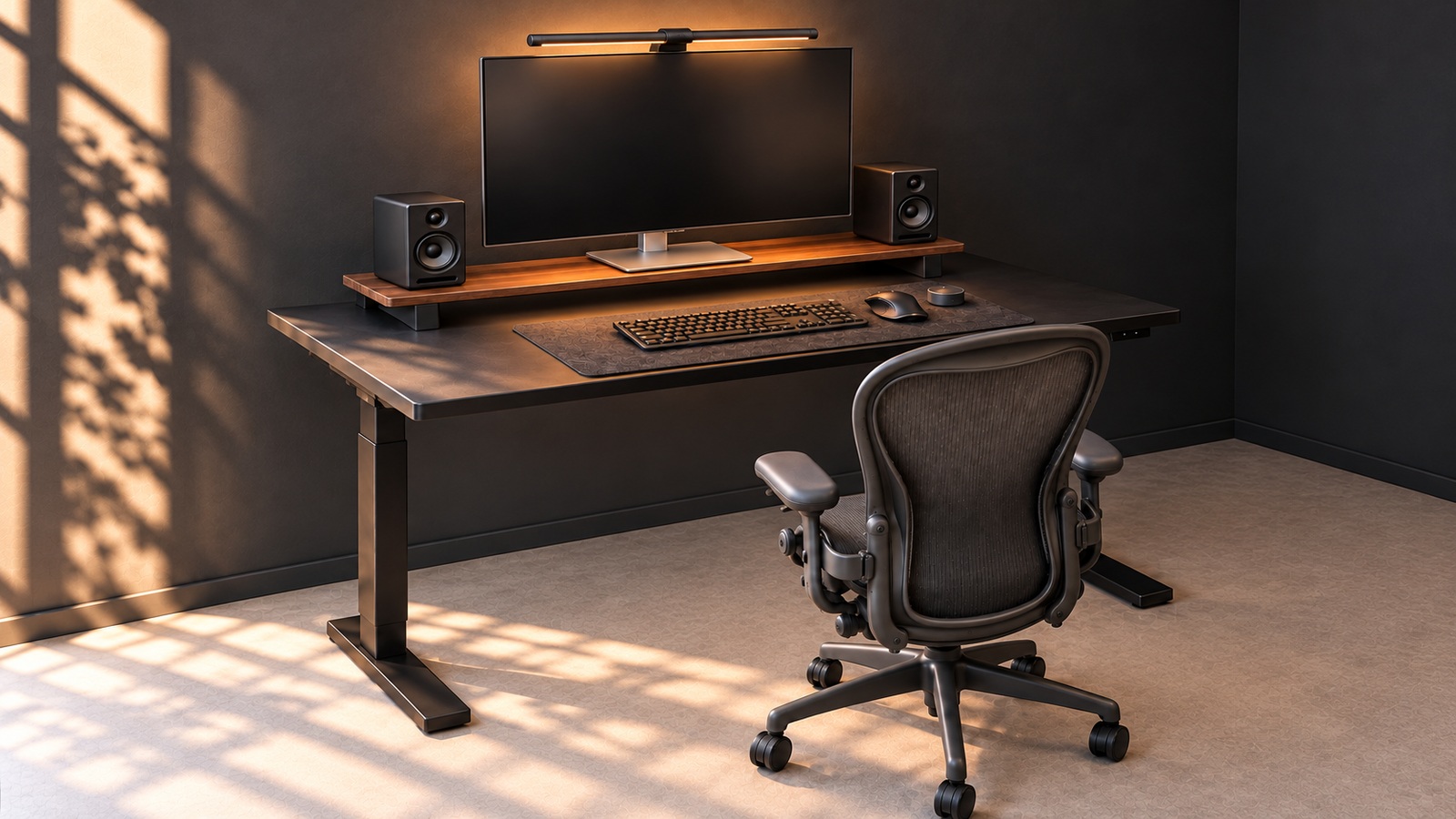
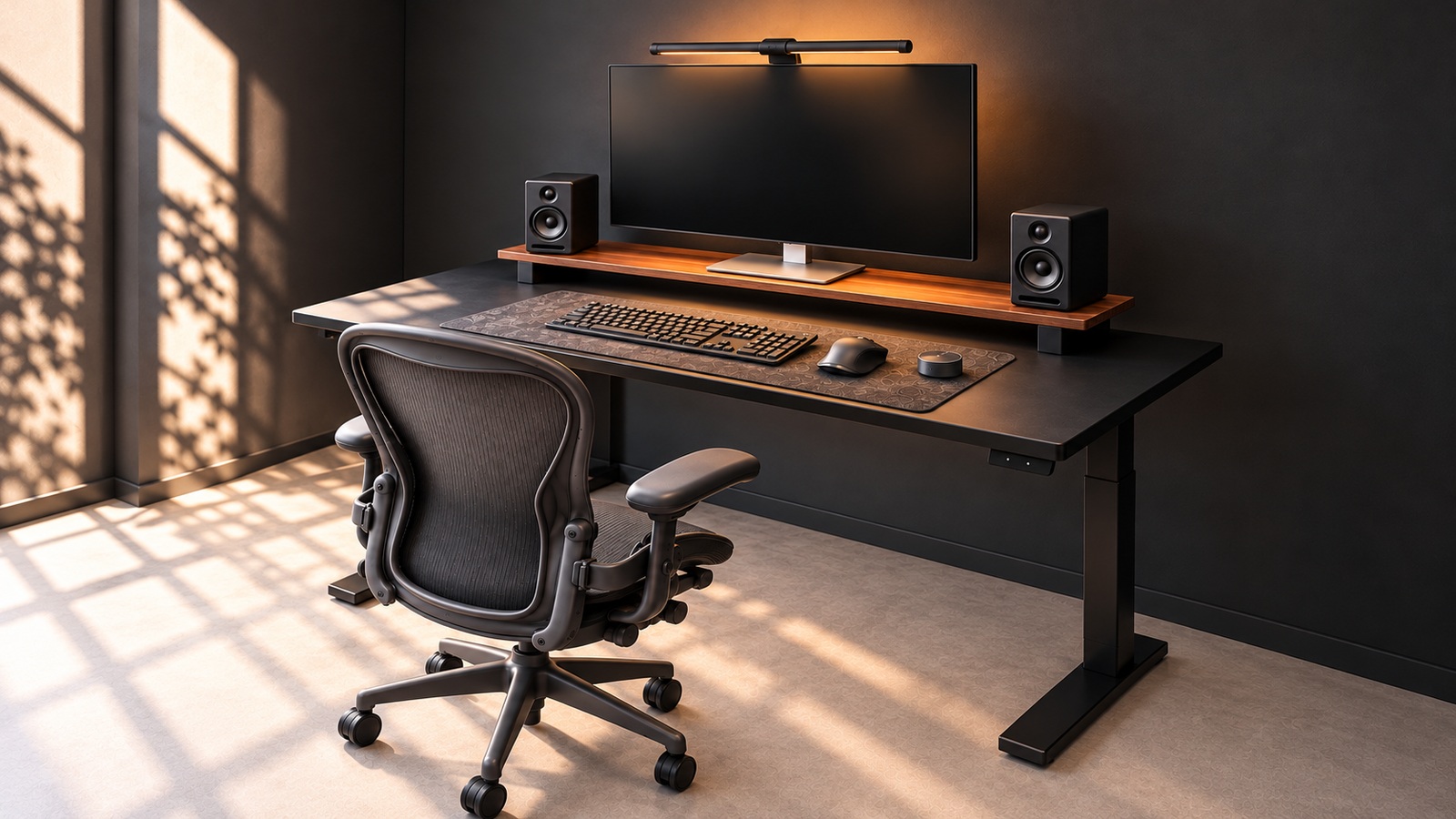
Try using your keyboard and mouse as usual, and even mark where you put your notes or phone. If you choose a mat that matches that range, you can reduce things getting caught on the edges. BRÄNNBOLL black/pattern is an alternative to 90×40cm, thickness is 4mm, and is different from the smooth surface without pattern in the photo.
A keyboard with ten keys and a small array keyboard have different areas left on the same mat. It is important to place the tool you are currently using first and then move the mouse as usual.
Check the top and bottom of the stand separately
ELLOVEN anthracite is 47×26×10cm, maximum load 20kg. First, check that the monitor and stand feet are raised stably, and leave room for the drawer to be pulled out in front. The load written on the stand alone does not guarantee compatibility with desktop or other equipment.
Put the tool in the drawer, then open it and take it out. There must be a place for your hands and a space for the drawer to come out to provide convenient storage for daily use.