DESK GUIDE / DeskLighting
Dad’s Study Lighting and Work Zones: Four Checks After Placing the Desk
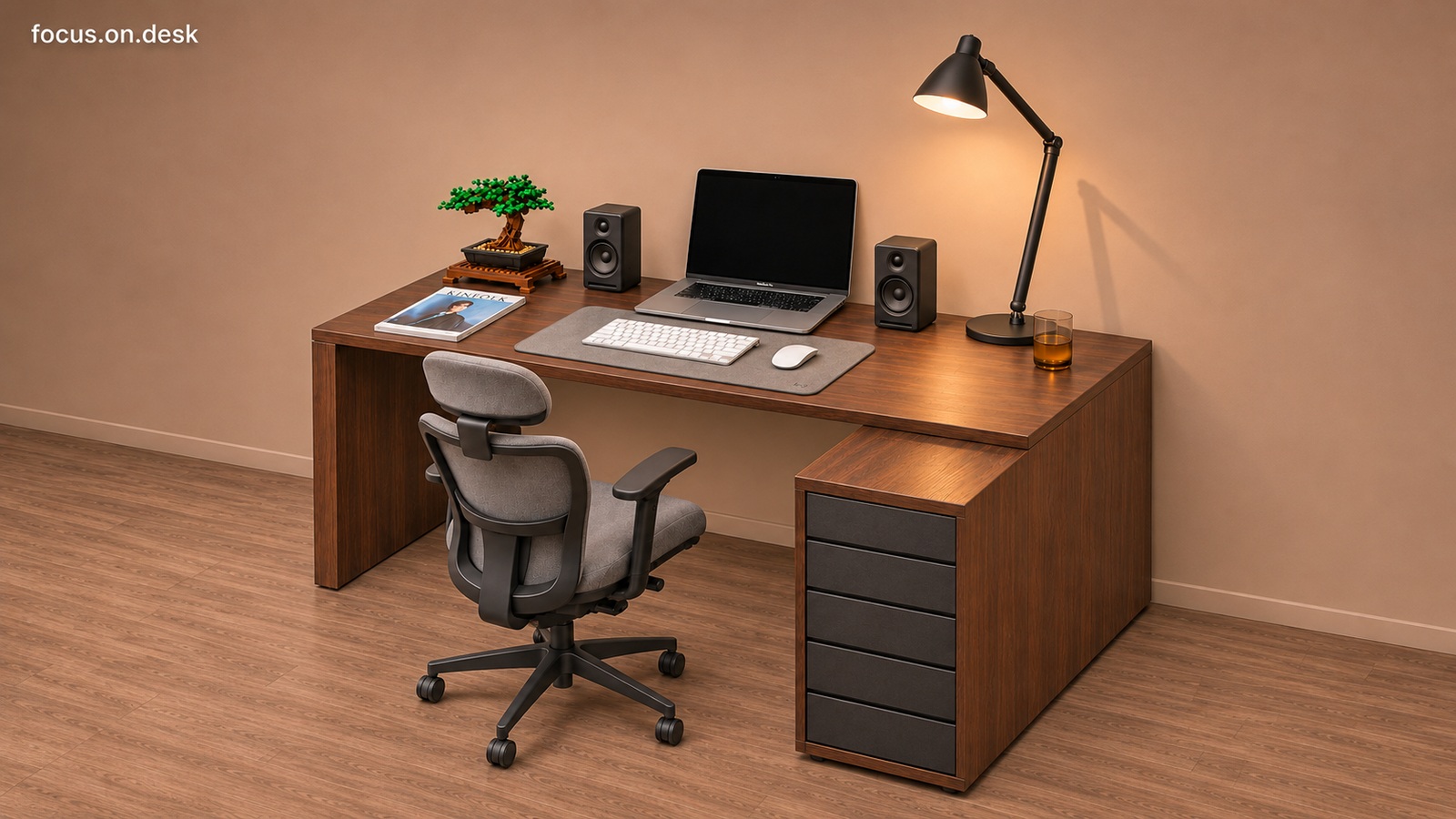
Work tools gather between a lamp on the right and a decorative object on the left. Instead of copying the composition exactly, adjust it by sitting down, moving your hands and looking at the screen in turn.
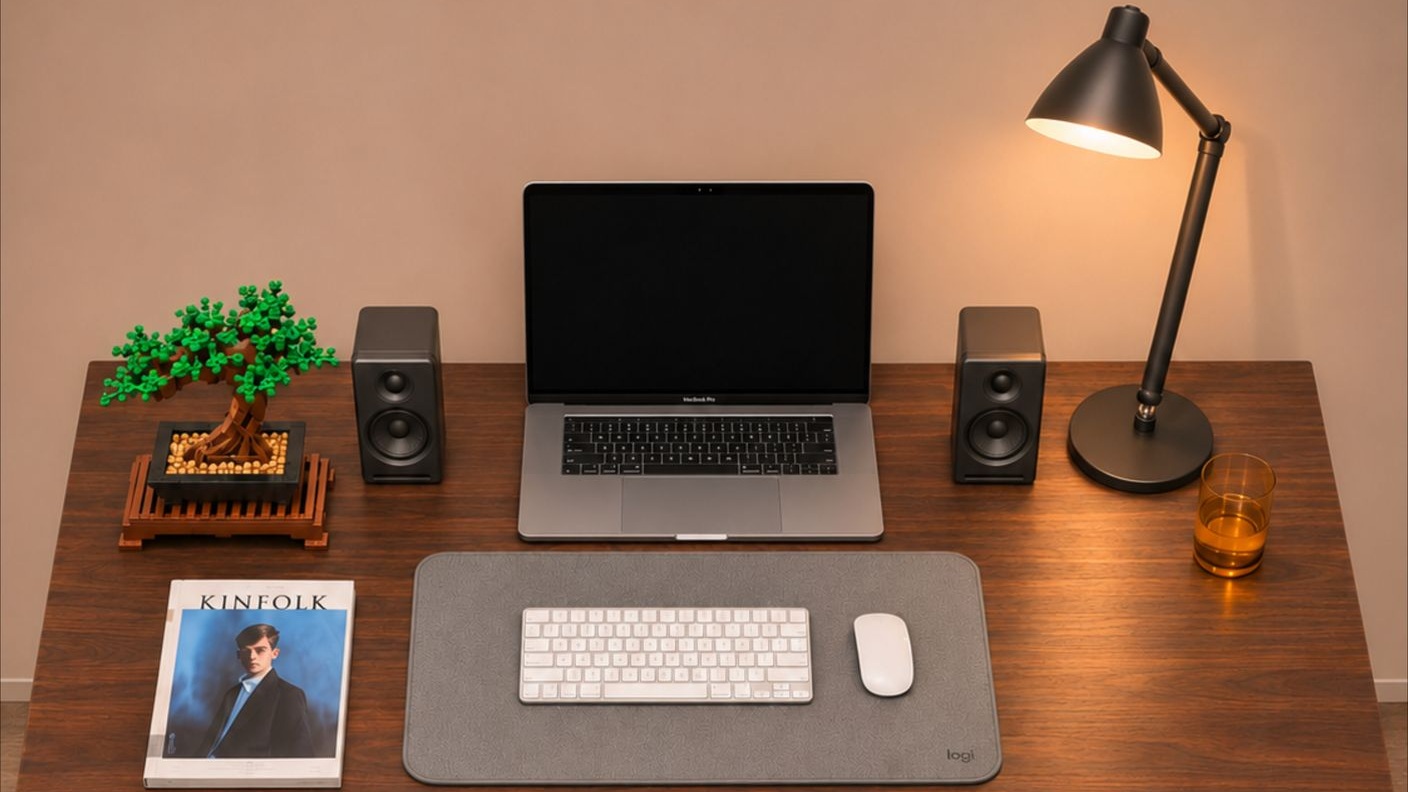
Image note: Front and angled views were recomposed with generative tools into 16:9 landscape images using supplied photos of this space. Desktop and accessory details are crops of the originals. Expanded walls and floors do not establish actual room or furniture dimensions.
Chair first, then keyboard, mouse and screen
Sit with your arms resting and position keyboard and mouse. If you keep reaching your shoulder forward to move the mouse, adjust input devices before ornaments. An external keyboard does not automatically put the laptop screen at the right height; check your viewing posture separately.
The photographed upholstered chair and STYRSPEL shopping alternative use different materials. Color and photo proportions cannot establish fit; compare actual adjustment ranges and sitting positions.
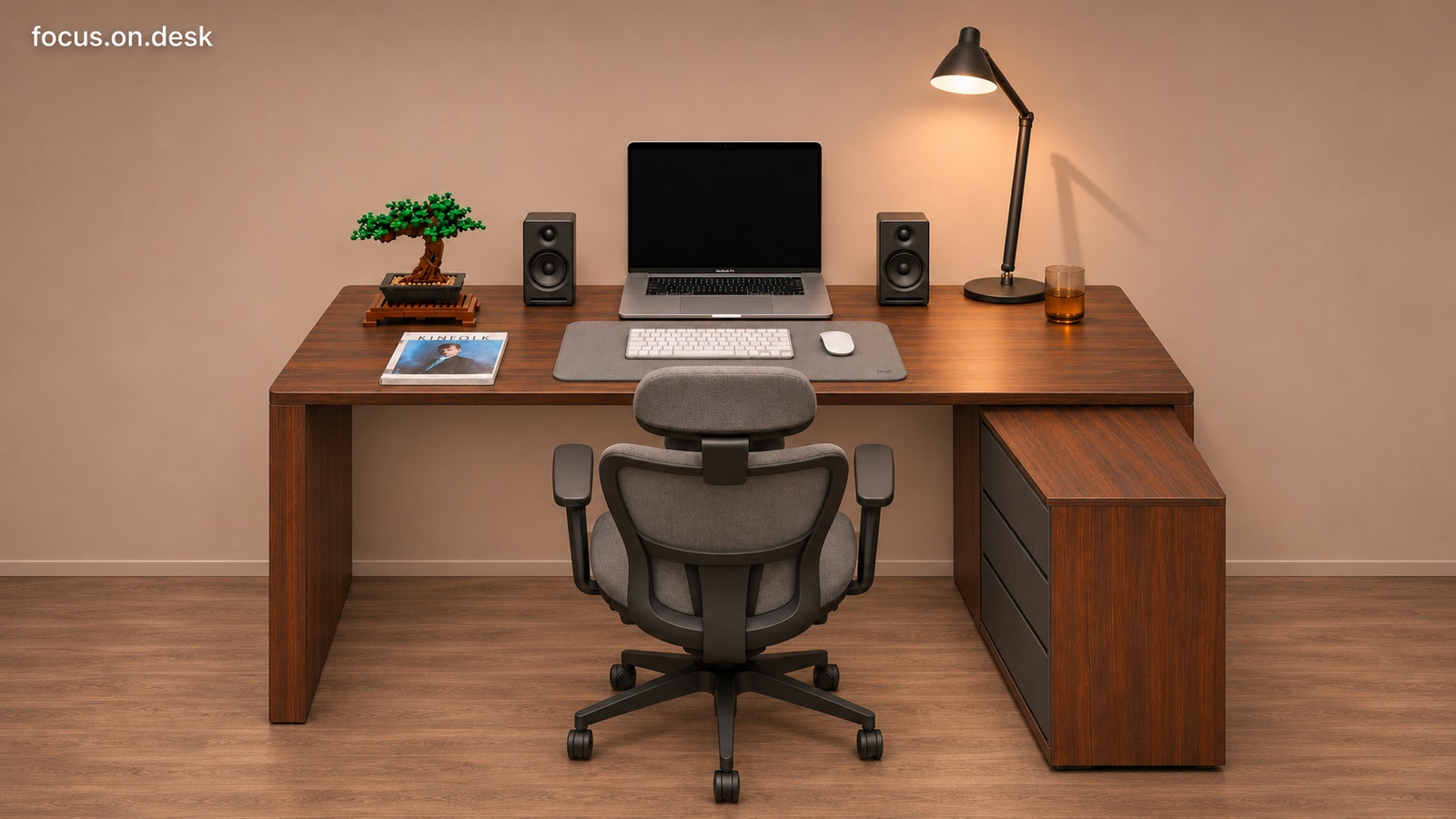
Check the lamp from seated eye level and look for reflections
The black shade directs light toward the wall and right-hand desktop. Yellow light in a photo does not establish bulb color temperature or adequate reading brightness. Compare with other room lights both on and off.
While seated, check for a direct view of the bulb and bright reflections on screen or coated pages. If writing, move the lamp so shadows from your writing hand do not cover the text.
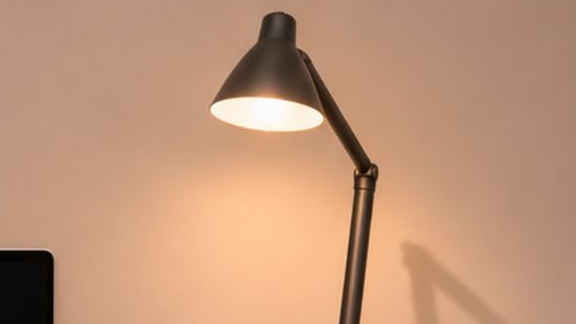
Leave room to adjust speakers and accessories
Speakers beside the laptop visually anchor the center. The photo cannot assess sound quality or ideal listening spacing. Check the actual product’s installation guidance and adjust direction and distance from your seat.
Test daily actions: put the tree and magazine where they do not block the speakers, and keep drinks away from the route your hands take to the keyboard and mouse. Copying the arrangement does not guarantee the same movement patterns.
Before buying, check base size, cord and the separate bulb
Measure space for the lamp base and the route to an outlet. The linked black FORSÅ is an adjustable task lamp, 35 cm high, with a 15 cm base and 1.8 m cord; an E14 bulb is sold separately. Its height and arm design differ from the long lamp pictured. Check the official option
After moving the light, open a book, lift the laptop lid and pull the chair back. Add a product when that trial reveals a function that is missing.
CHECK BEFORE YOU FINISH
One last check
Tick off each item once you've checked it at your desk.
Products in this post
2 products · Prices as listed for the linked products below
Prices are as of when they were added and aren't updated in real time. Check the product page for the final price.