DESK TOUR
Home office with dual monitor desk tour, walnut desk and gray chair
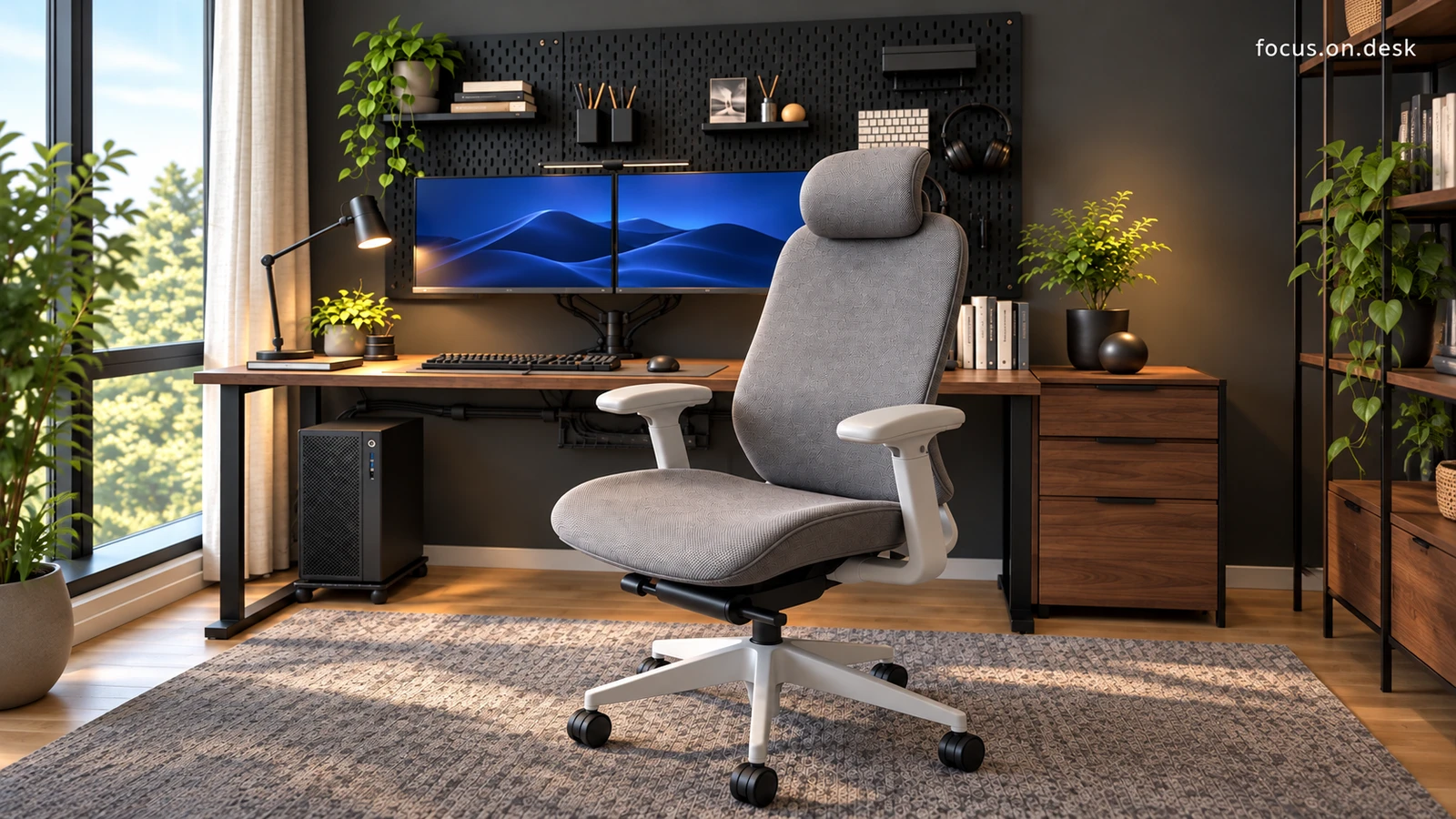
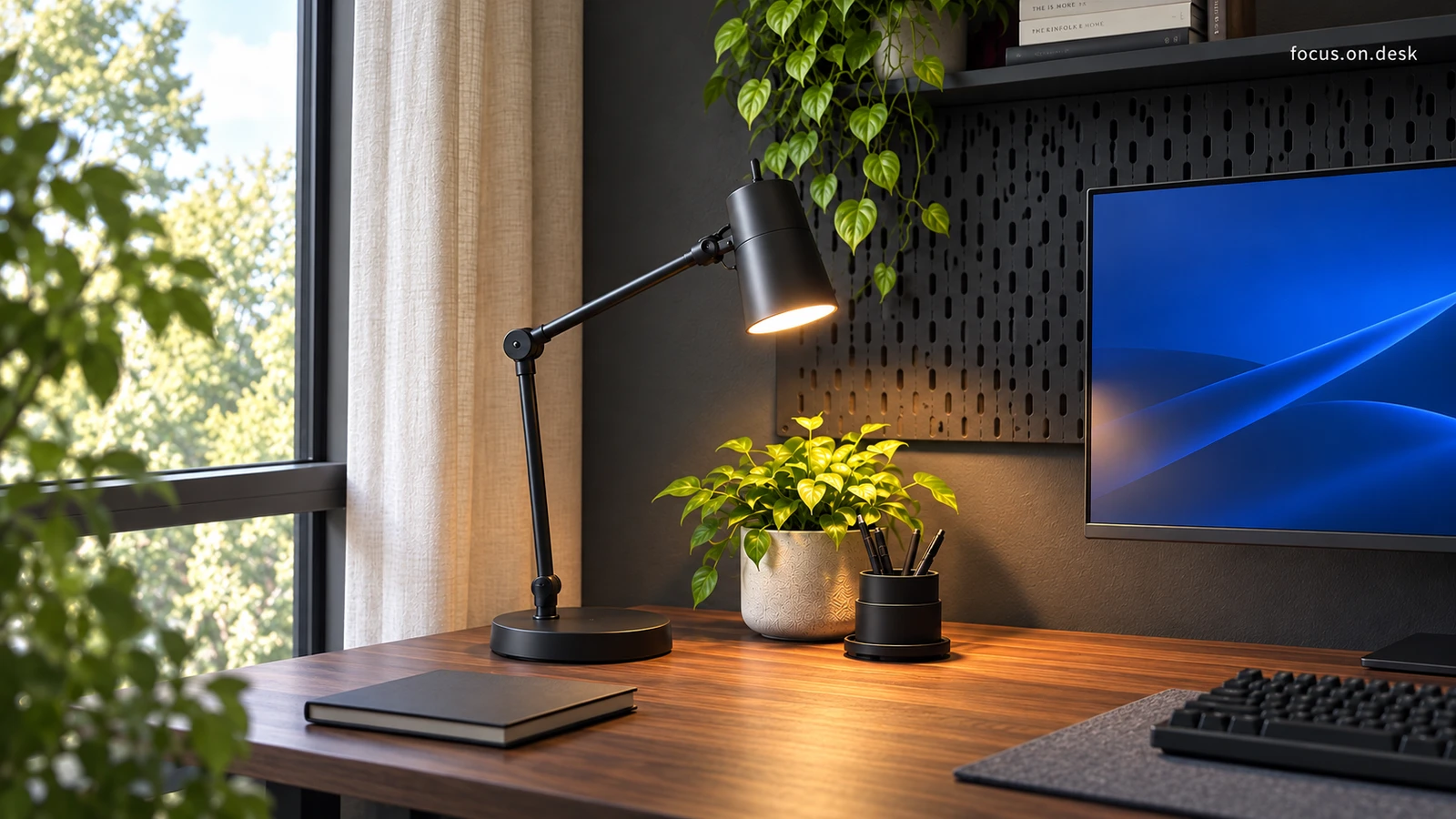
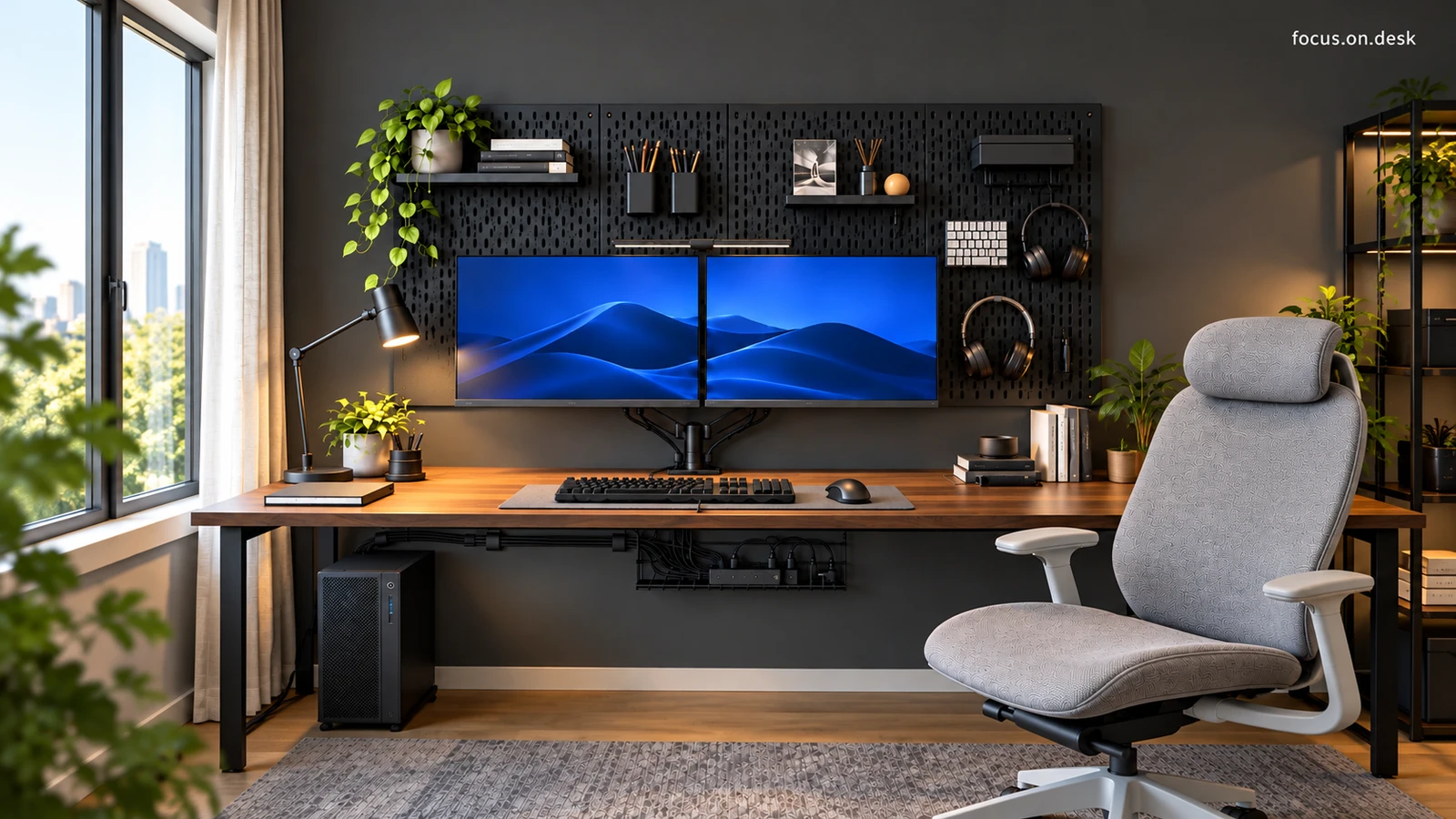
This is a home office with a walnut tone desk, charcoal wall, dual monitors, gray chair, and black task light. We take a look at the relationship between the space below the screen, the range of the input device, and the seating area and lighting in four detailed photos.
- space
- Home office concept placed along the window
- color and material
- Walnut tone wood, charcoal, black, gray
- main composition
- Dual monitor · Monitor arm · task light · Headrest chair
From the front, the two screens are the center of the space, but when you look closer, the height and material of the tools are different. The monitor is on the arm, the input device is inside the mat, and the lights and small props are divided to the side. Rather than matching all the furniture to the same color, let's read it as a setup that differentiates the writing area from the viewing background.
The impression of this desk comes from the arrangement that brings together the colors and divides the work surface. I will move my gaze from where I look at the screen to where my hands move, and then back to where I sit and where the light hits.
The margin of desktop left below two screens
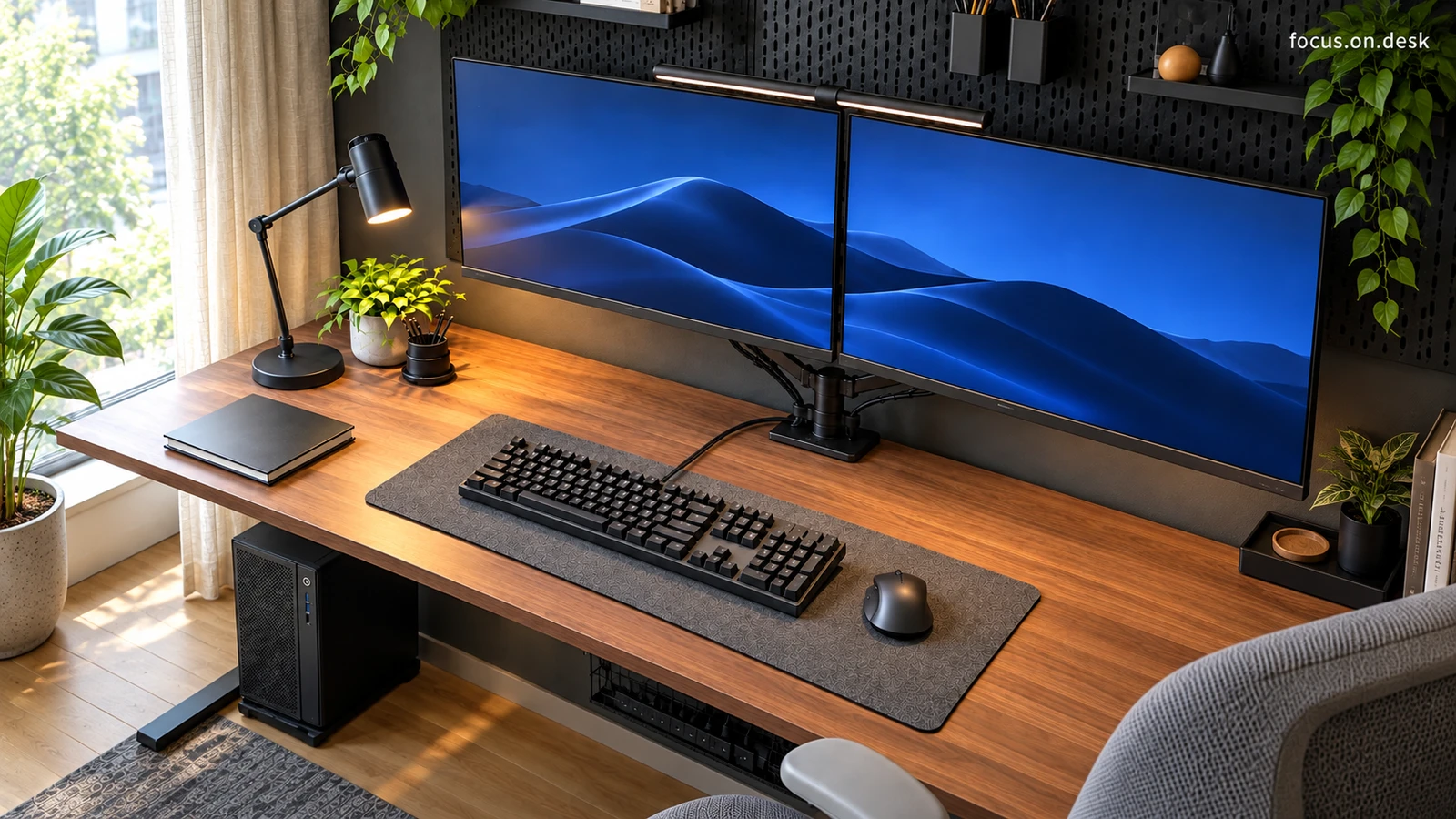
In the center, two monitors with a blue background are placed at the same height. The thin border and parallel bottom line run long, and the black pegboard behind becomes the background between the device and the wall. This is a composition where the eyes first focus on the screen.
The monitor is supported by an arm extending from a central pillar. Compared to the configuration of placing a large stand for each screen, the parts that touch the desktop are gathered in one place, leaving an area behind the keyboard that exposes the wood grain. You can use the monitor arm to organize the bottom of the screen as a reference.
When applying this to your desk, consider not only whether you can accommodate two monitors, but also where you sit. You can determine the placement by checking whether the screen you mainly view is in front of your body or whether you need to turn your body significantly when viewing the secondary screen.