DESK GUIDE / Placement Guide
Laptop desk, stand and peripheral placement guide
Does the more you place your laptop stand and peripherals, the smaller your work surface area becomes? Start with the screen you see most often and place the input device, storage, and stand in that order. We also guide you through the differences when comparing reference products with similar roles.
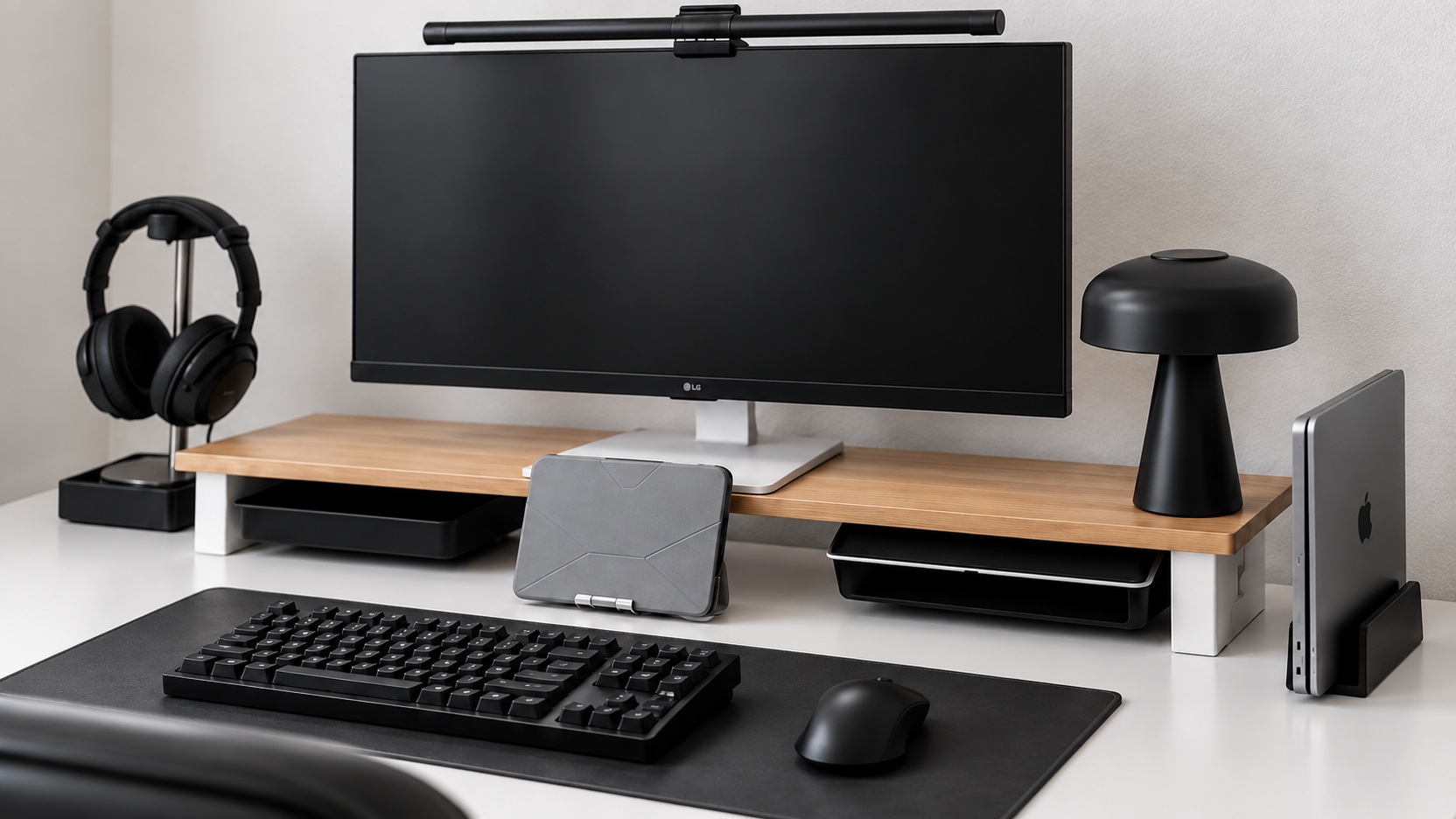
This is not a definitive list of the same model in the photo, and differences in color, material, and structure are explained for each alternative.
Start with the screen you view most often
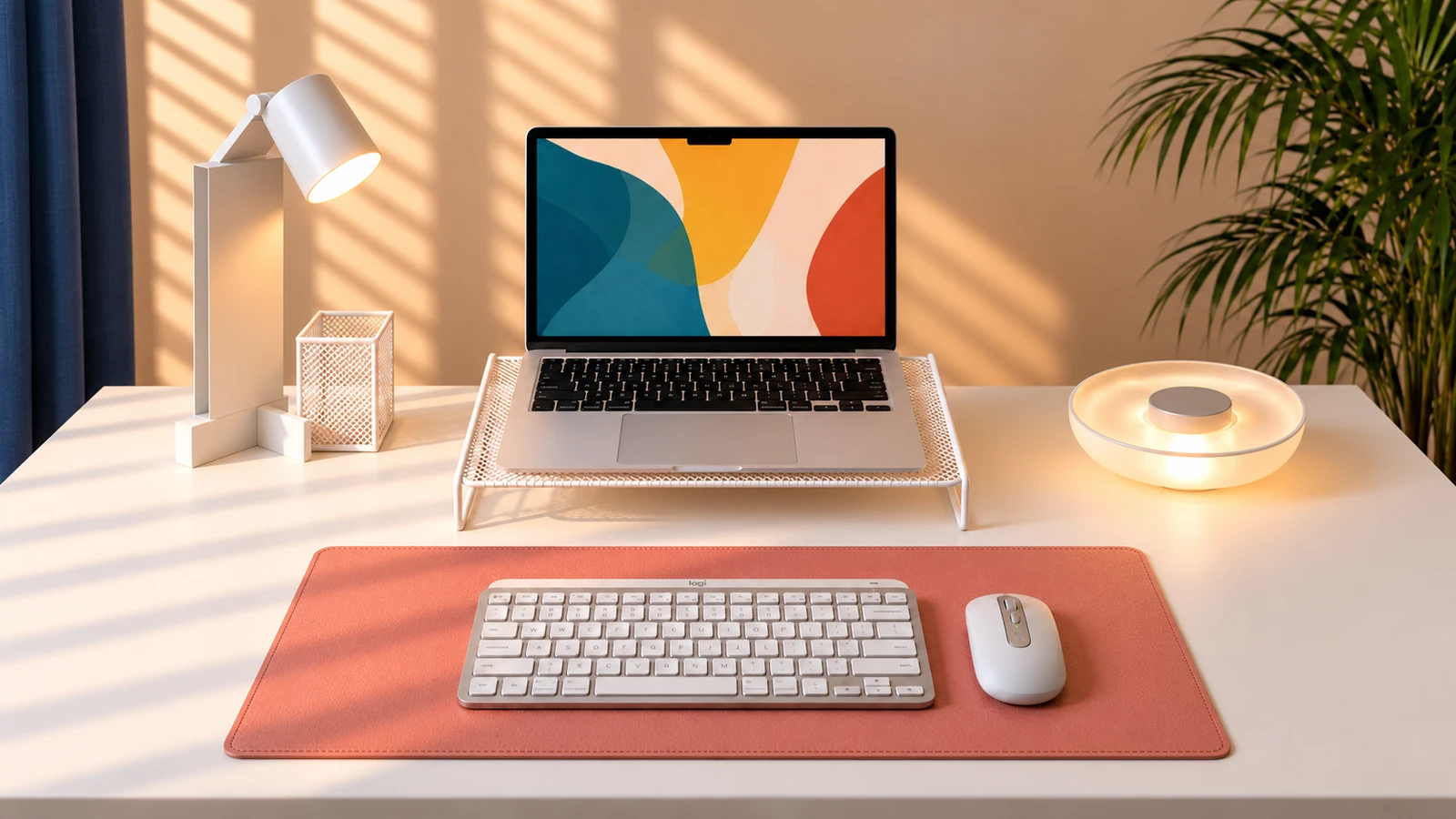
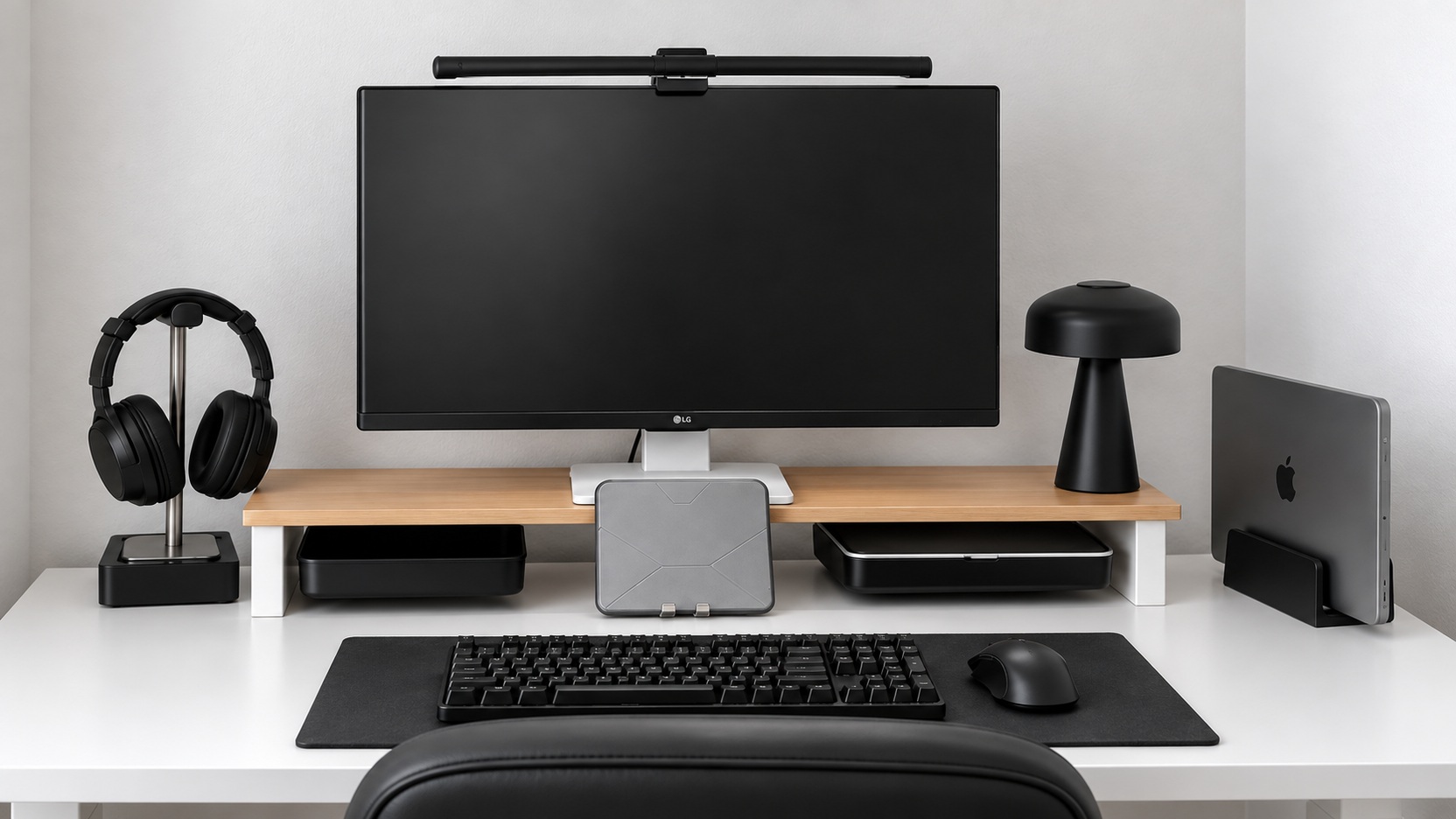
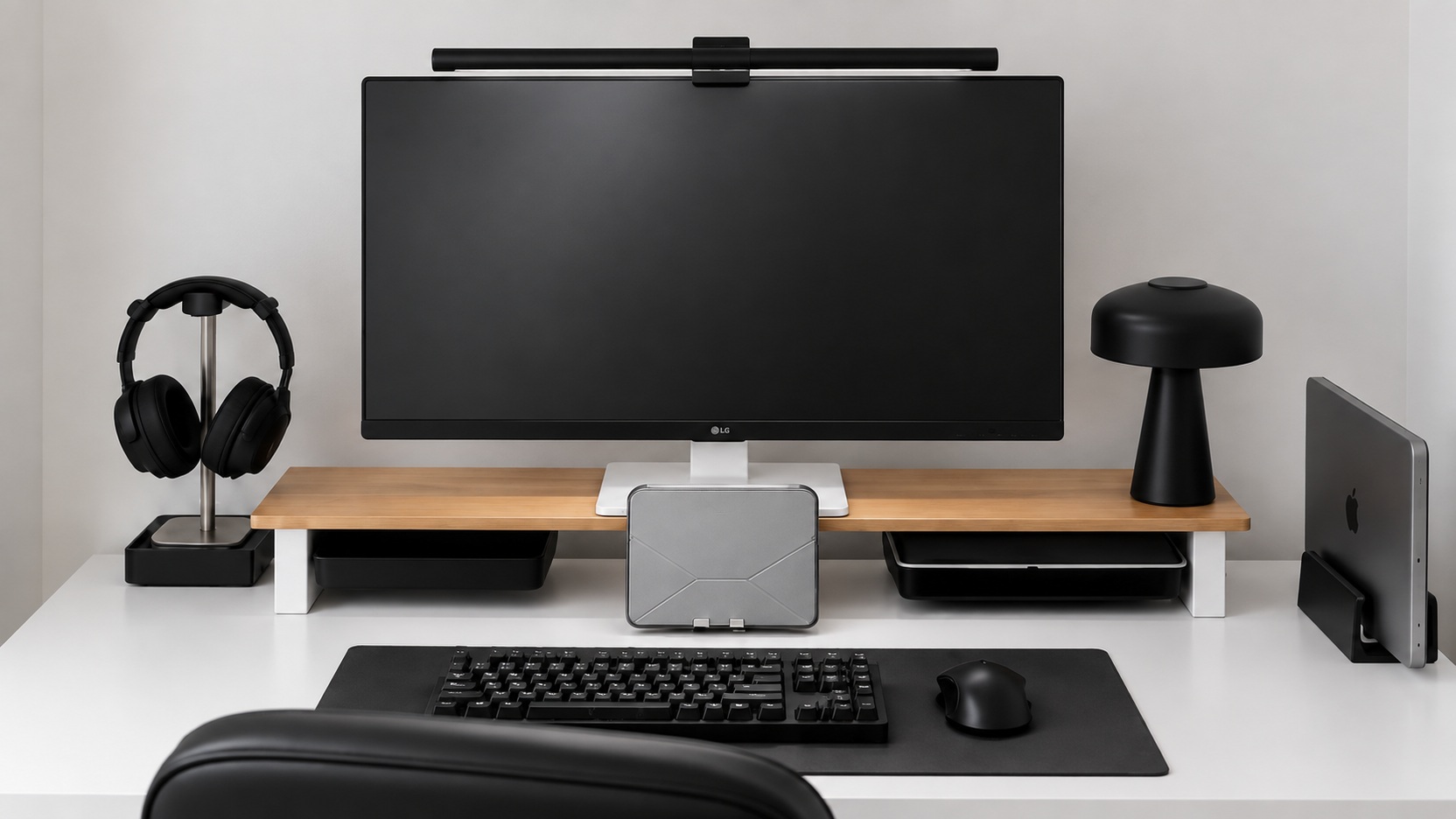
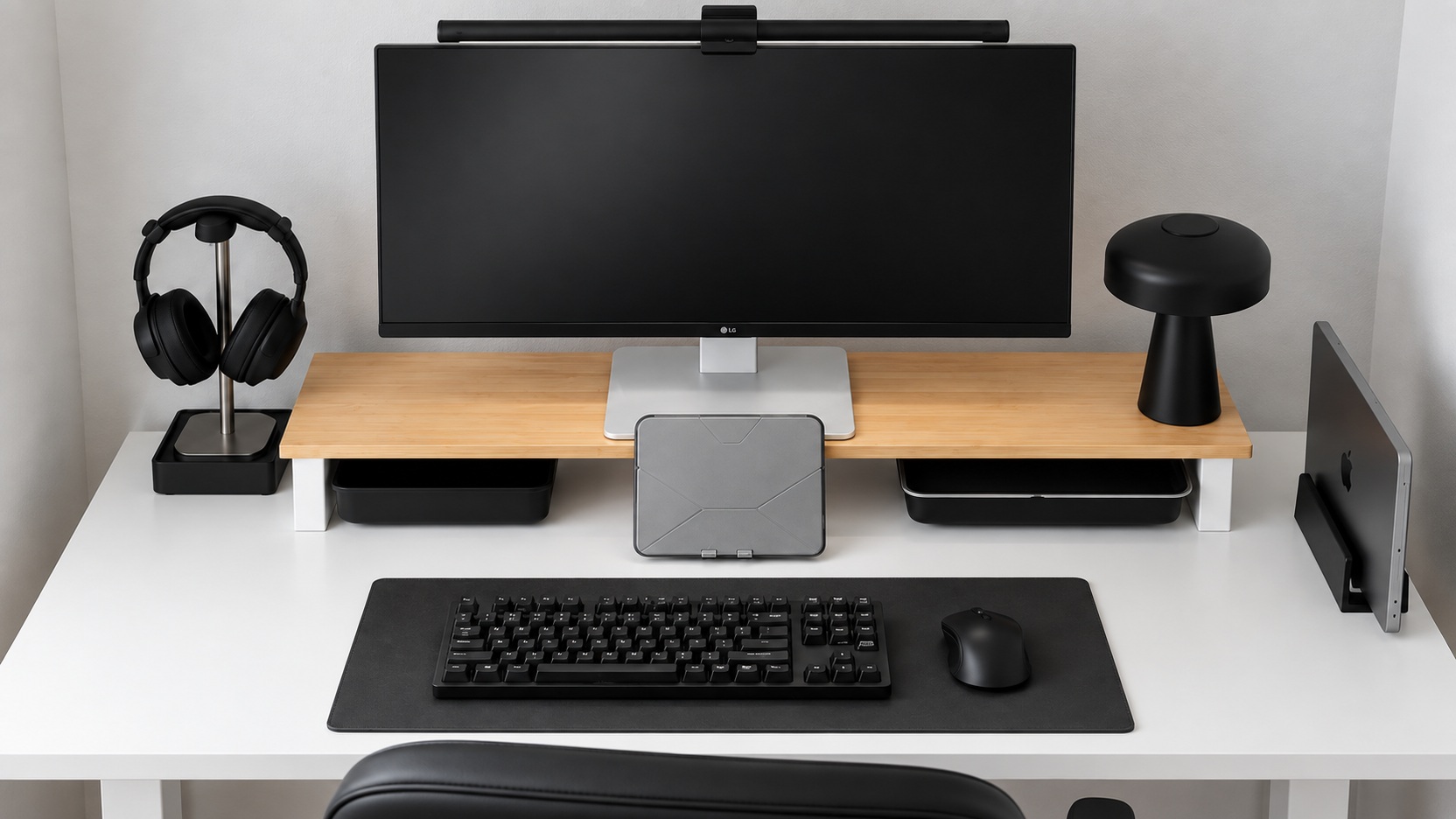
First, decide whether to use the laptop screen directly or use an external monitor as the centerpiece. If you use an external keyboard and mouse as shown in the provided photo, you can adjust the screen position and hand position separately. Decide on the height of the stand based on the comfortable reading position from the actual sitting position rather than the impression in the photo.
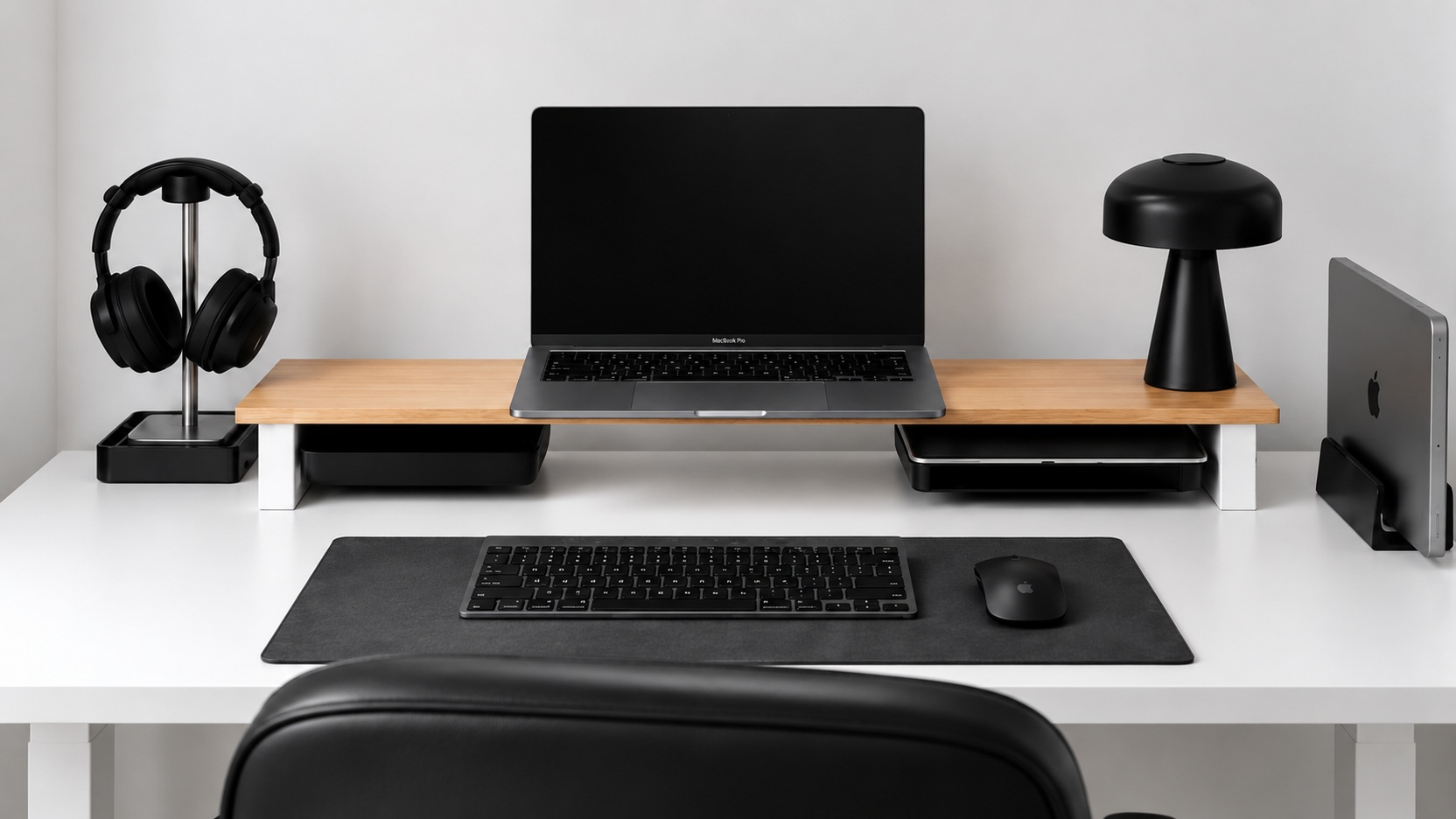
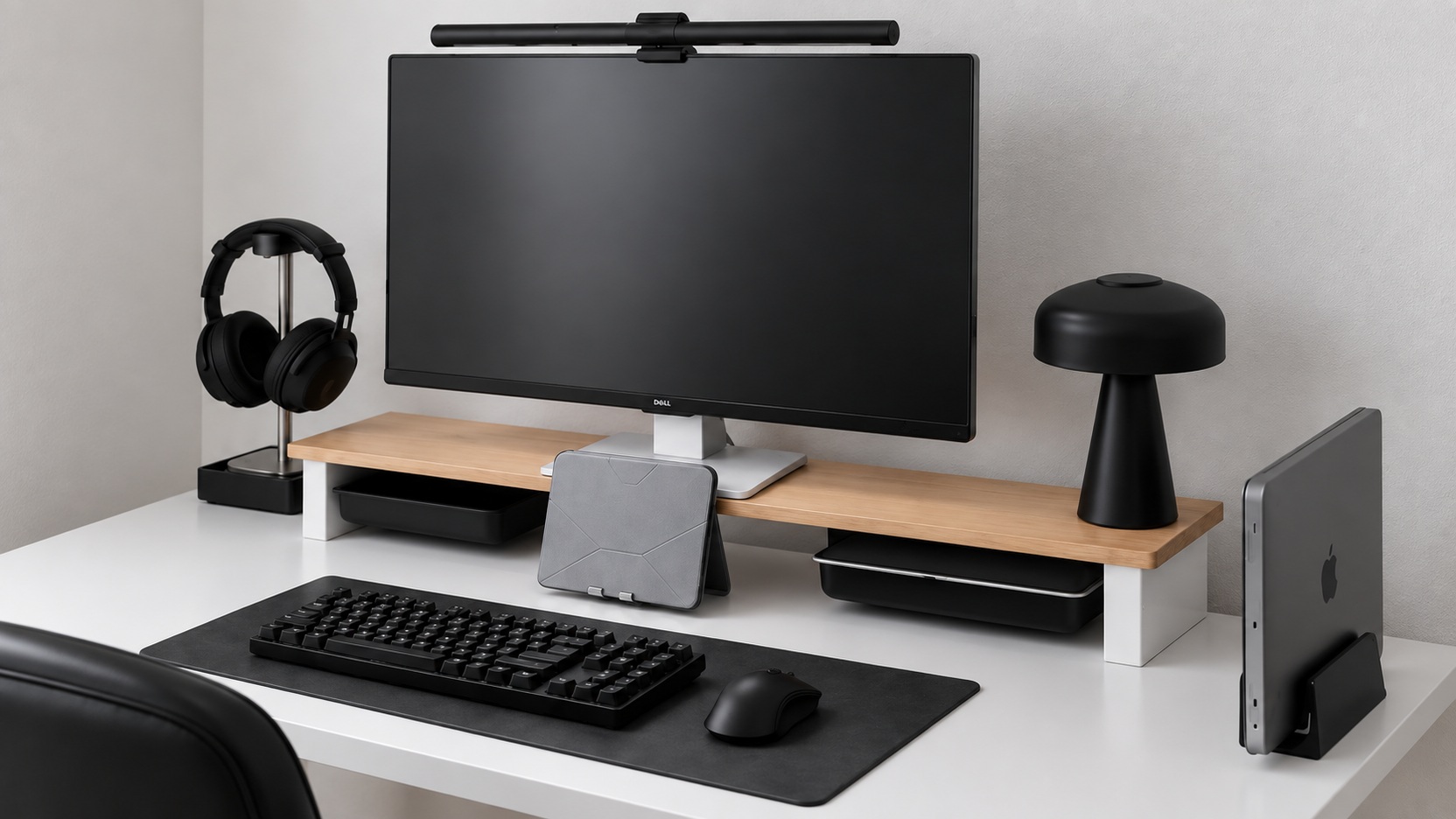
monitor riser shows both height and storage depth
Placing a tray in the empty space under the stand makes it easier to position small items. Before purchasing or constructing your own, please check the width and depth of the monitor stand, the weight of the device, the allowable load of the stand, and the possibility of sagging. First, decide whether you need a long shape like in the picture or whether a short stand will suffice.