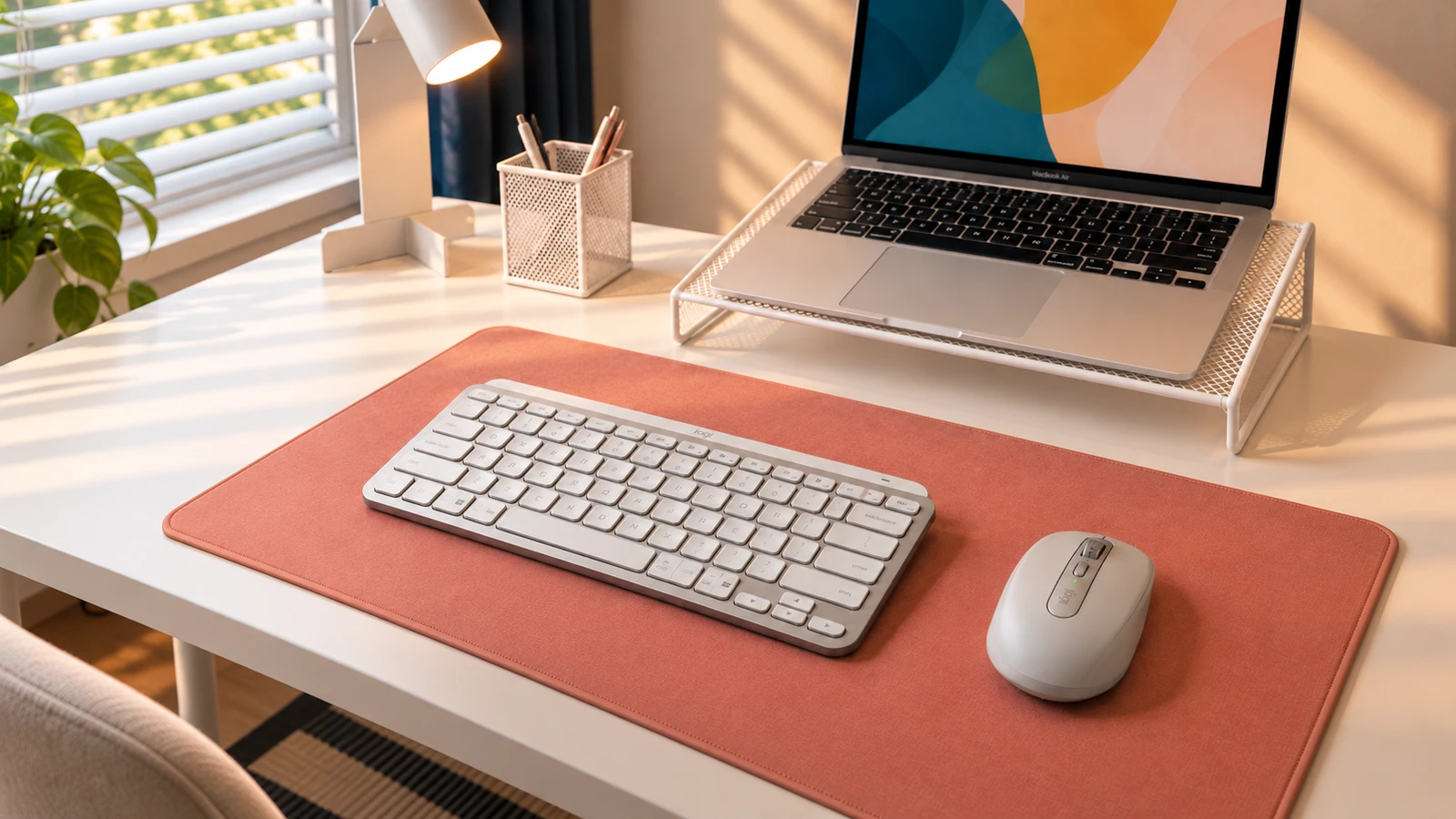
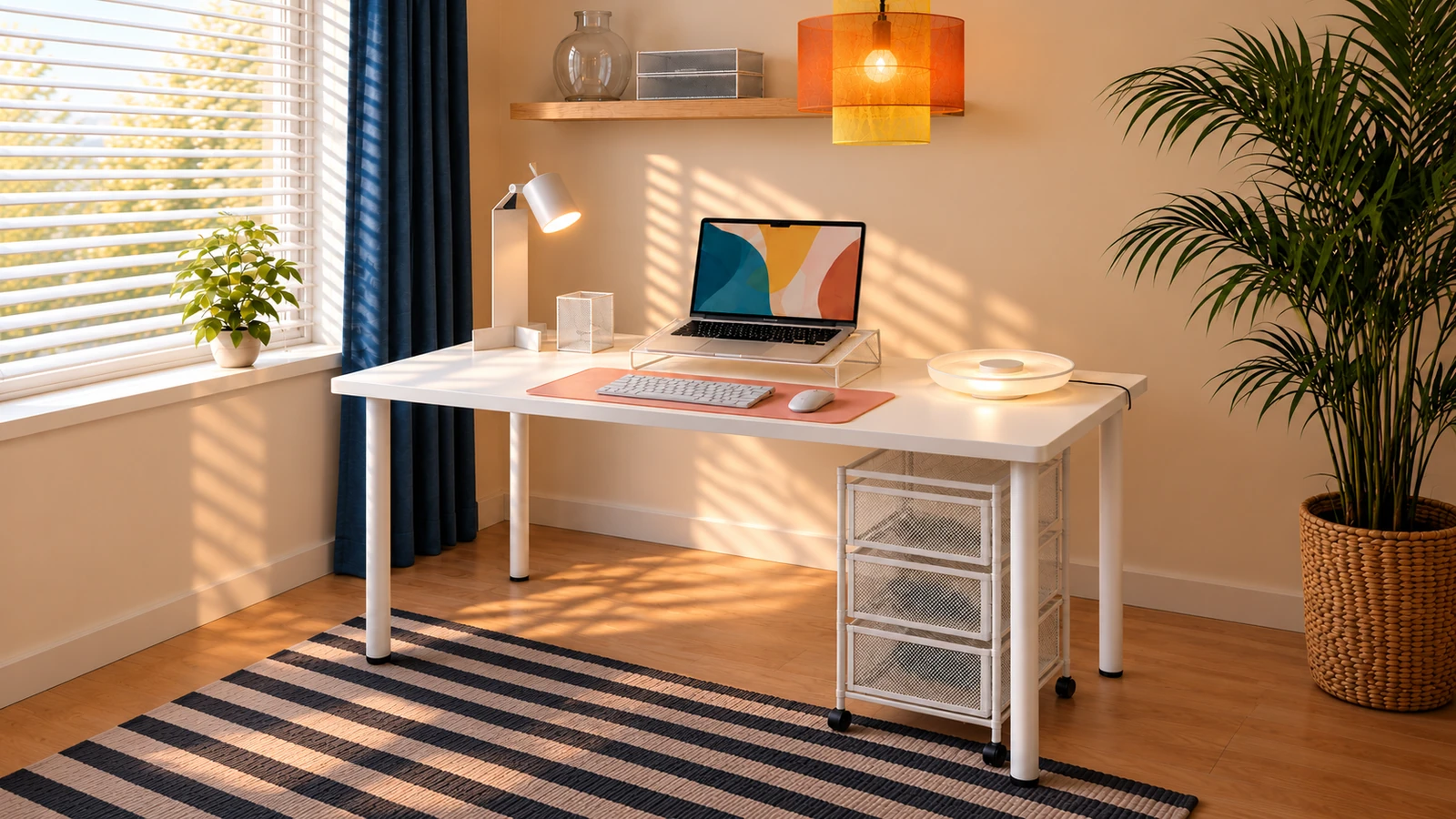
DESK GUIDE / Laptop setup
Arrangement and storage of laptop desk
Does the place to take notes disappear after you put your laptop on it? Decide where you look at the screen, where you move your hands, and where you store your tools. Let's look at the blank space on my desk as an example of placing a stand and an external input device.
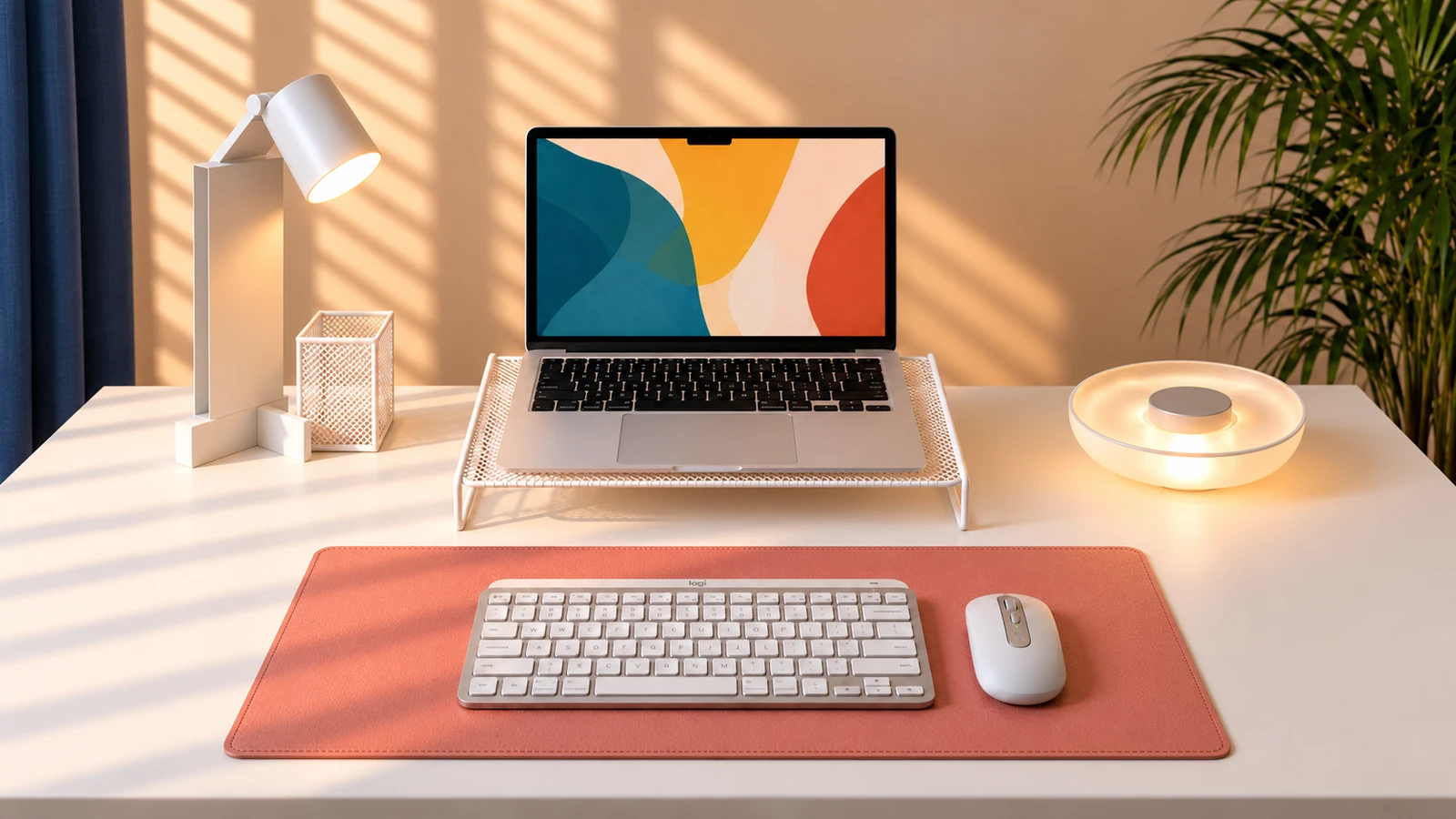
The desk suggested by the user has a horizontal 140cm configuration and a depth 60cm configuration. It is a good idea to follow the steps below to measure your device and desk dimensions and adjust them while sitting.
Start by deciding where to sit and where to place the keyboard.
When I start tidying up, I briefly move things on my desk and put the chair back in its usual position. First, find a spot where the direction your body faces and the center of the keyboard naturally fit. The geometric center of your desk and your comfortable sitting position don't always have to be the same.
Next, let go of the mouse and actually move your hand. Make sure there is a light or storage box in the direction you reach, and that there is enough space left next to the keyboard. It is best to adjust the position of the mat after determining the location of the input device. Avoid changing your posture to align the device with the center of the mat.
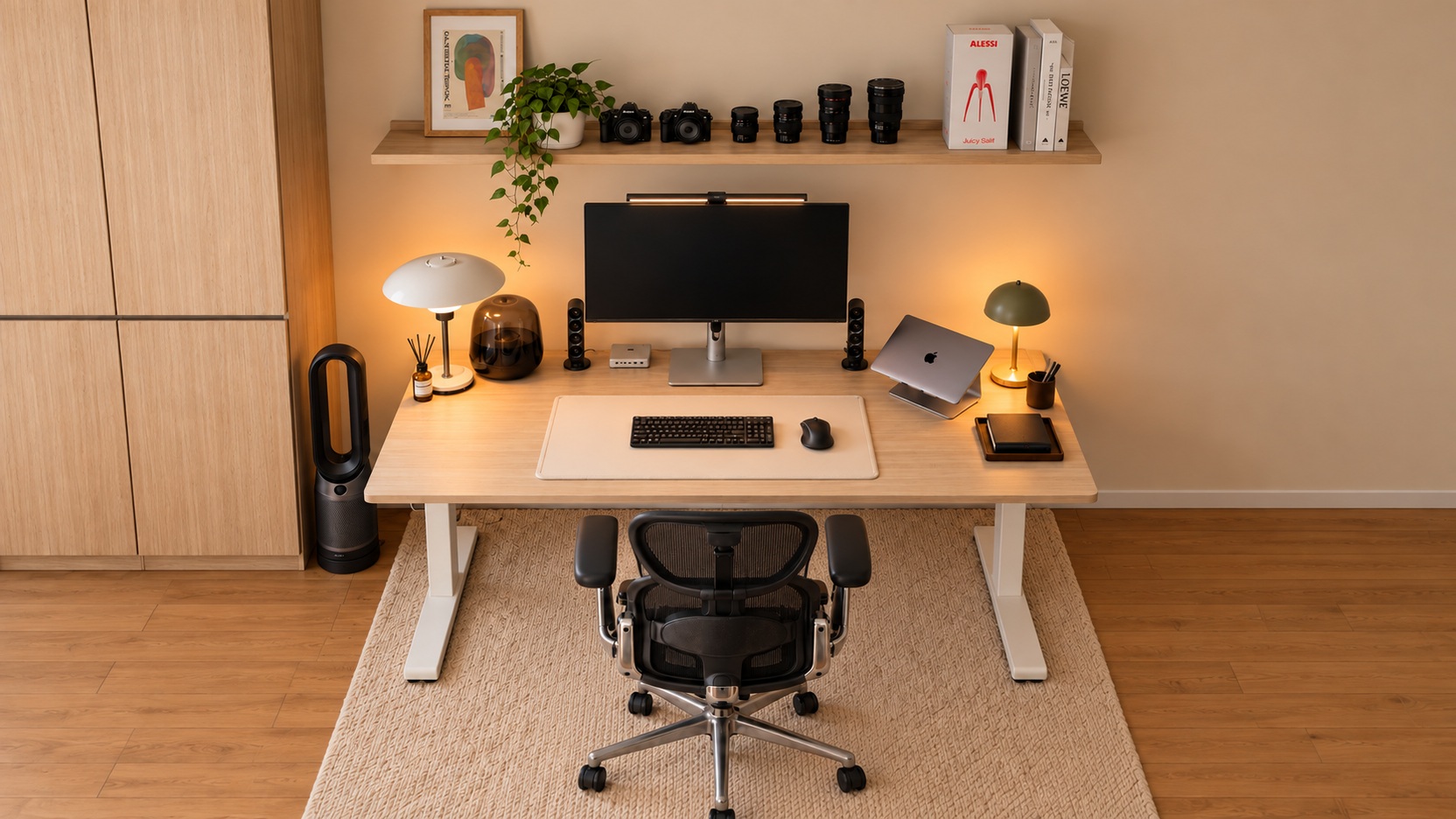
If you frequently take notes or look at paper materials together, save that space at this stage as well. Even if desktop is empty as shown in the picture, the configuration changes if you upload the items needed for actual work. The way to find the necessary space is to reproduce the work you do most often.
Check the area of the laptop stand and the screen location
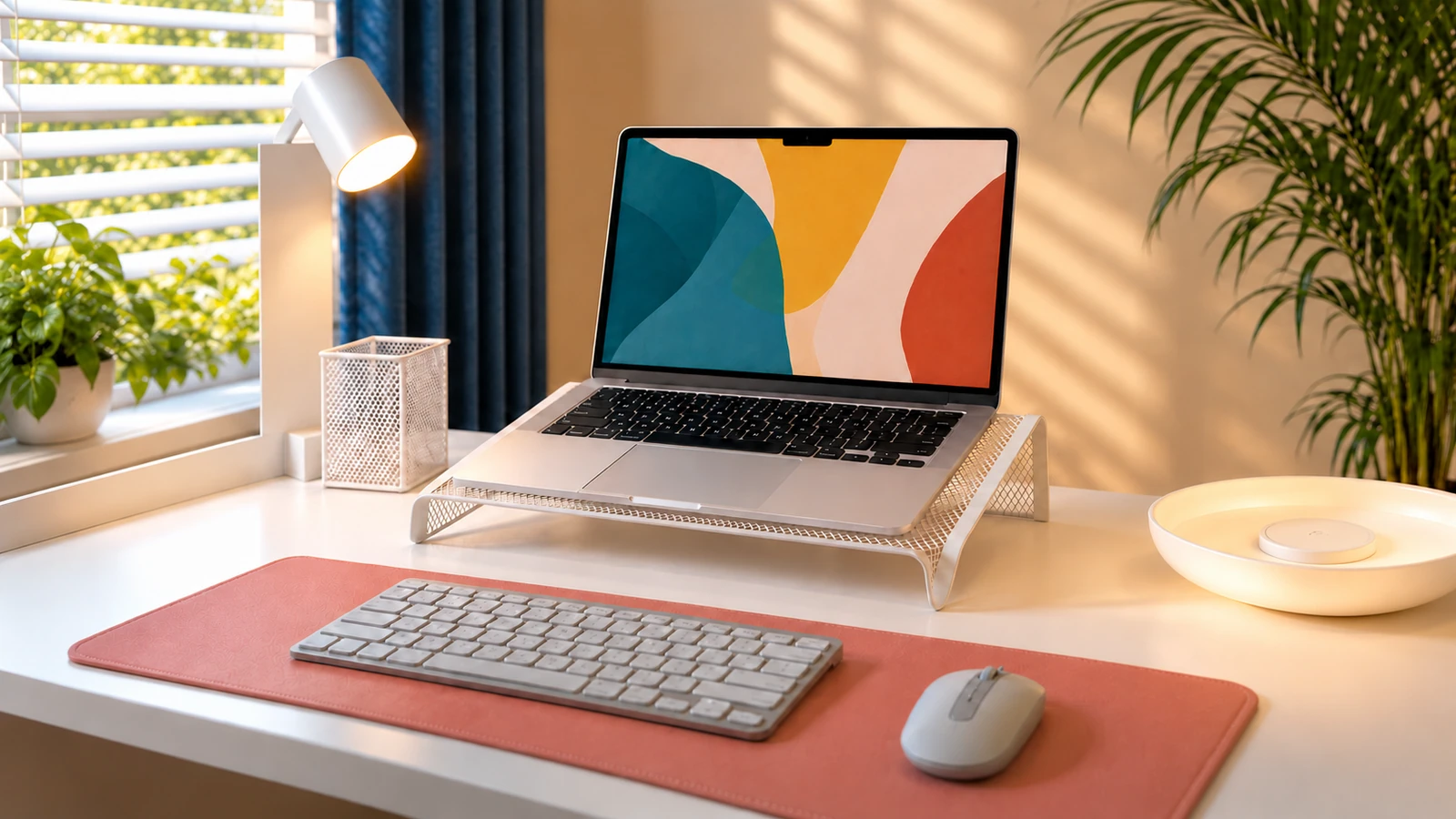
This design separates the viewing position of the laptop screen from the position of using the input device. To use a stand, first check the area where the laptop will be placed, the floor area of the stand, and the space needed behind the screen when unfolded. If you decide to go in just by looking at the depth of the desktop, there may be differences in the actual screen angle or cable location.
After placing the laptop, sit on a chair and adjust the screen distance and angle. See if you can see the text clearly and find yourself pulling forward to look at the screen. Rather than just copying the screen height in the photo, check the range of adjustments that can be made with the chair and device you use.