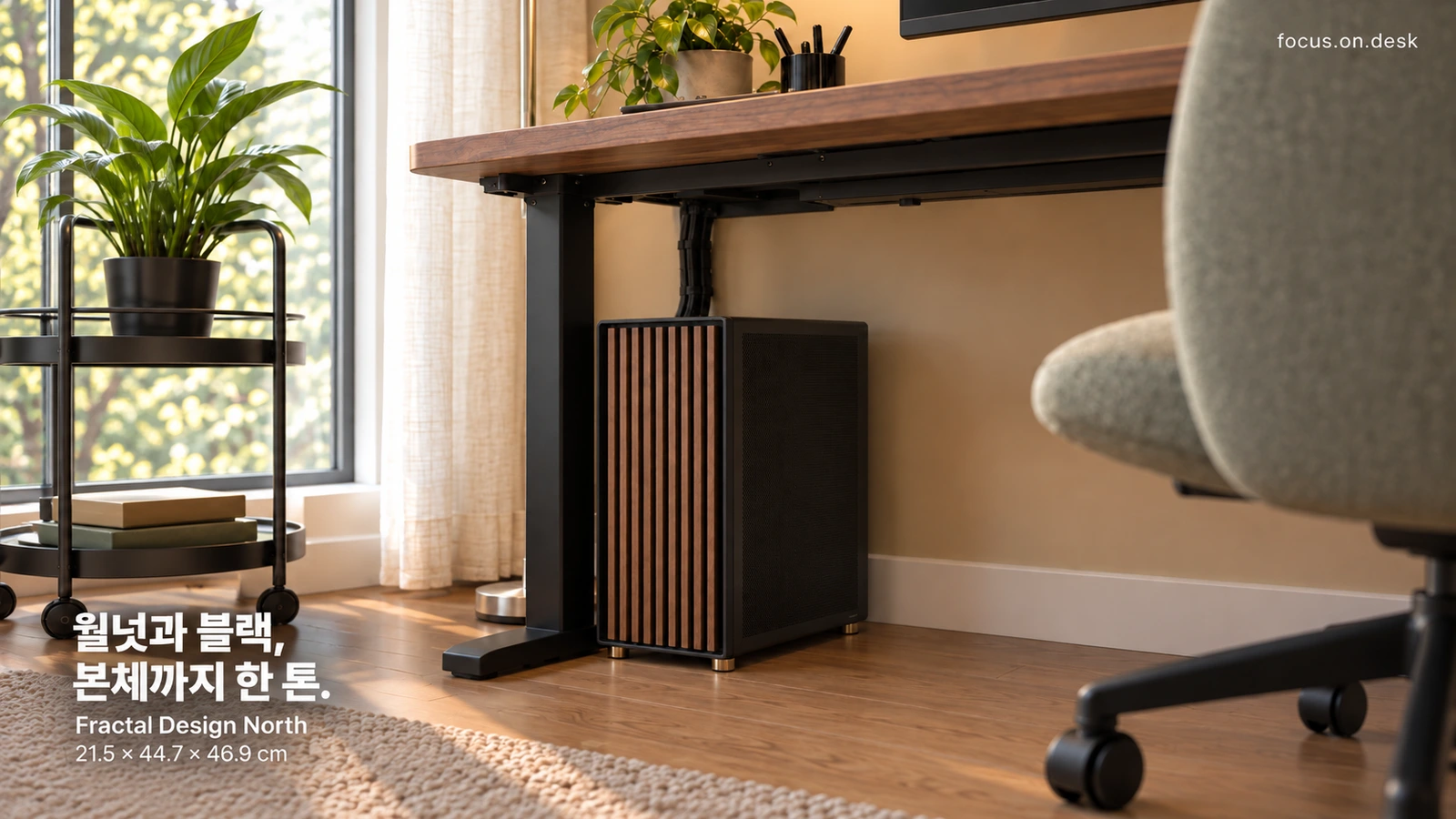
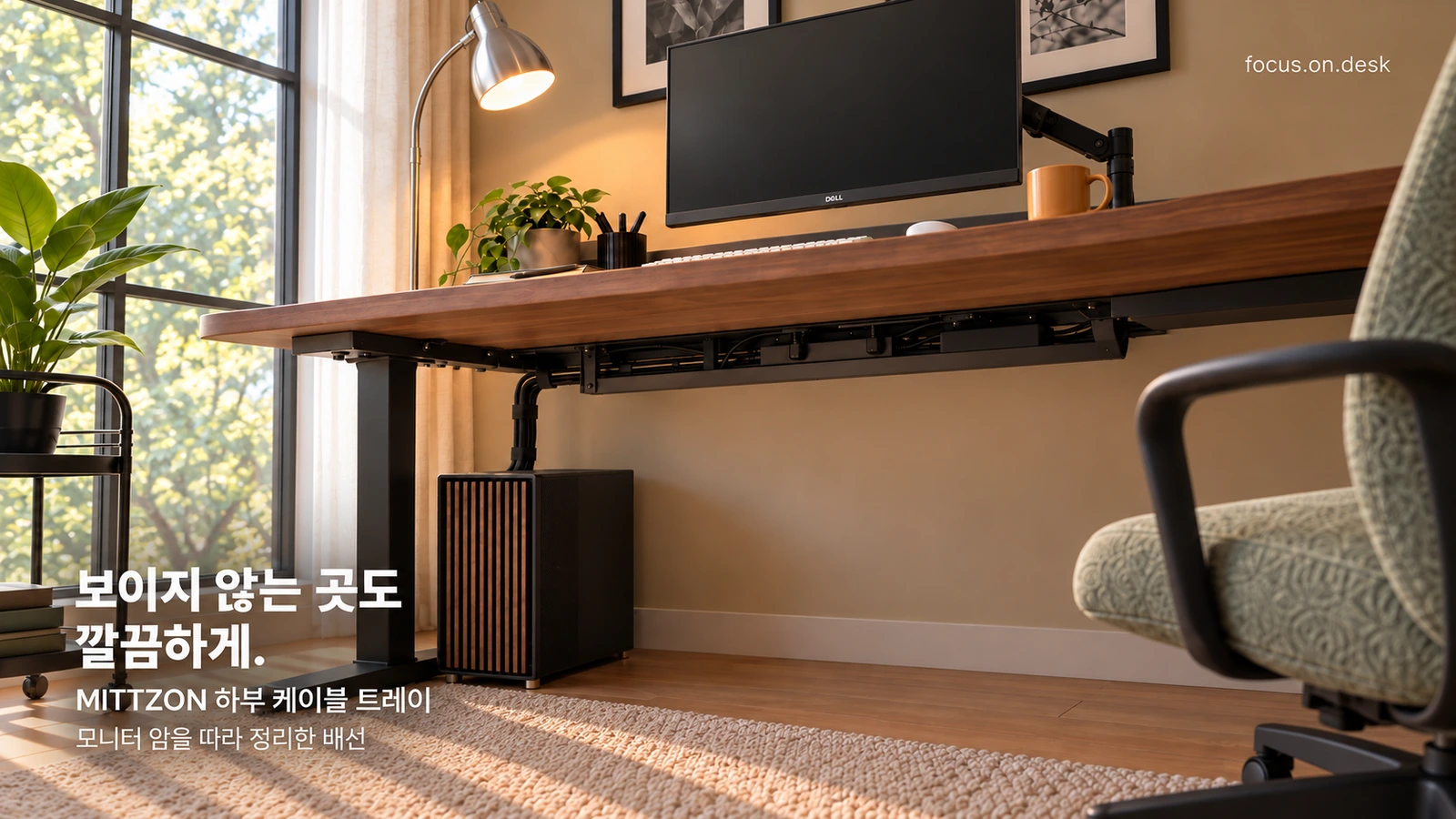
DESK GUIDE / Desk arrangement
Placing monitor, input device, and PC main unit on the 140×80 desk
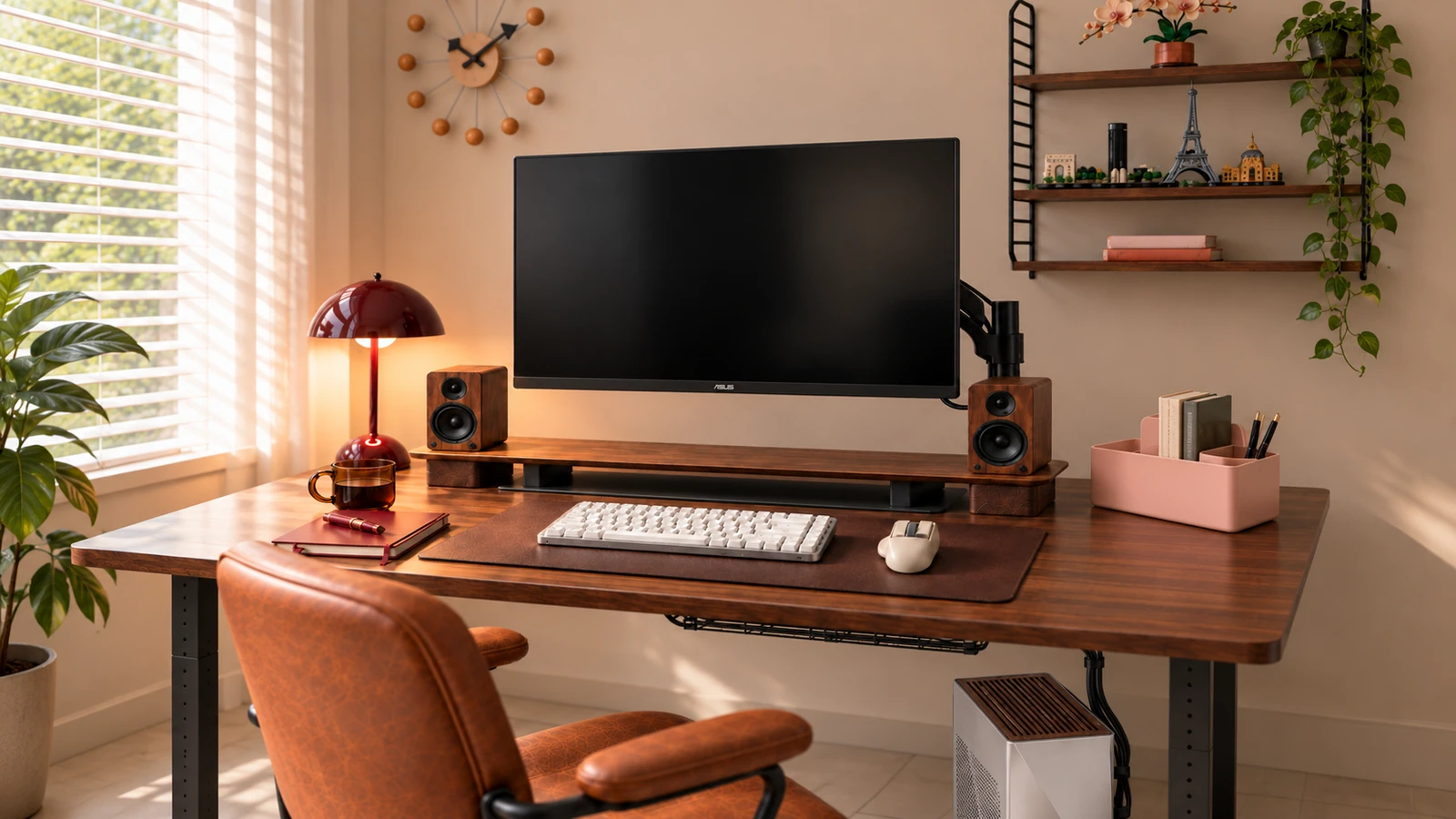
Would a 140×80cm desk, including a monitor, input device, and PC be enough? It is difficult to know where to bite the monitor arm or the space for your feet to move based on the overall dimensions alone. Let’s check in order from the structure behind desktop to the movement lines under the desk.

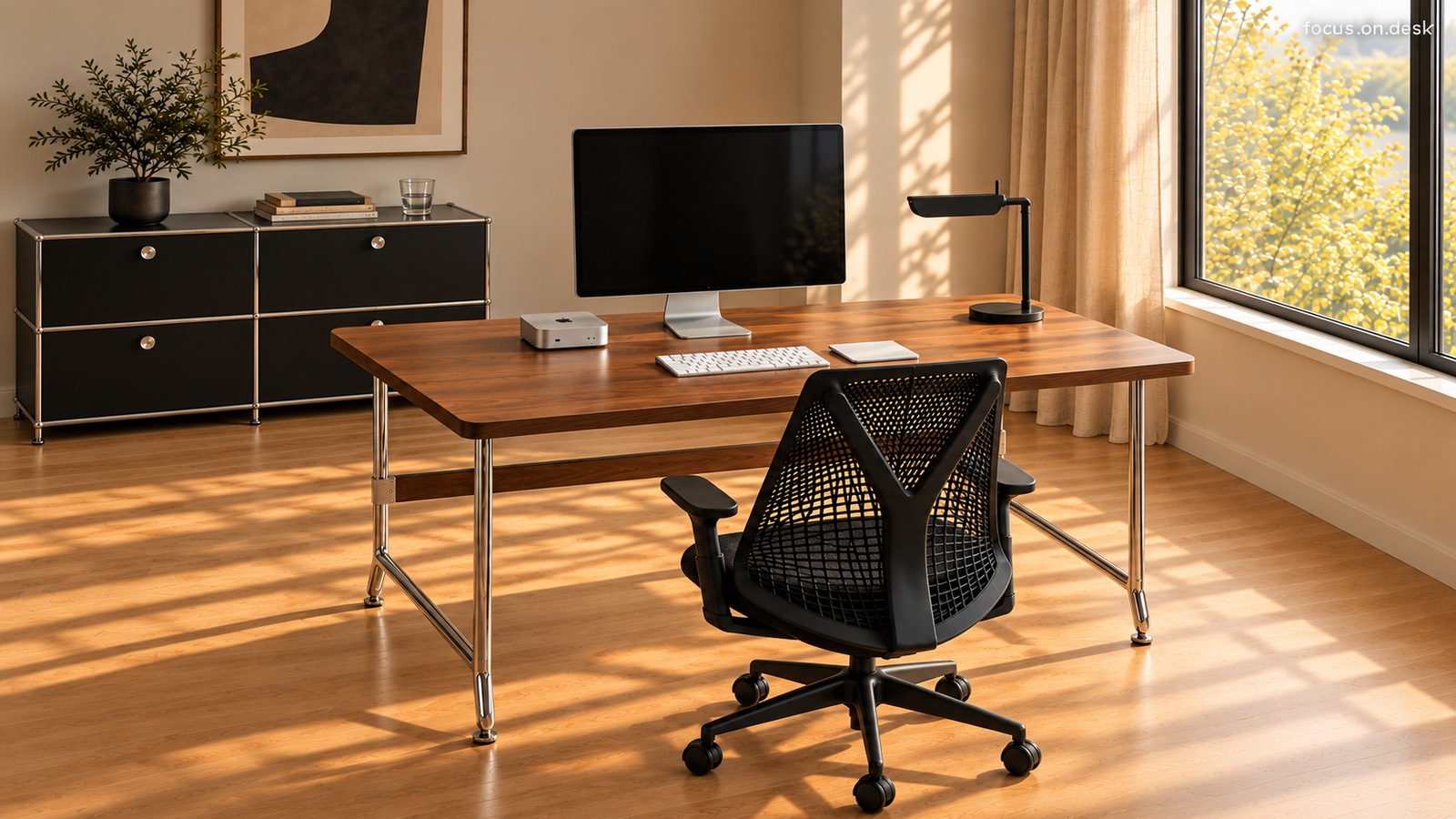
The reference desk is IKEA MITTZON walnut wood veneer/black 140×80cm. According to the manufacturer's instructions, this is a product whose height is determined at the assembly stage and must be distinguished from an electric elevating desk.
Check overall depth and rear structure separately
The width and depth of the completed desk guided by IKEA is 140×80cm. Components include 140×68cm desktop and 140×12cm plug-in modules. It is important not to judge that monitor arm can be fastened anywhere on the back just by looking at the overall depth.
First, check the product drawing where desktop, rear module, and lower frame meet. monitor arm Check the surface and reinforcement structure where the clamp can be clamped flat from top to bottom, and if the installation location is unclear, check with the manufacturer.
Check monitor specifications and arm fastening conditions
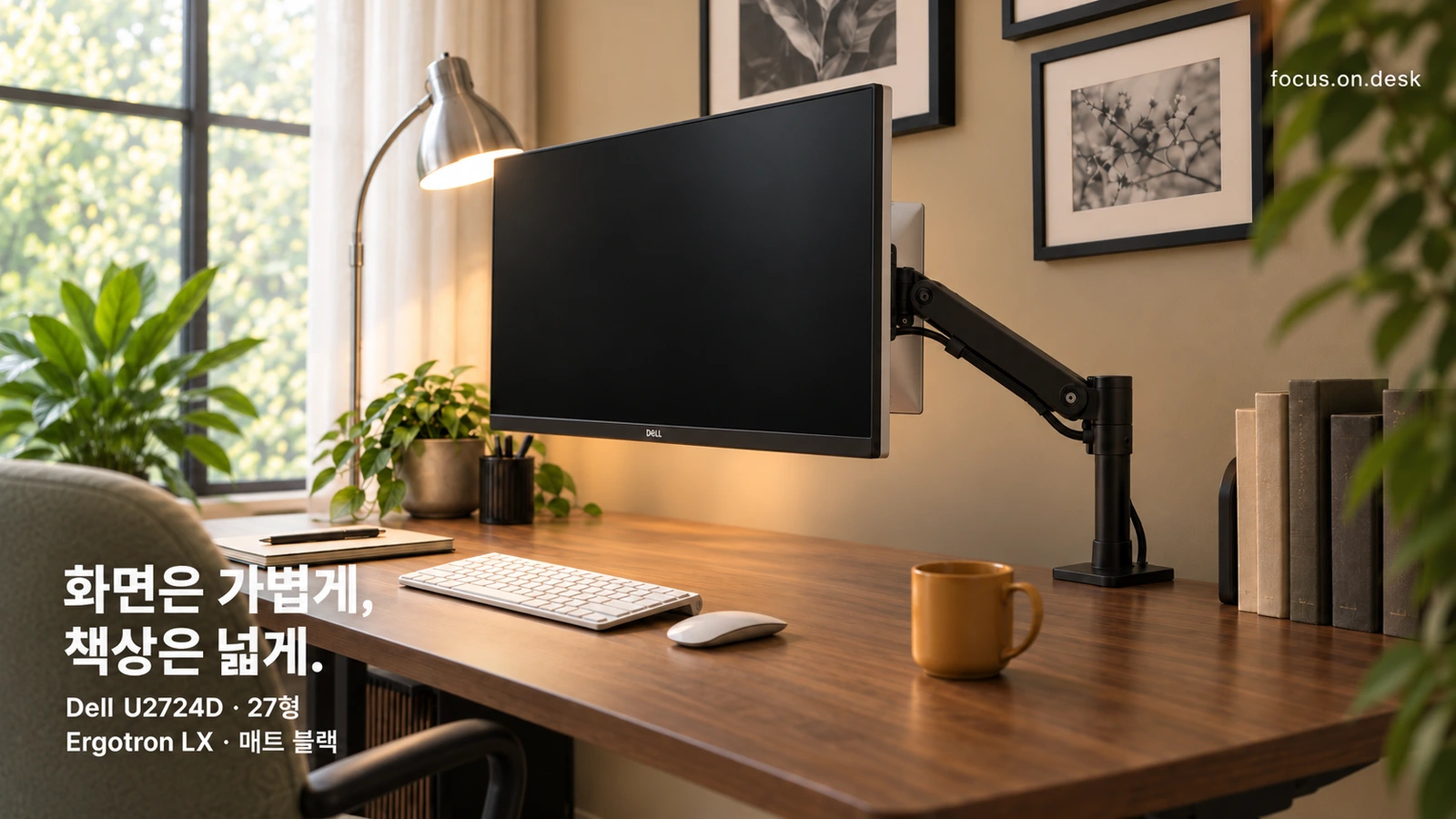
Reference monitor Dell U2724D is type 27, and the official mounting standard is VESA 100×100mm. If you are considering Ergotron LX as a combination candidate, you must compare the exact part number's support weight, VESA specifications, and fastening method. Even if the conditions of the monitor and arm are met, whether it can be installed on a desk is a separate issue.
When you move the monitor in front of your seat, check whether the arm touches the wall or gets caught on a book or flower pot. How much to raise the desk from the wall is not determined by the distance in the photo, but by the actual movement of the arm. I like the order of deciding where to use the screen first and then placing decorations in the remaining space.