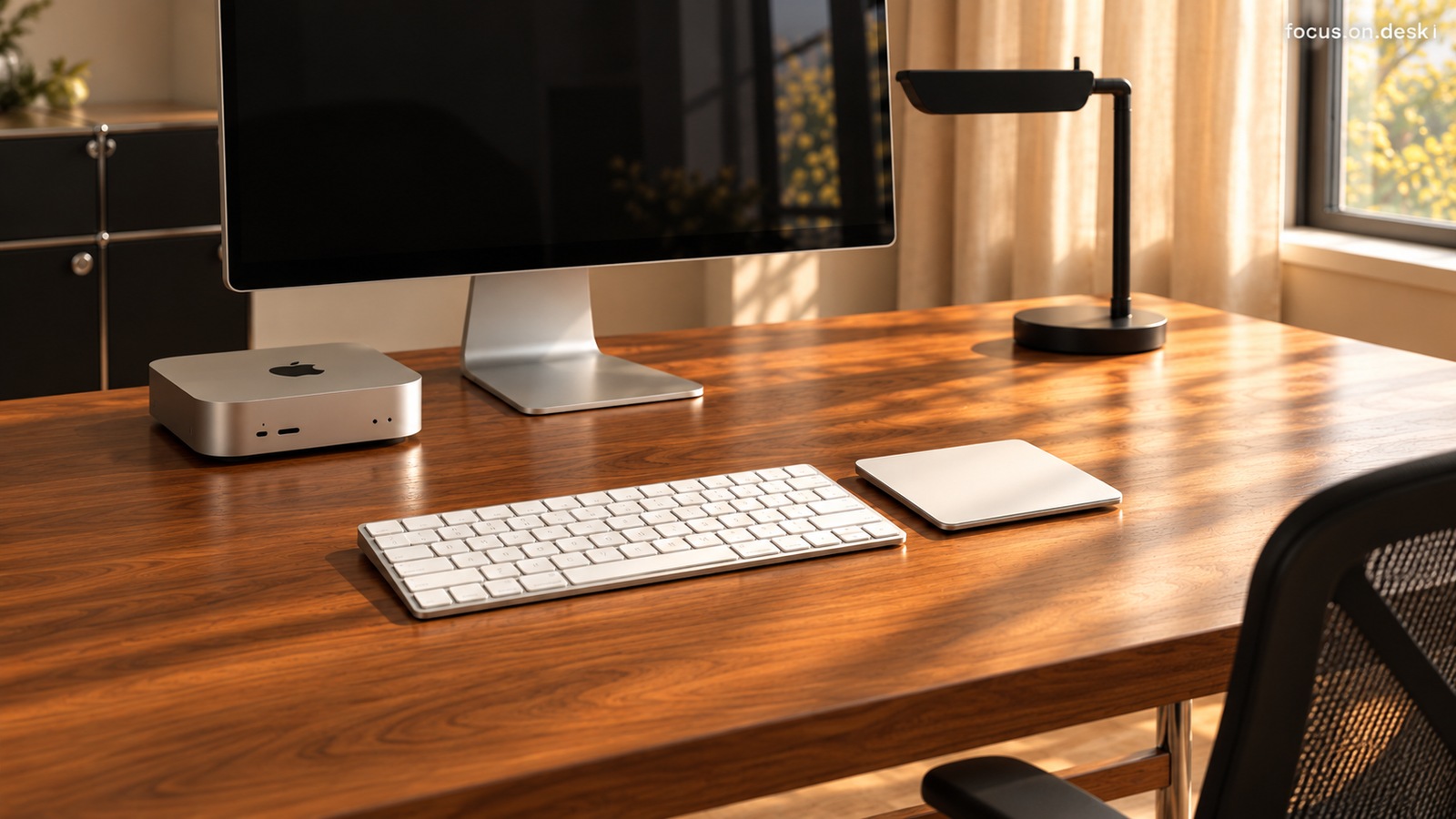
DESK GUIDE / Desk arrangement
Window desk placement guide, check monitor reflection and curtain/storage movement lines
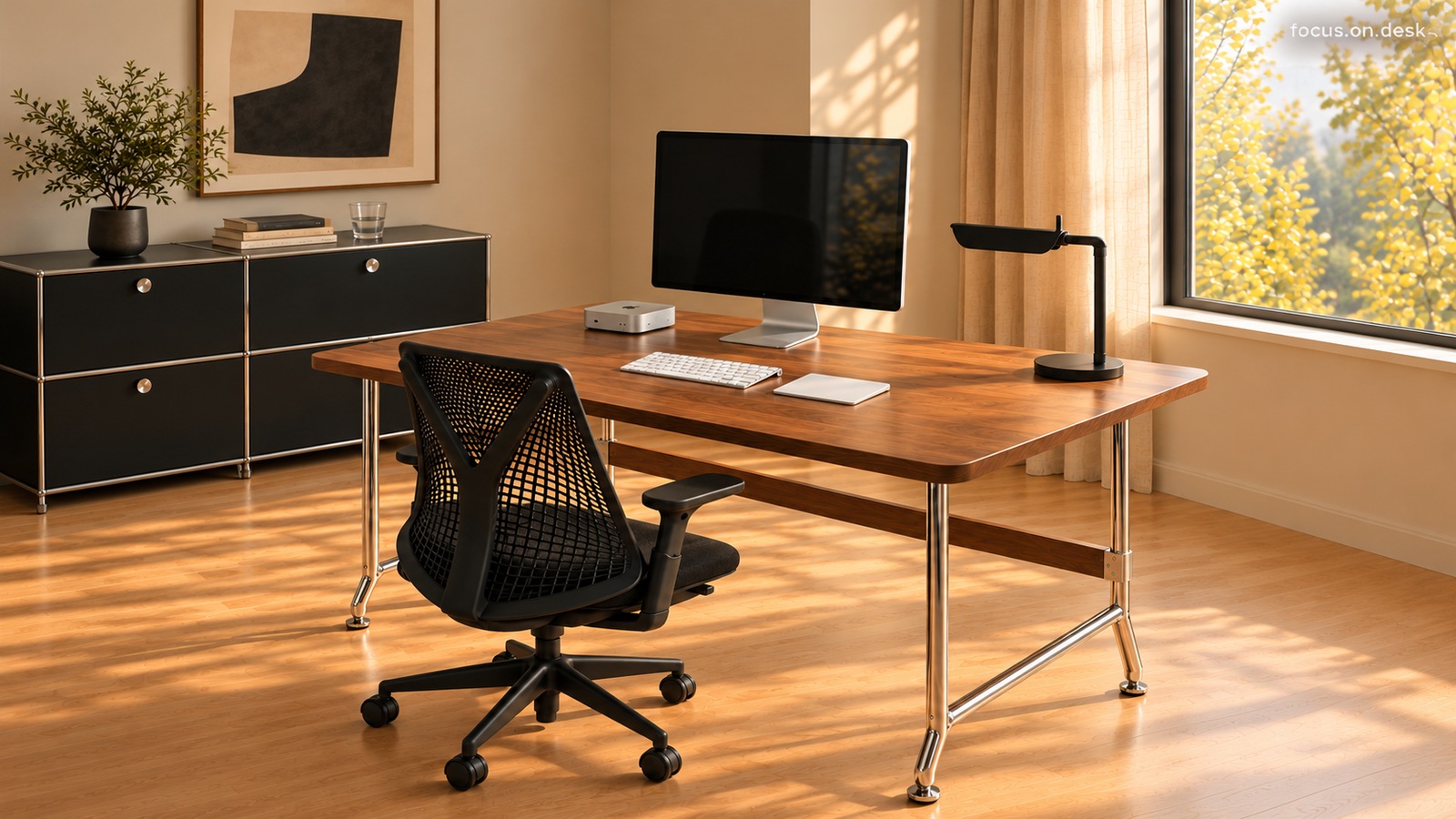
If you have a desk near a window, you should check both the sunlight shining on it and the conditions for actually reading the screen. Using the wooden desk and monitor, the right curtain and stand, and the rear storage cabinet as examples, we will look at the order of checking screen reflection and the movement line for retrieving items.
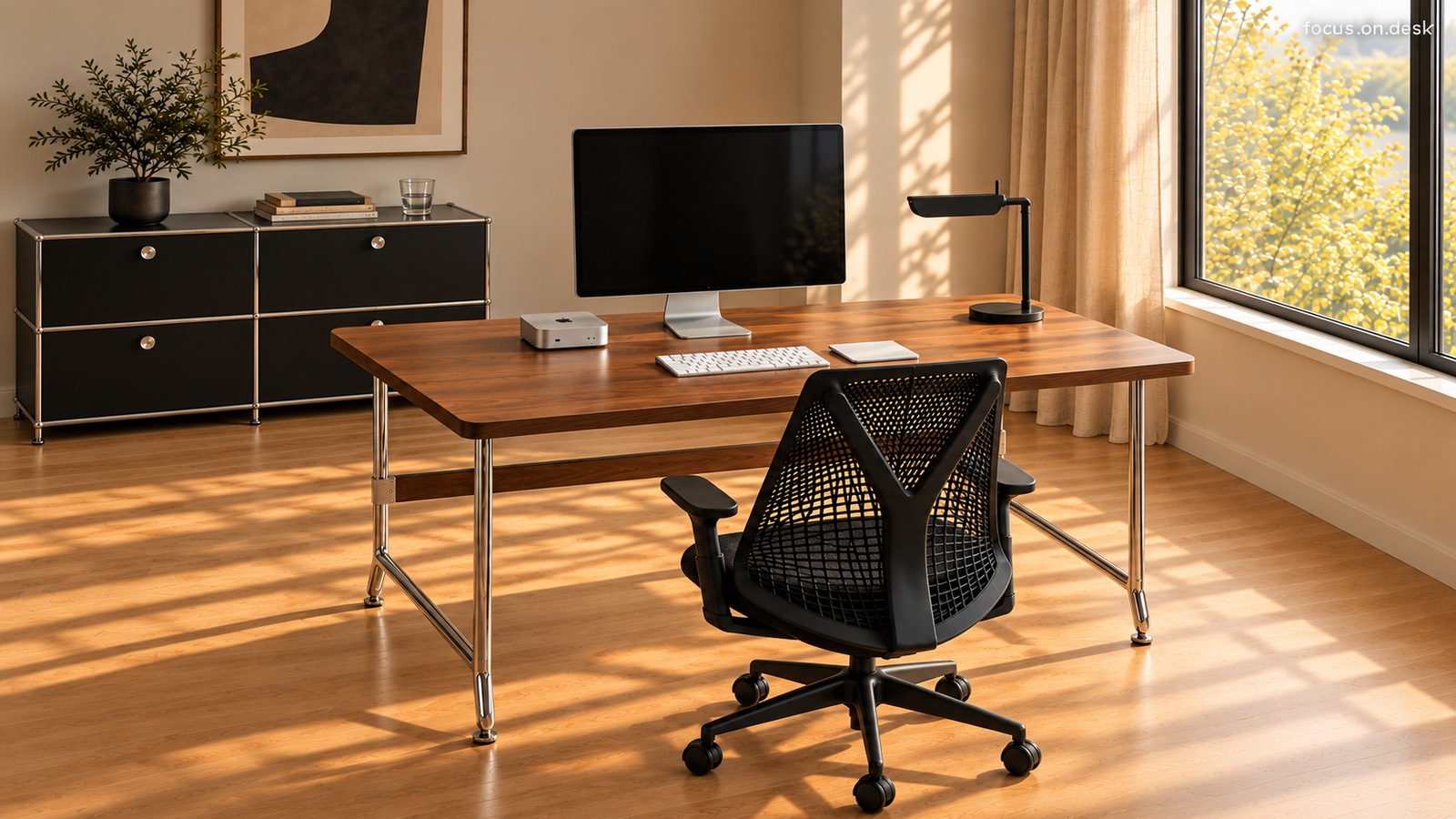
Turn on the 1. screen and check its relationship with the window
The monitor in the photo is a black screen, so you can't tell how clearly the text is visible during actual work. When deciding on placement, turn on the screen you normally use and see where the window is illuminated. You can change the angle of the screen and the position of the desk slightly and then compare where you sit most often.
Compare the screen slightly turned toward the window and the screen turned away from the window in the same spot. It is recommended to read with frequently used documents or images displayed rather than with the screen turned off. When you see what bright object or window is shining in front of you, the next move is revealed in detail.
If it is difficult to change the position of the desk right away, you can start by adjusting the opening width of the curtains. Rather than changing the screen angle and curtains all at once, adjusting them one by one makes it easier to compare what affects reflections.
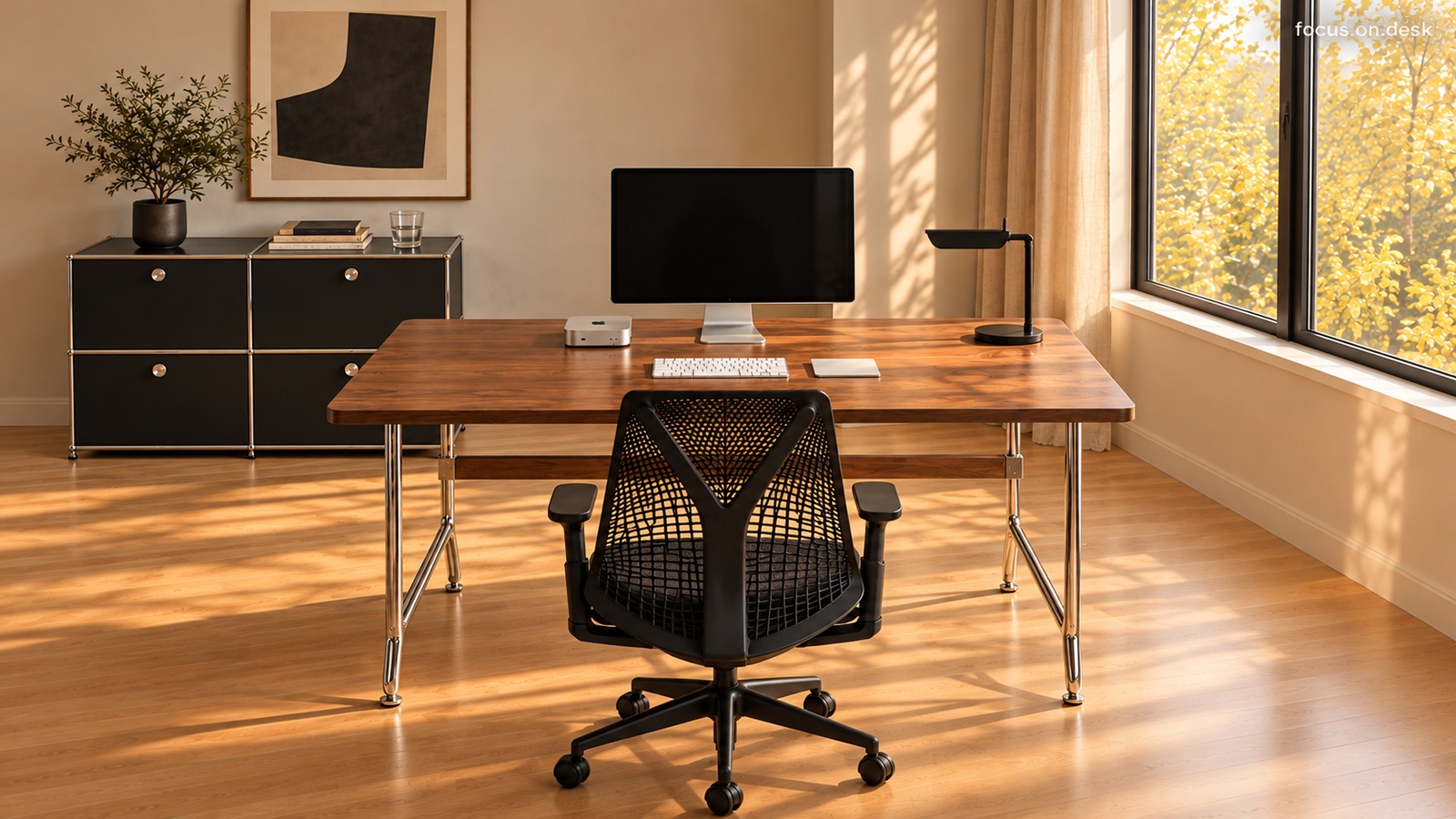
2. Leave room to move the curtains
The curtain on the right is drawn down between the window and the desk. In the actual space, check to see if lights catch on or devices are not pushed when opening or closing the curtains. Depending on how you open the window, you will also need space to reach the handle. The lighting direction or exact time zone has not been determined based solely on the shadows in the photo.