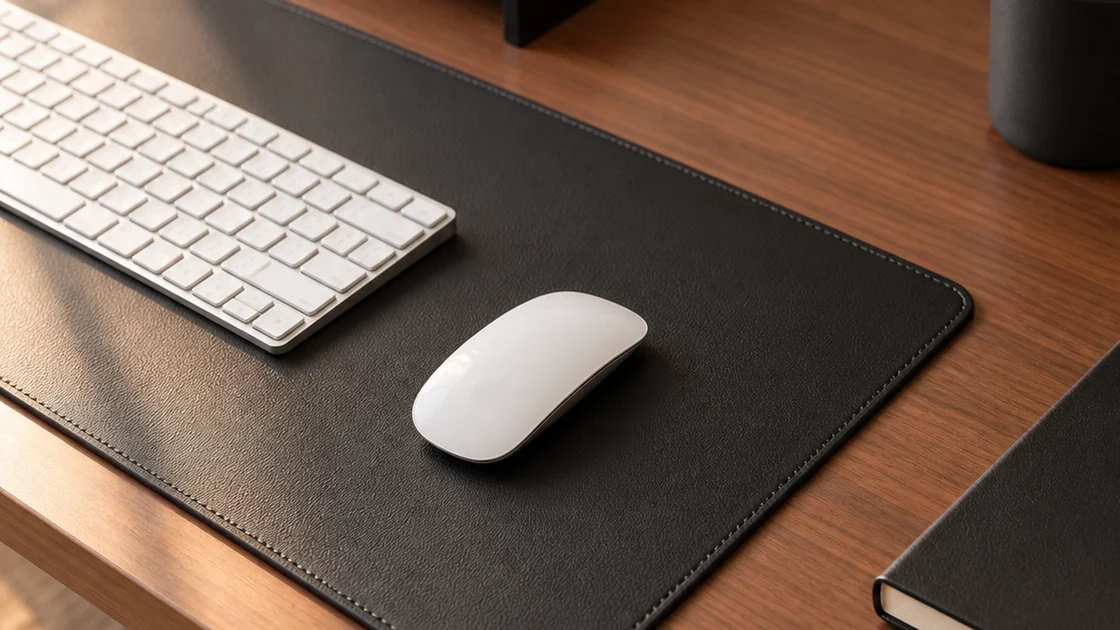
DESK GUIDE / Desk arrangement
Divide areas on the desk with monitor riser and desk mat
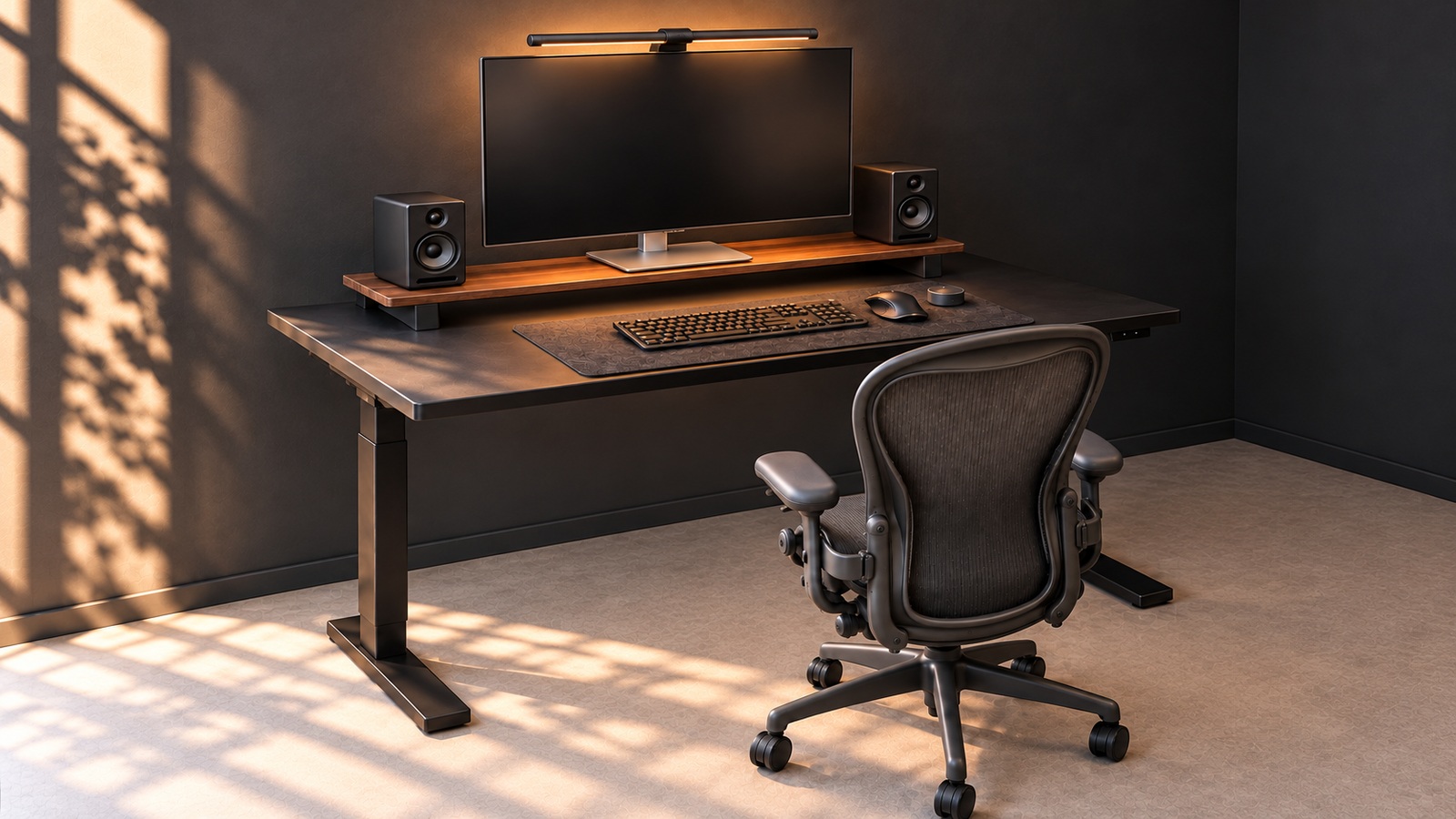
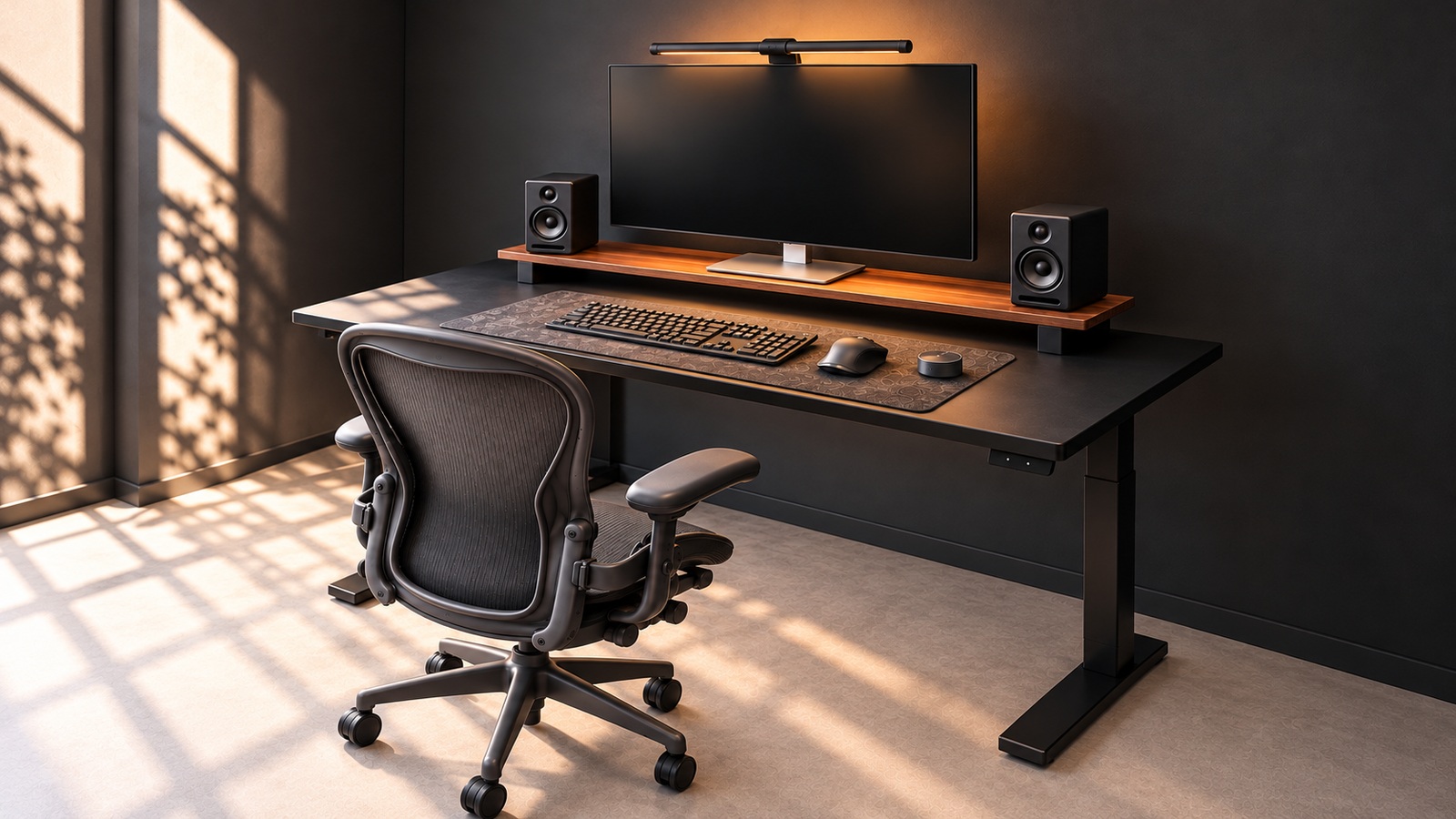
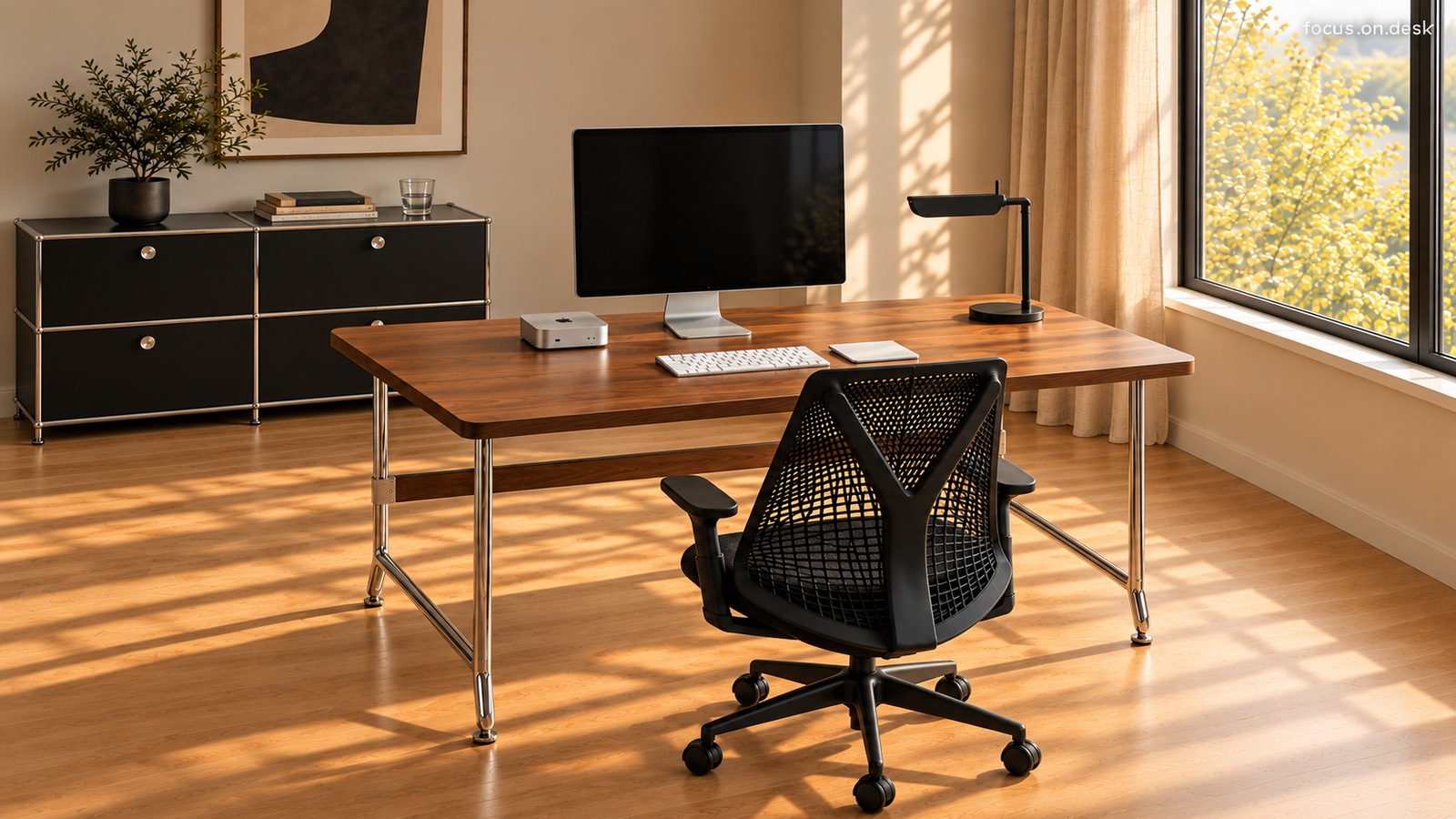
If I have monitor riser and a mat, will the area on the desk be automatically divided? When you open the note and move the mouse, you may need a different position than in the picture. Let's decide on the roles of the back, center, and sides with the items we are currently using.
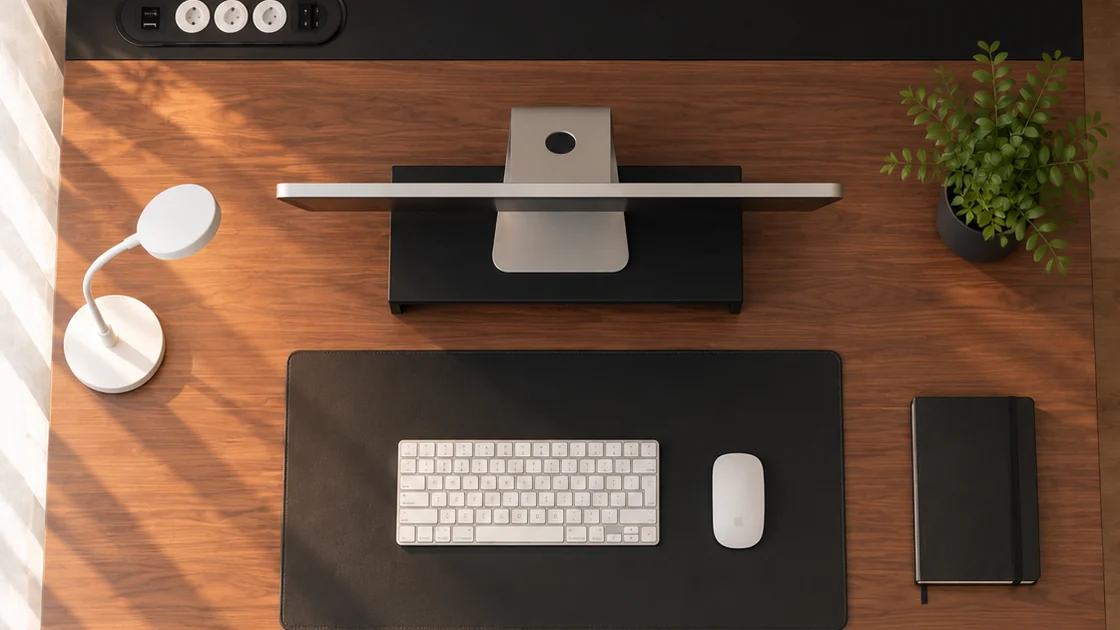
First, lay out the actual items you use.
Place the items you use together when working, such as a keyboard, mouse, and notes, on the desktop. As shown in the photo, the required space is different when the note is closed and when it is opened. If you often use a cup or tablet, start by placing those as well.
After checking the width and depth of desktop and the actual size of the object, decide which part to leave empty. This is the step of comparing a layout that looks good and a layout that suits my work. Rather than copying the spacing in the draft by eye, it is better to check it directly at my desk.
The back is where the monitor and stand are located.
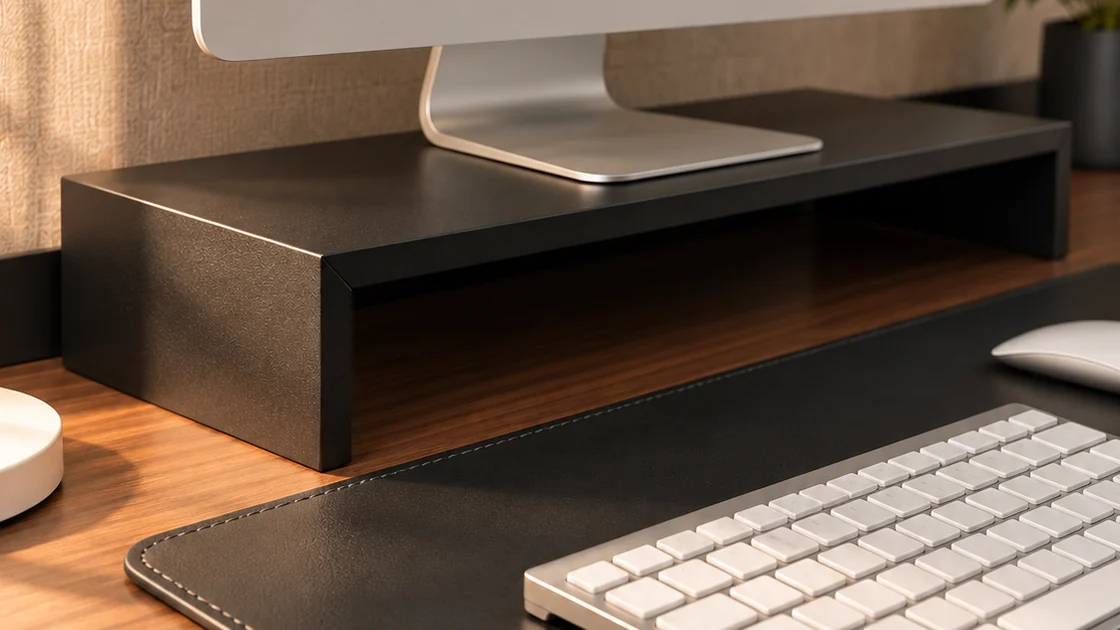
In this scene, the stand ties the bottom of the monitor into one area. The black side of the base creates a blank space around the stand, and the color continues with the mat on the front.
If you choose a stand, compare the actual dimensions of the size of the surface where the monitor stand is placed, the depth of the stand, and the space left behind the desktop. If you plan to put anything underneath, you'll also need the interior height and width. Don’t assume that the storage space is the same just by looking at the exterior width.
Just because there is a stand in the picture doesn't mean it will support the weight of my monitor or be at an appropriate height for use. Check the load and compatibility conditions through the actual product guide, and pay attention to the way the items are spaced.