DESK GUIDE / Placement Guide
How to use a desk with two speakers and two lights without feeling stuffy
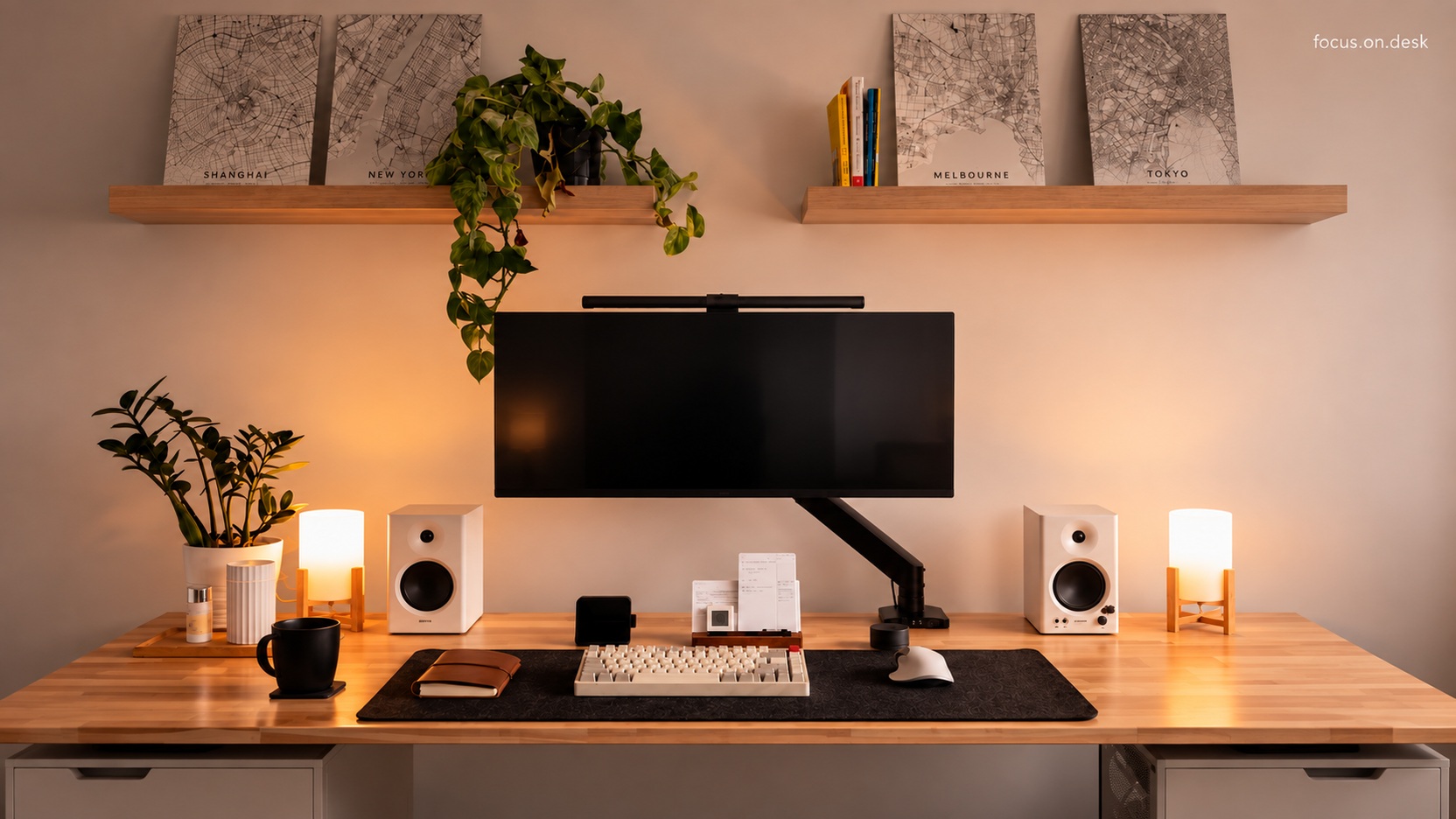
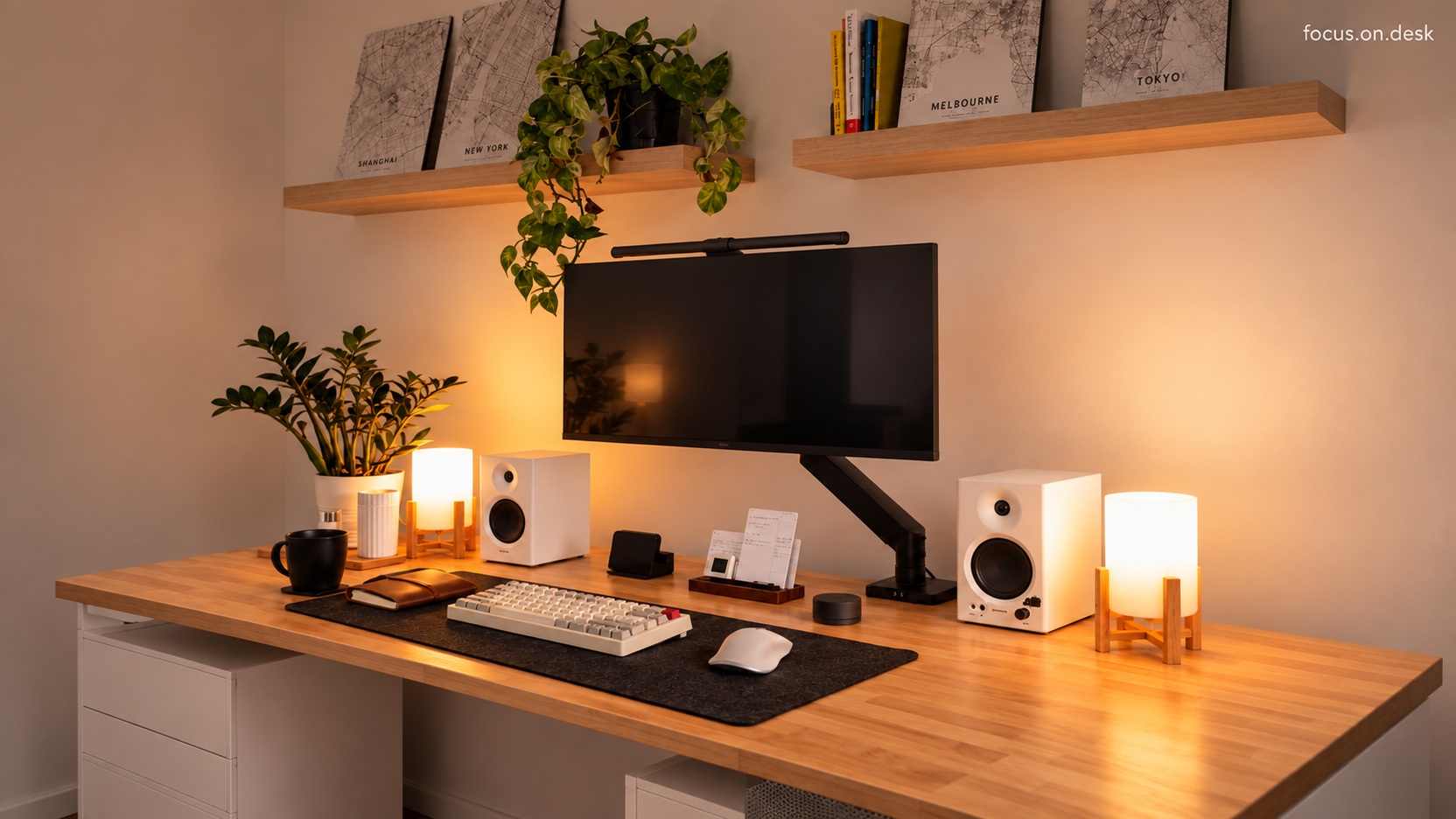
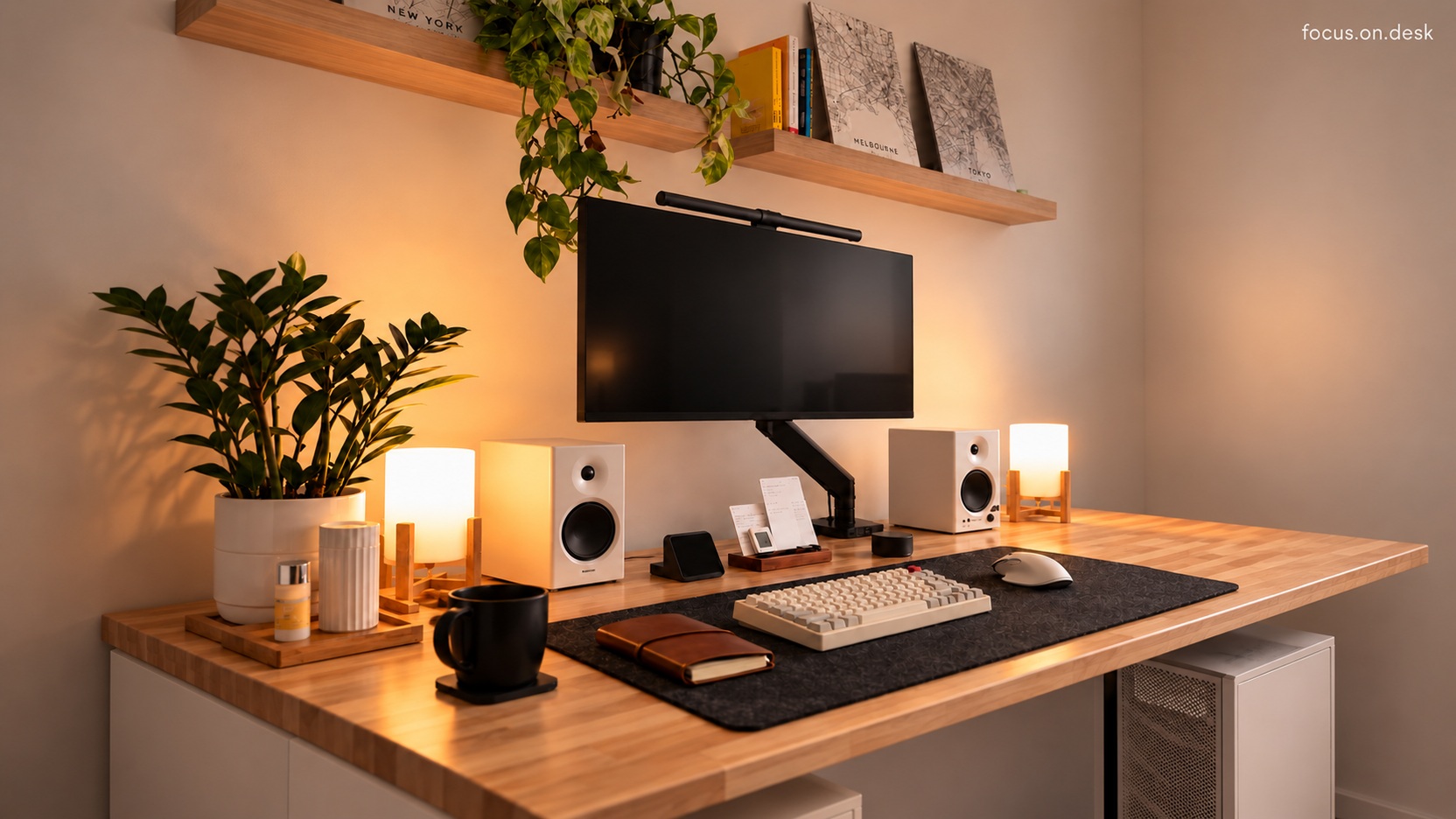
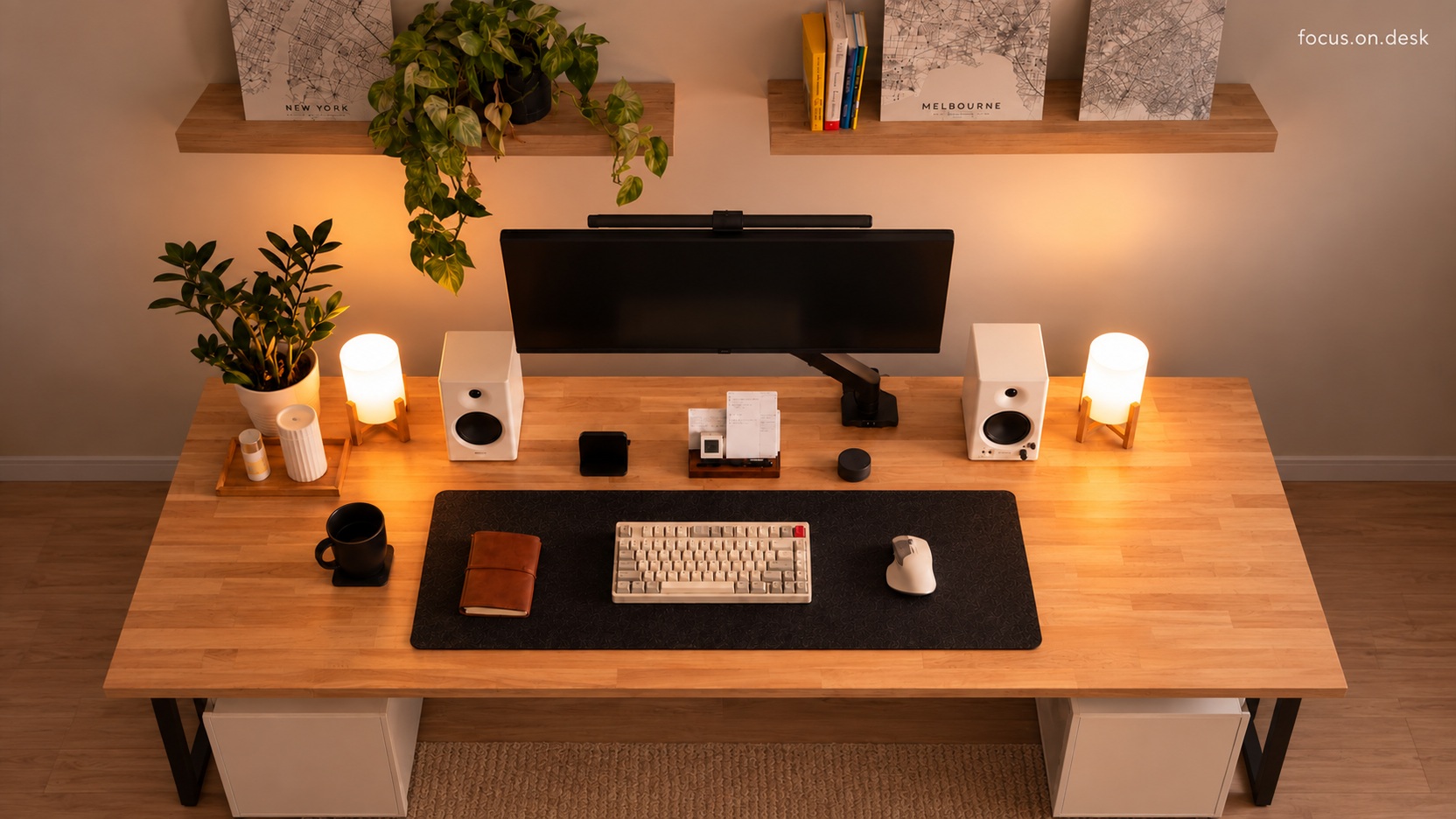
If you put two speakers and two lights, how much space will you have left in front of your hands? Choose a central work surface first and place equipment on either side of the back. It is an arrangement that leaves space to operate devices and connect wires.
The connected product is an alternative for purchase reference only.
Start by choosing the center mat spot
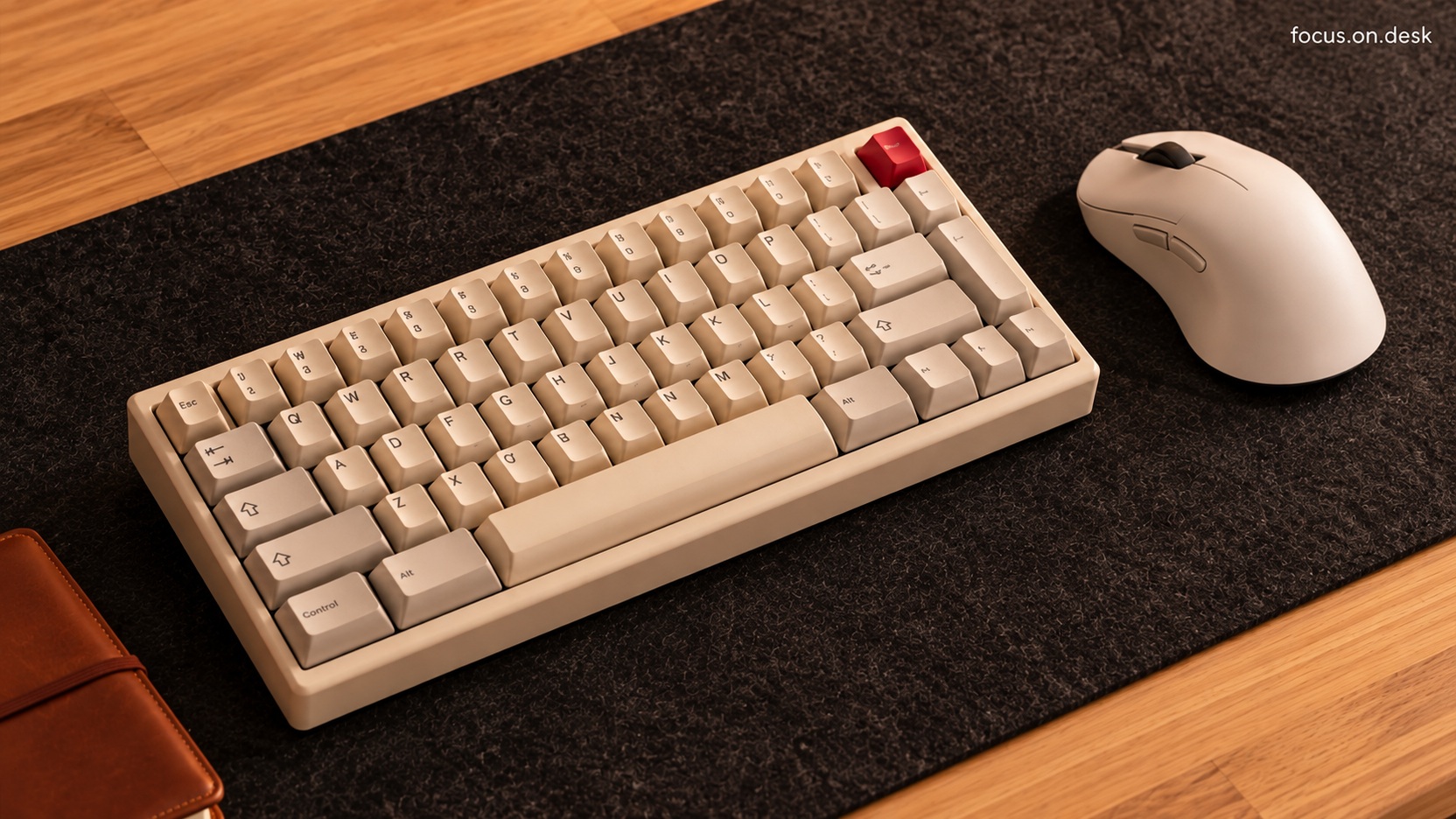
Place the keyboard and check the range of mouse movement you normally do. If you are thinking of uploading a notebook, also include the size when opened. The dark mat in the photo ties the tools into one square. The linked BRÄNNBOLL black/pattern 90×40cm is a circle of 16 and 900 and is an alternative with a different material and pattern from the felt-like mat in the photo.
If you share notes, try setting them to open size rather than closed. It would be good to check whether the mouse is pushed to the center when lighting is added.
Speakers and lights on both sides of the back
Position yourself so that the front of the speaker is not blocked by flower pots or containers, and place the lighting outside so that it does not block the speaker's control panel or cables. The placement in the photos is for visual reference only and does not guarantee specific acoustic performance. Please check the manual of the speakers you are using for the actual listening position and wall spacing.
Don't just look at the front of the device, also look at the wires connected to the back. If you make sure that you don't have to remove other props when adjusting the power or volume, it will be easier to maintain the arrangement.