DESK GUIDE / Study desks
A Study Desk for Tablet and Paper: Keep Room for Your Planner
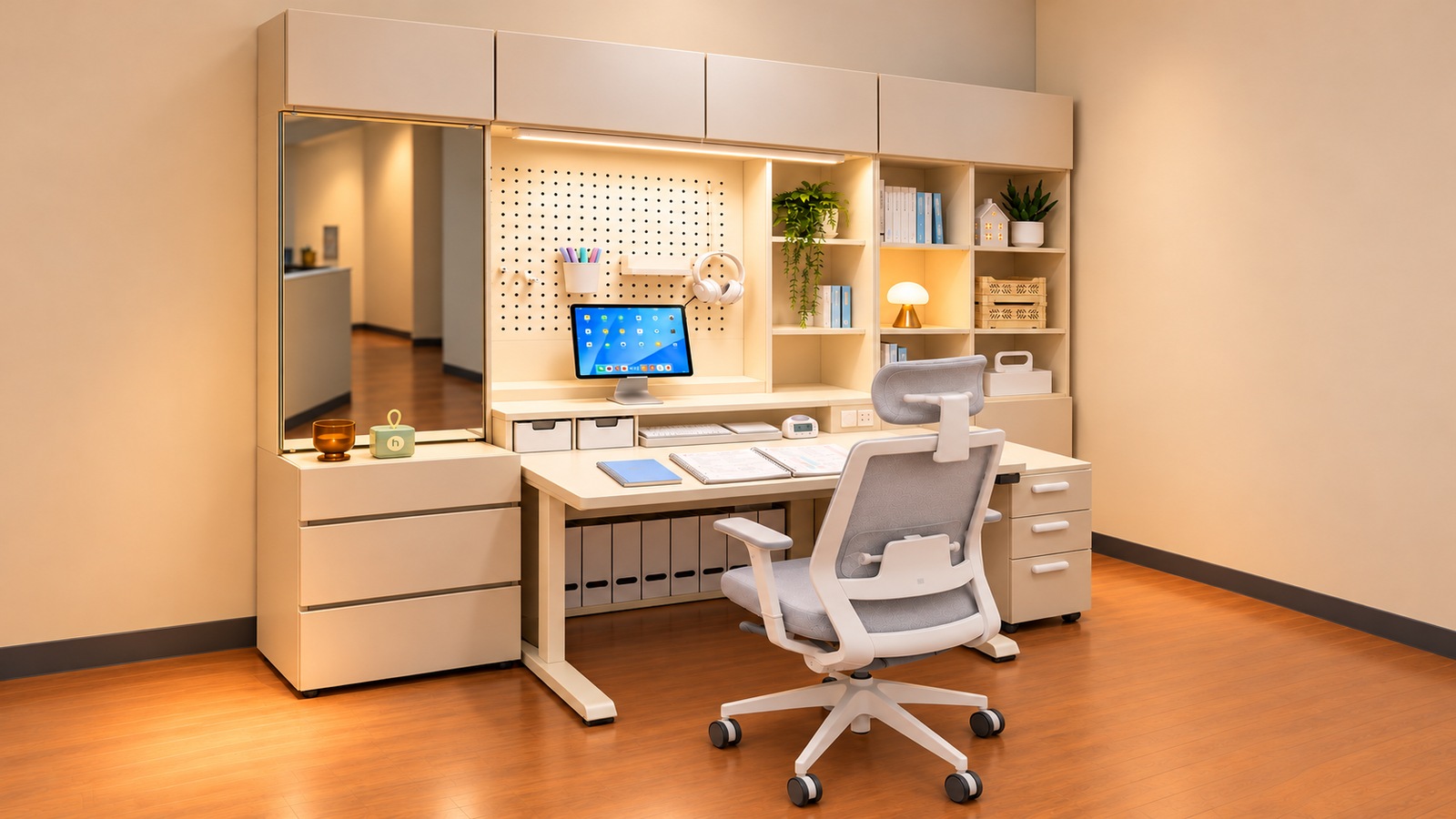
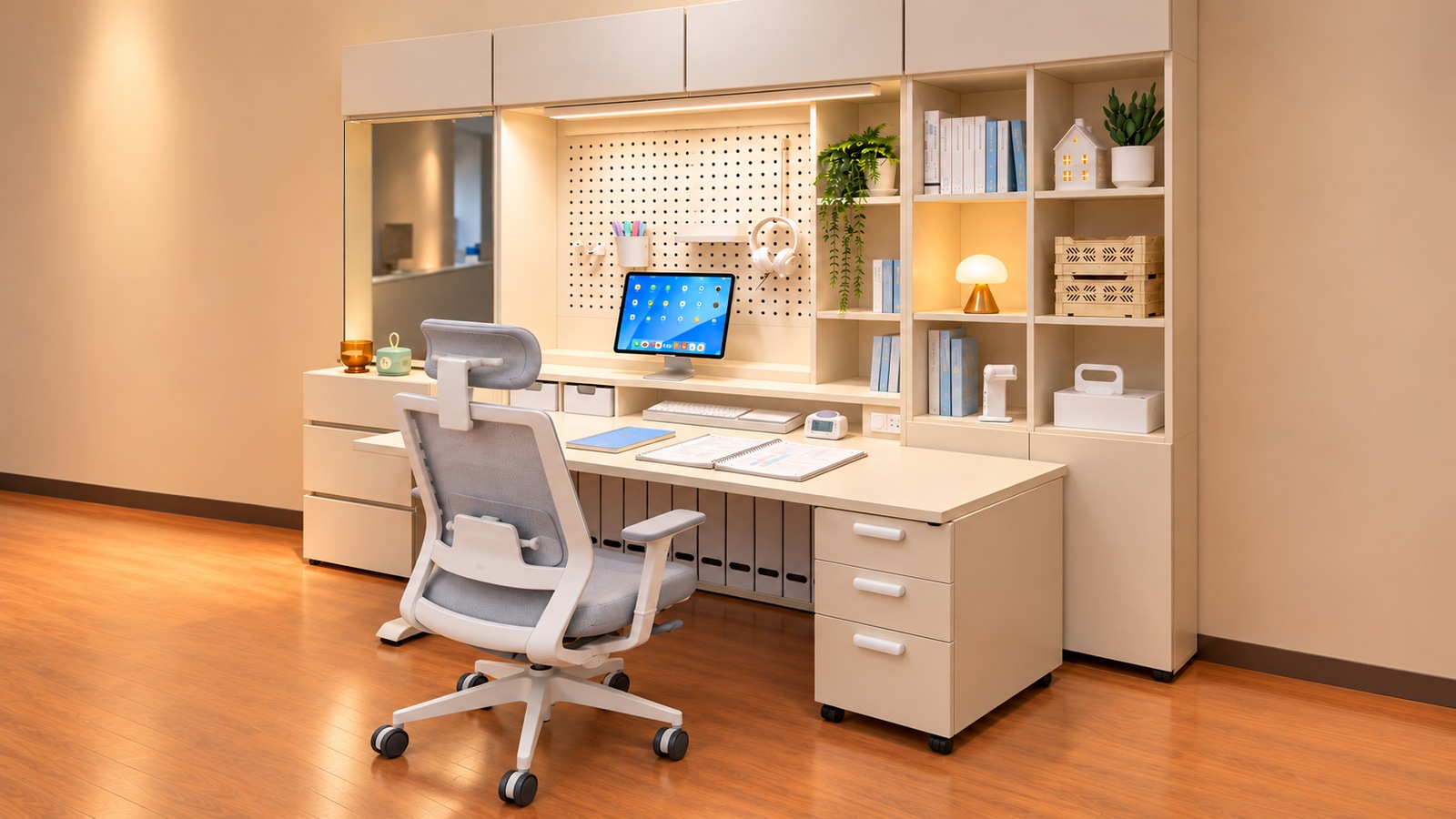
A tablet-based study setup needs space both to view the screen and to write on paper. Using the open planner in these photos as a reference, check stand depth, keyboard movement, light reflections and the routine for putting tools away.
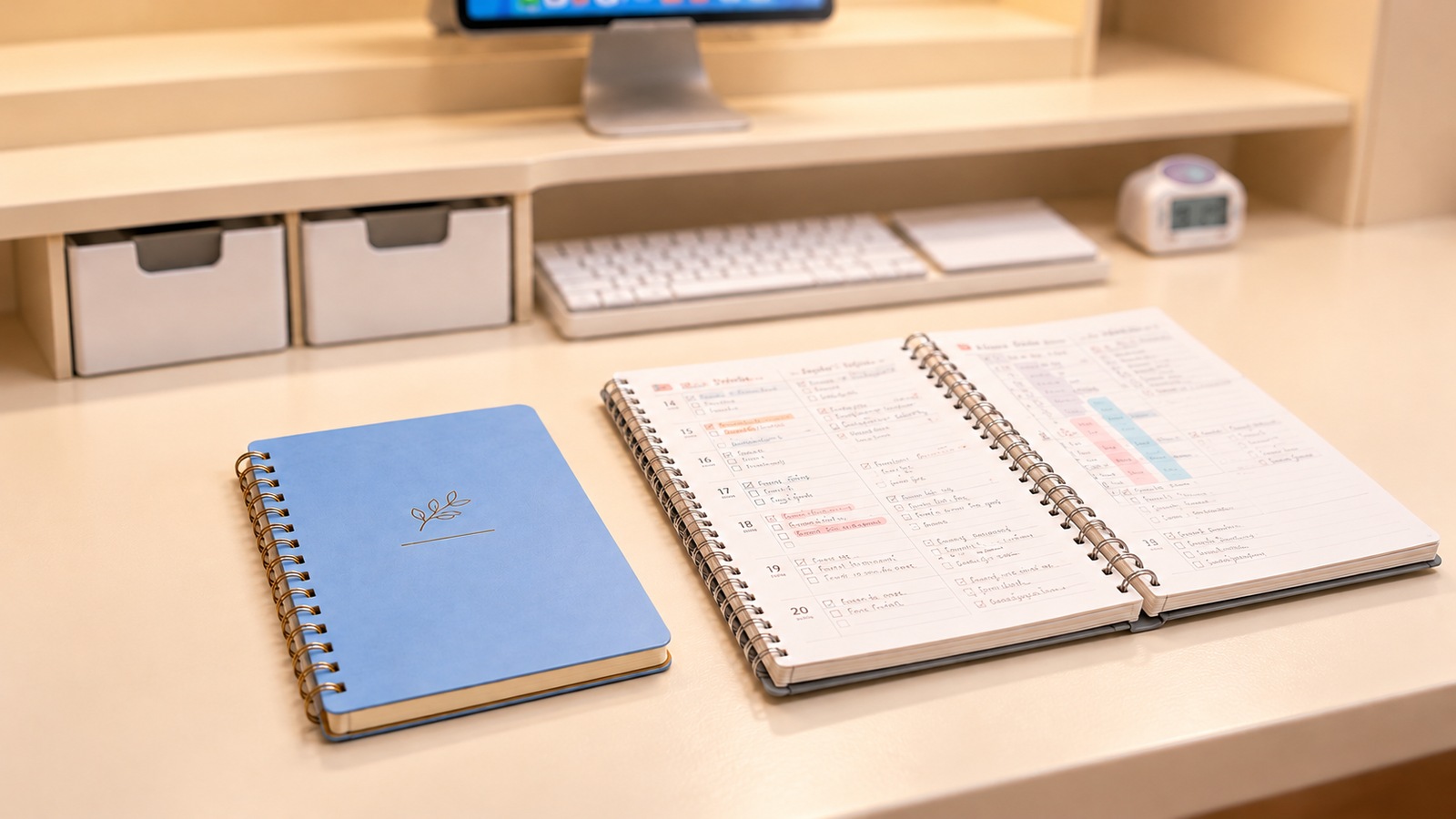
The device model and the owner’s study habits are unverified. This is a layout guide, not a firsthand review or evidence of improved learning. The supplied images were recomposed into landscape 16:9 views with generative tools. They reference the original furniture and layout, but extended walls and floors cannot show actual room dimensions.
Plan for the moment you use screen and paper together
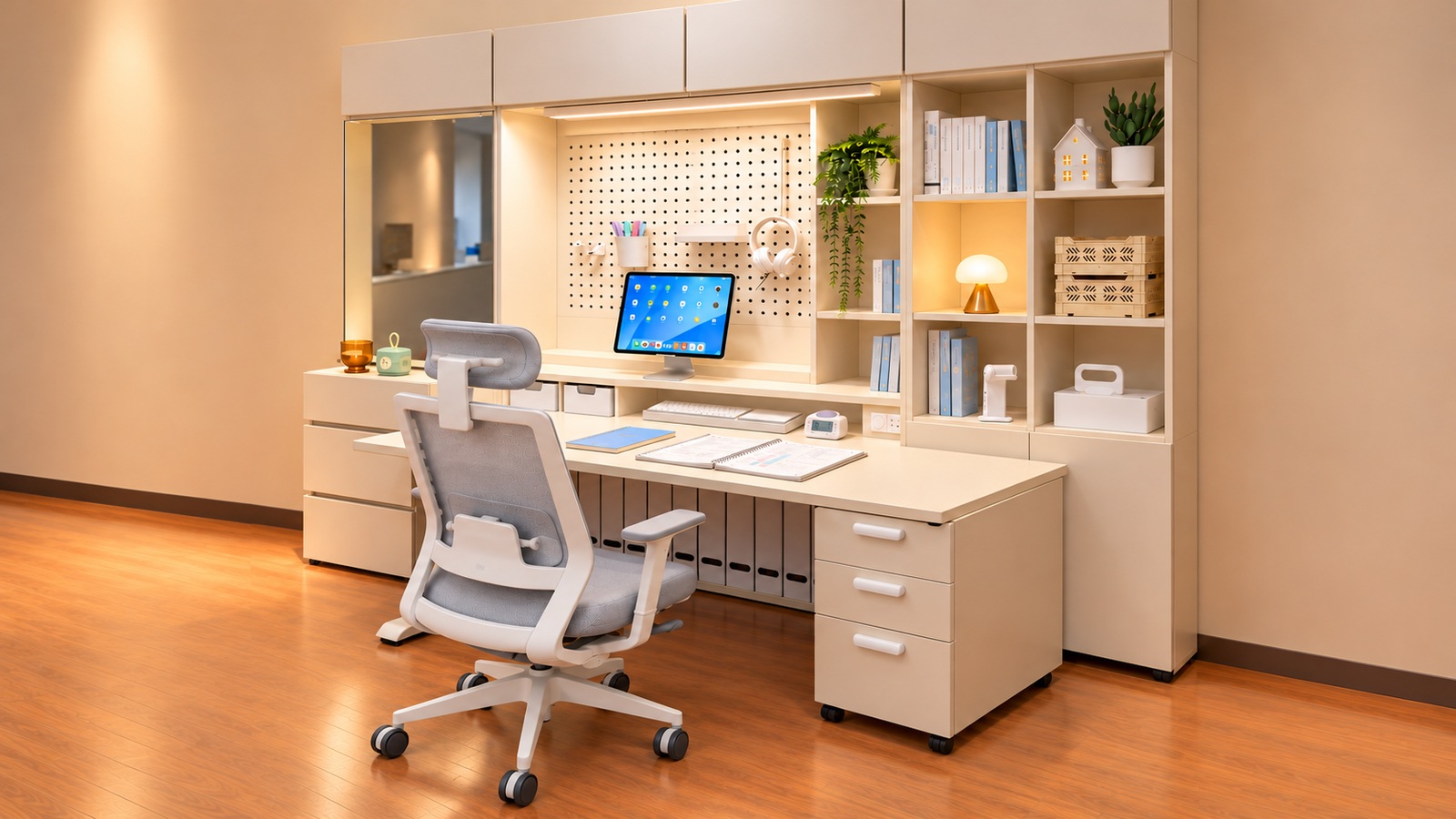
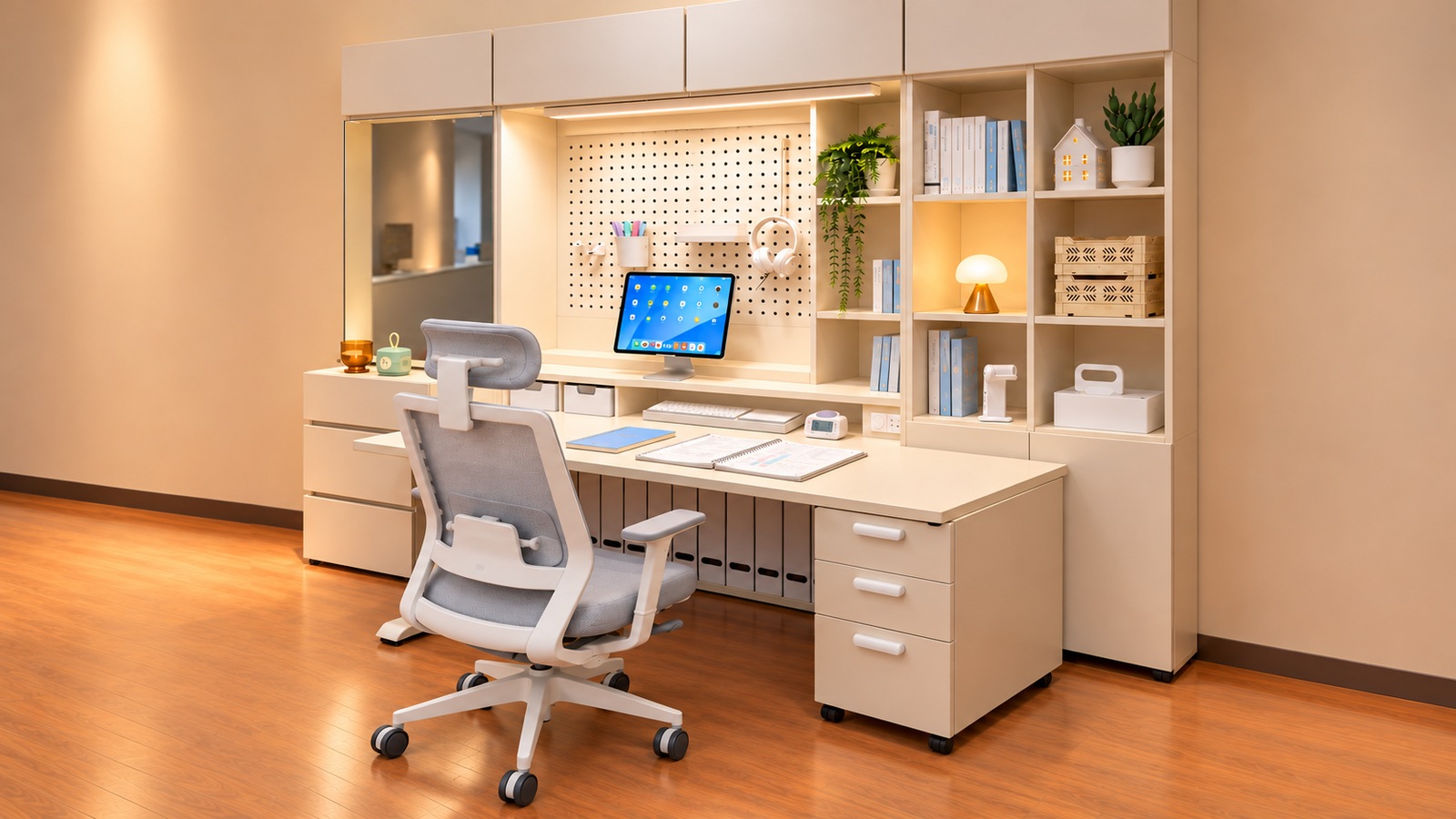
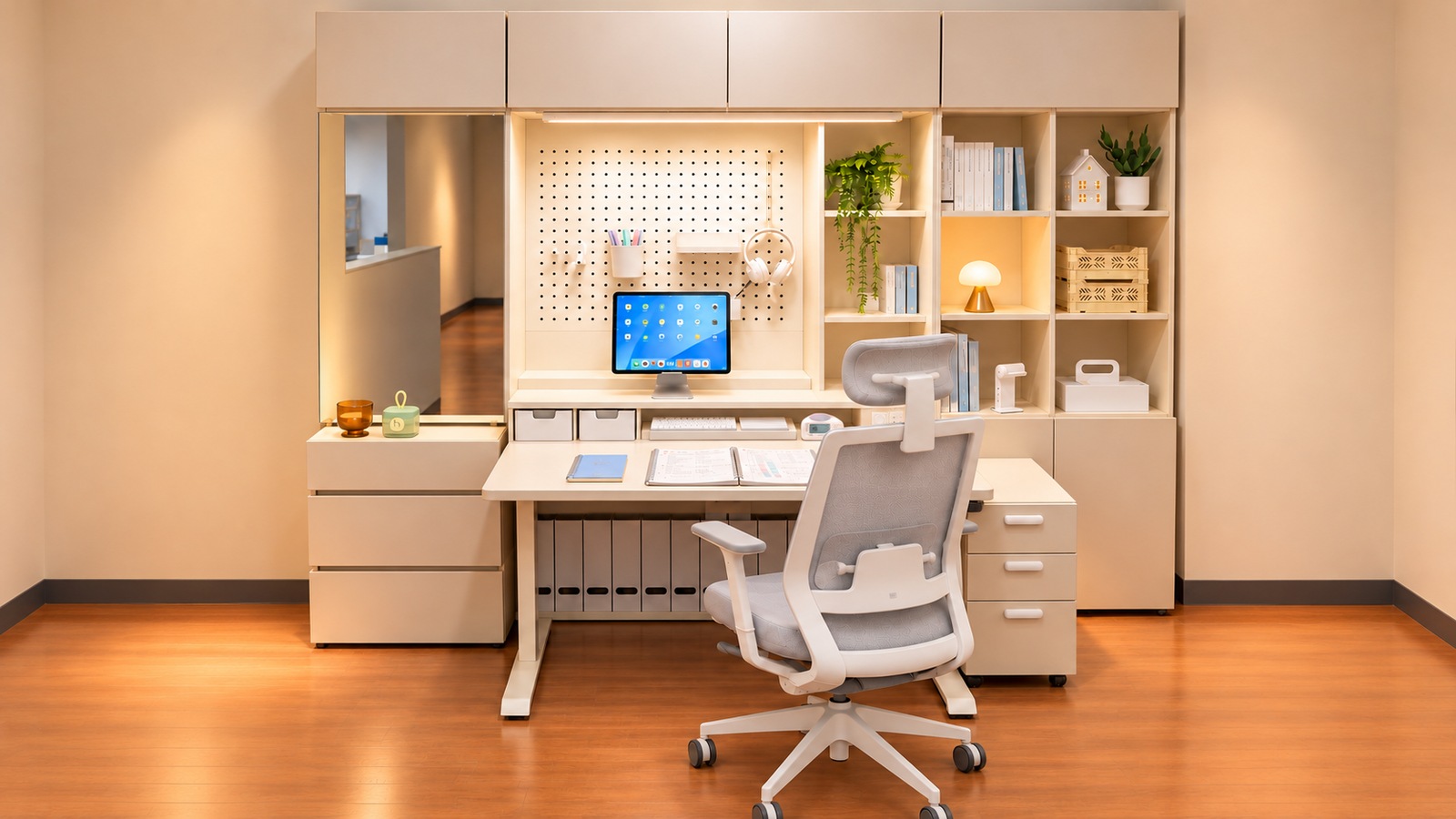
The tablet sits on a stand at the back, with the planner open at the front. Neither covers the other, suggesting room to read from the screen while writing on paper. The first question is whether both tasks can happen together, not simply whether the device fits.
Watching a video and writing directly on a tablet may call for different distances. Decide how you use yours and actually reach out to touch it. If the movement catches a page or pen, adjust the front-to-back position before raising the screen higher.
Measure stand depth and usable space, not just height
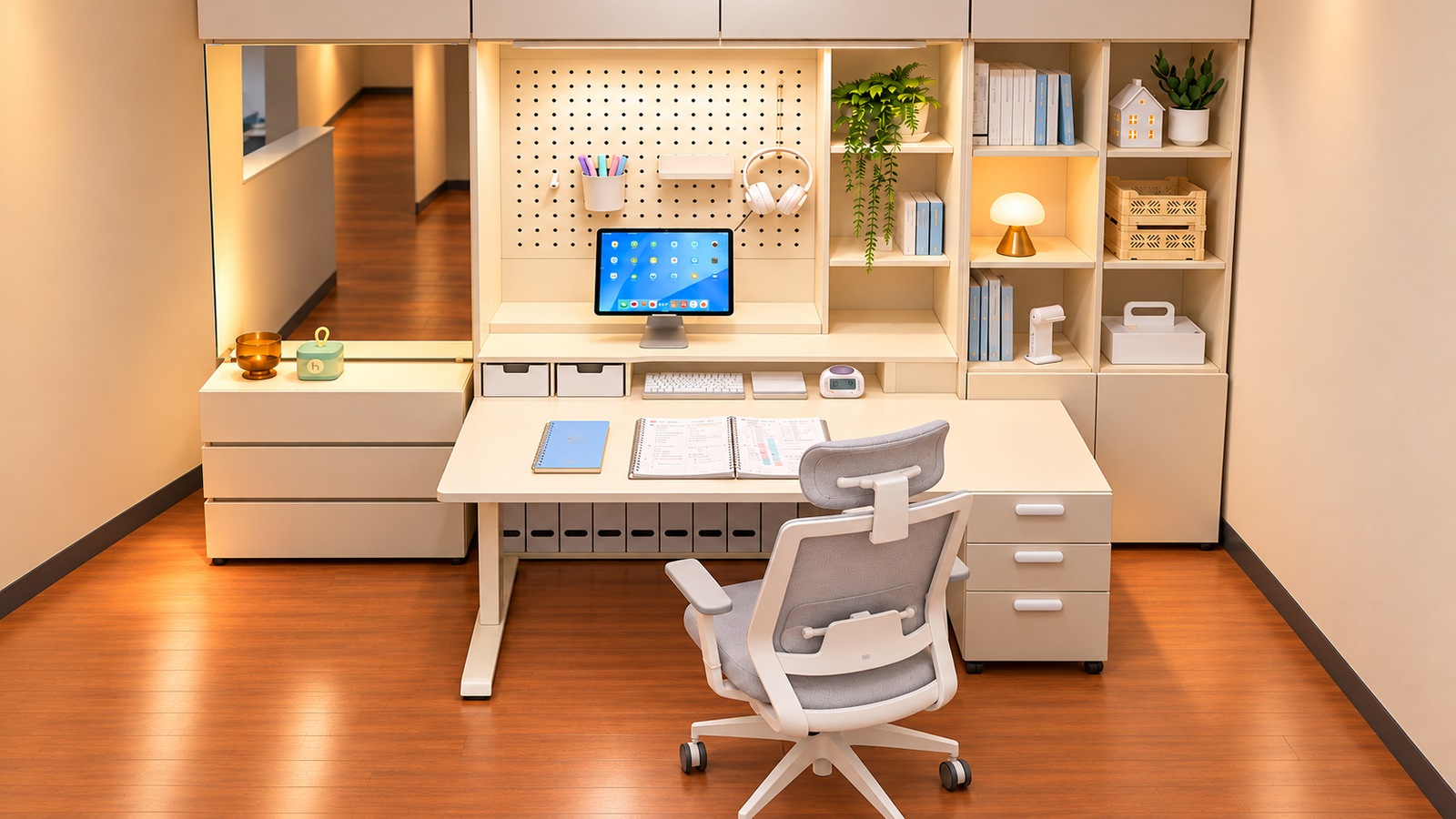
The long rear shelf supports the tablet and creates space below for input devices and small boxes. It gives the desktop two levels, but a deeper stand leaves less writing room at the front.
Measure your existing stand’s footprint and the extra depth needed with a charging cable attached. If a keyboard must slide underneath, measure the clear opening rather than the outside dimensions. The linked ELLOVEN alternative has a drawer and differs from the long shelf pictured, so it will not reproduce the same storage layout.