DESK GUIDE / PC placement
Should Your PC Sit on the Desk? A Guide to Placement That Fits Your Room
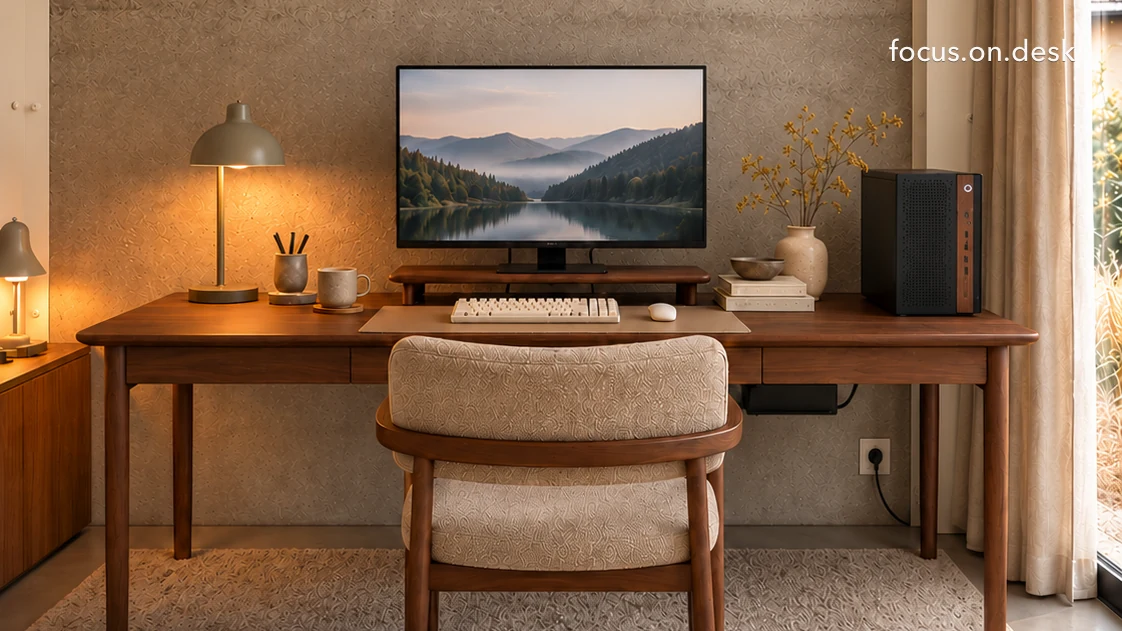
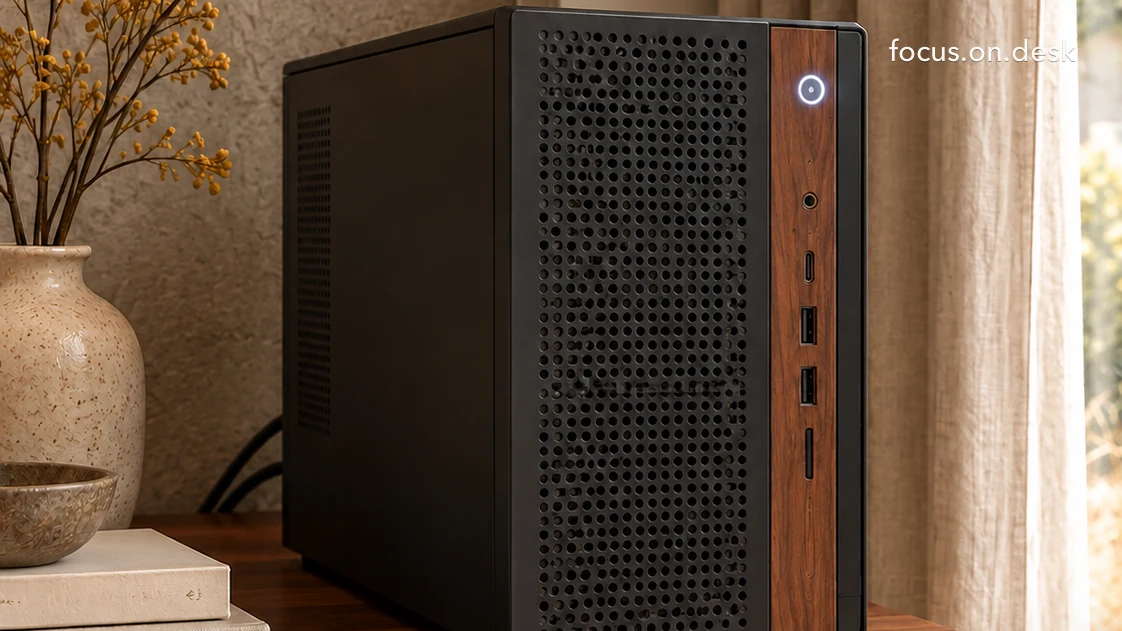
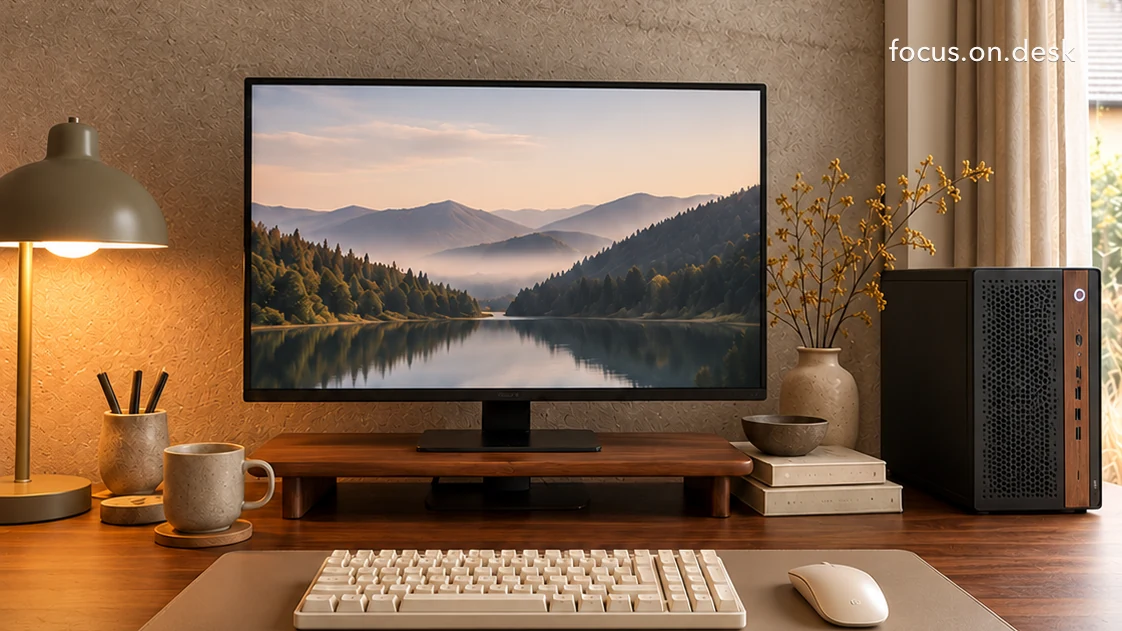
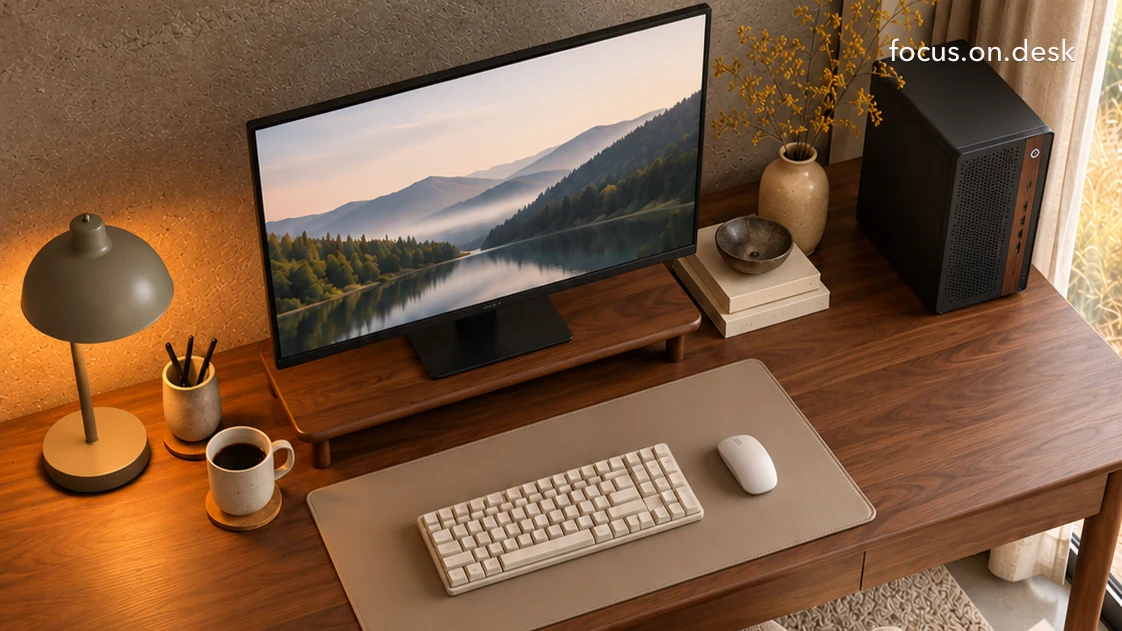
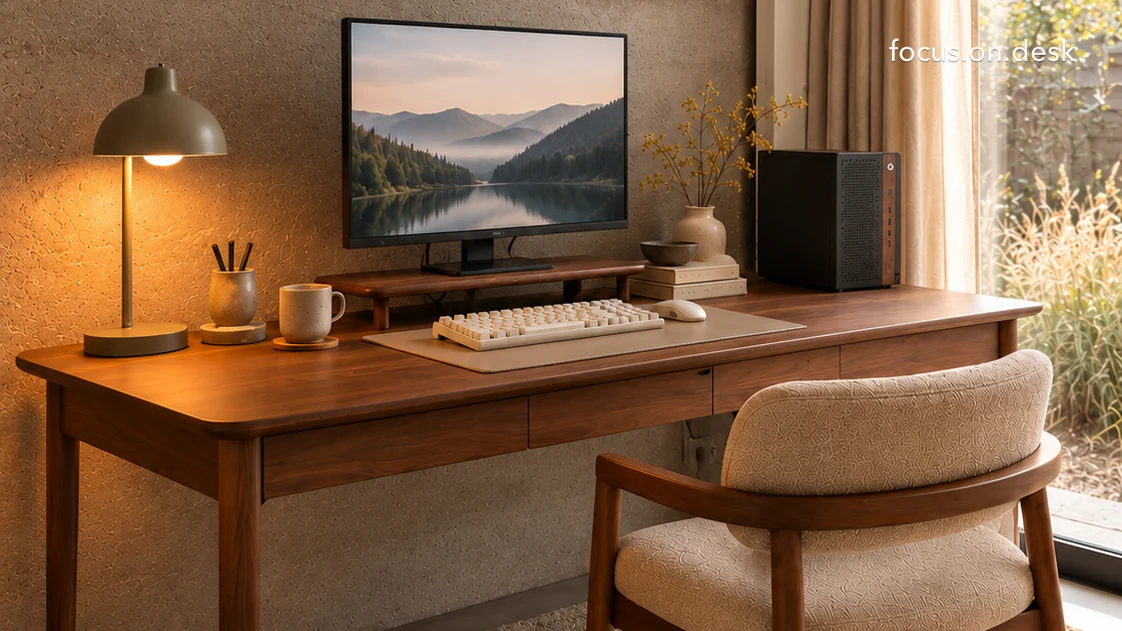
Deciding whether your PC belongs on the desk or below it starts with surface space, ventilation, dust and cable routing. A charcoal-and-wood case on a walnut desk shows how placement and a coordinated palette can make an exposed tower feel part of the room.
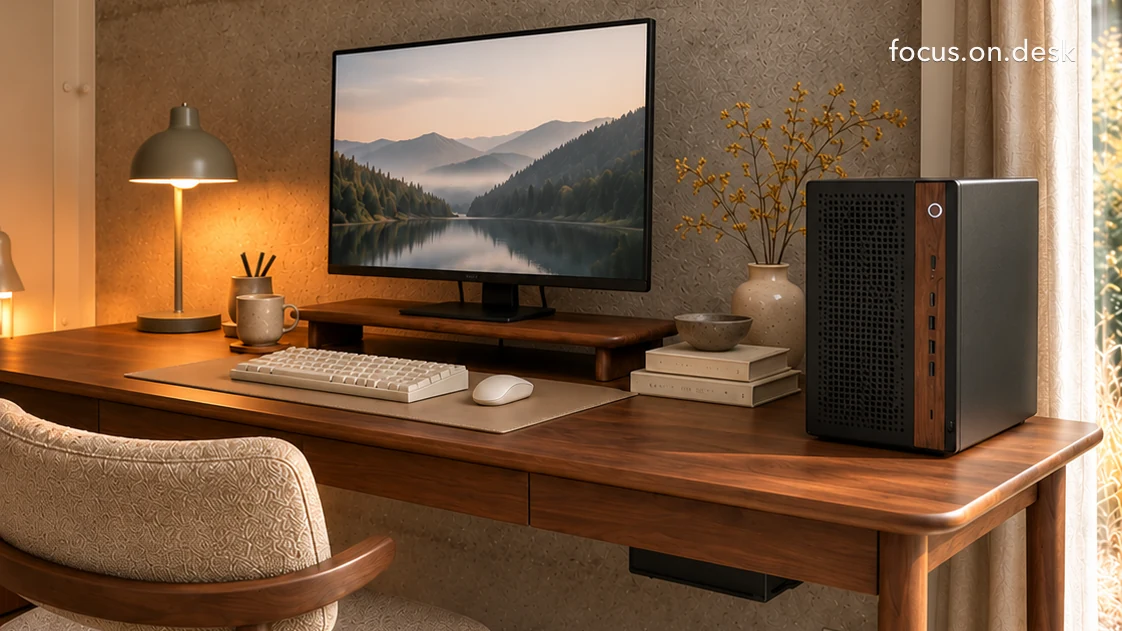
After the monitor, the PC is often one of the largest objects in a setup. It is frequently tucked beneath the desk in styling photos, but limited legroom, a rug on the floor or frequent use of front ports can make a desktop position more convenient. Once you decide to keep it visible, the question becomes how to make it feel at home in the space.
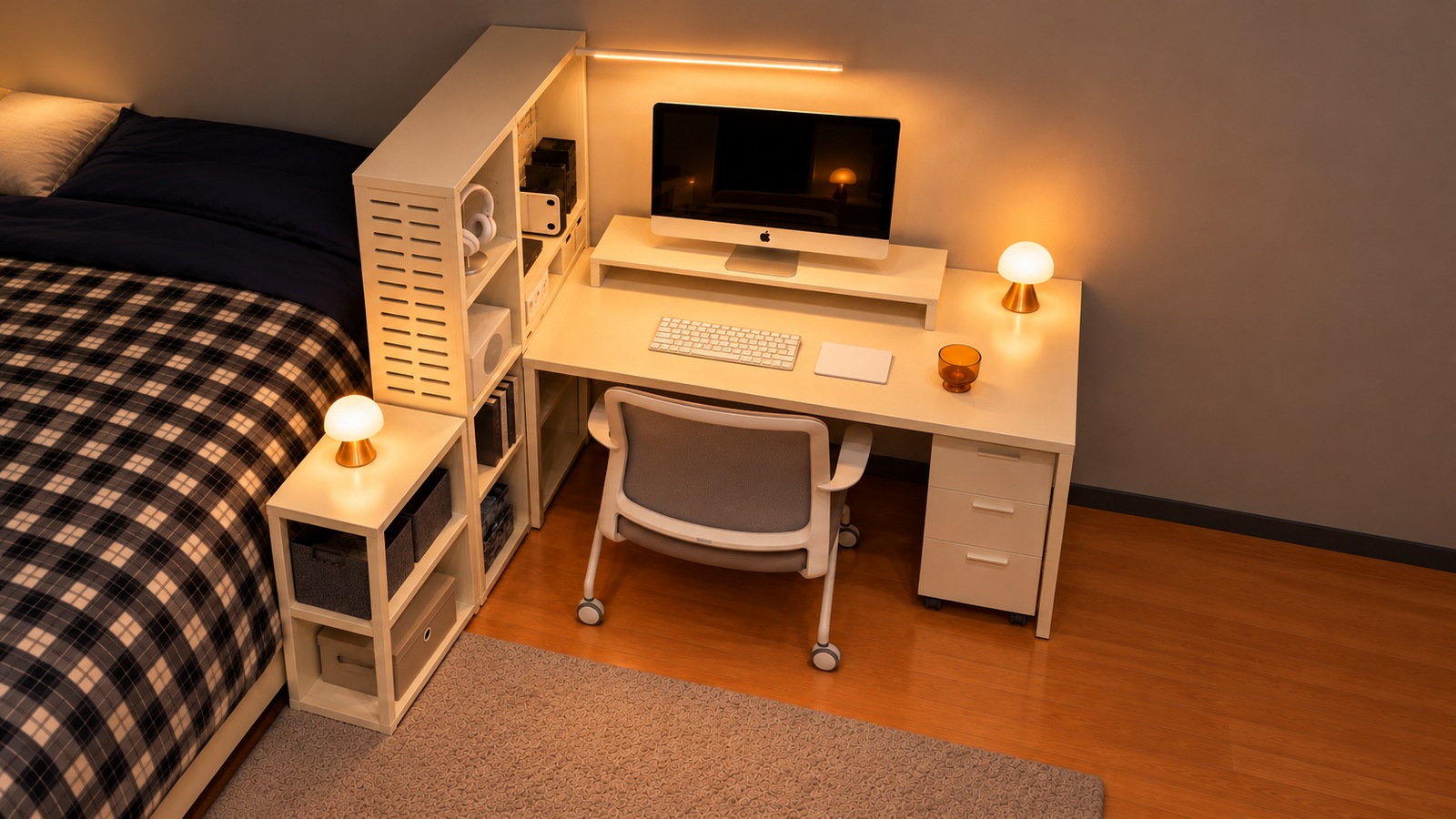
Follow the steps below to choose a position, coordinate colors and accessories, and check airflow, cables and stability. The example images show the same workspace from different angles.
Five things to compare before choosing desk or floor
Compare both positions against the same criteria before deciding. These five checks will usually clarify the trade-offs.
First, desktop width. After arranging the monitor, keyboard and mouse as you normally use them, the remaining width needs to accommodate the tower plus space on either side. Check that a broad mouse movement remains possible once it is in place.
Second, legroom. A tower below the desk can obstruct stretched legs or the chair as it moves in. On a narrow desk, moving it upward may free a more comfortable seating area, provided the top has room.
Third, the floor. Dust and hair near floor level can reach intakes more easily, and placing a case directly on a rug may obstruct a bottom intake.
Fourth, cables. A tower on the desk is closer to the monitor, keyboard and webcam, which can shorten and simplify their cable routes.
Fifth, noise and heat. Bringing fans closer to your ears makes them more noticeable. If quiet matters, choose a position as far from your seat as practical.
Legroom and floor conditions may favor the desktop; a narrow top or sensitivity to fan noise may favor a lower position. For dimensions and movement checks below the desk, see arranging a monitor, input devices and PC around a 140 × 80 cm desk.