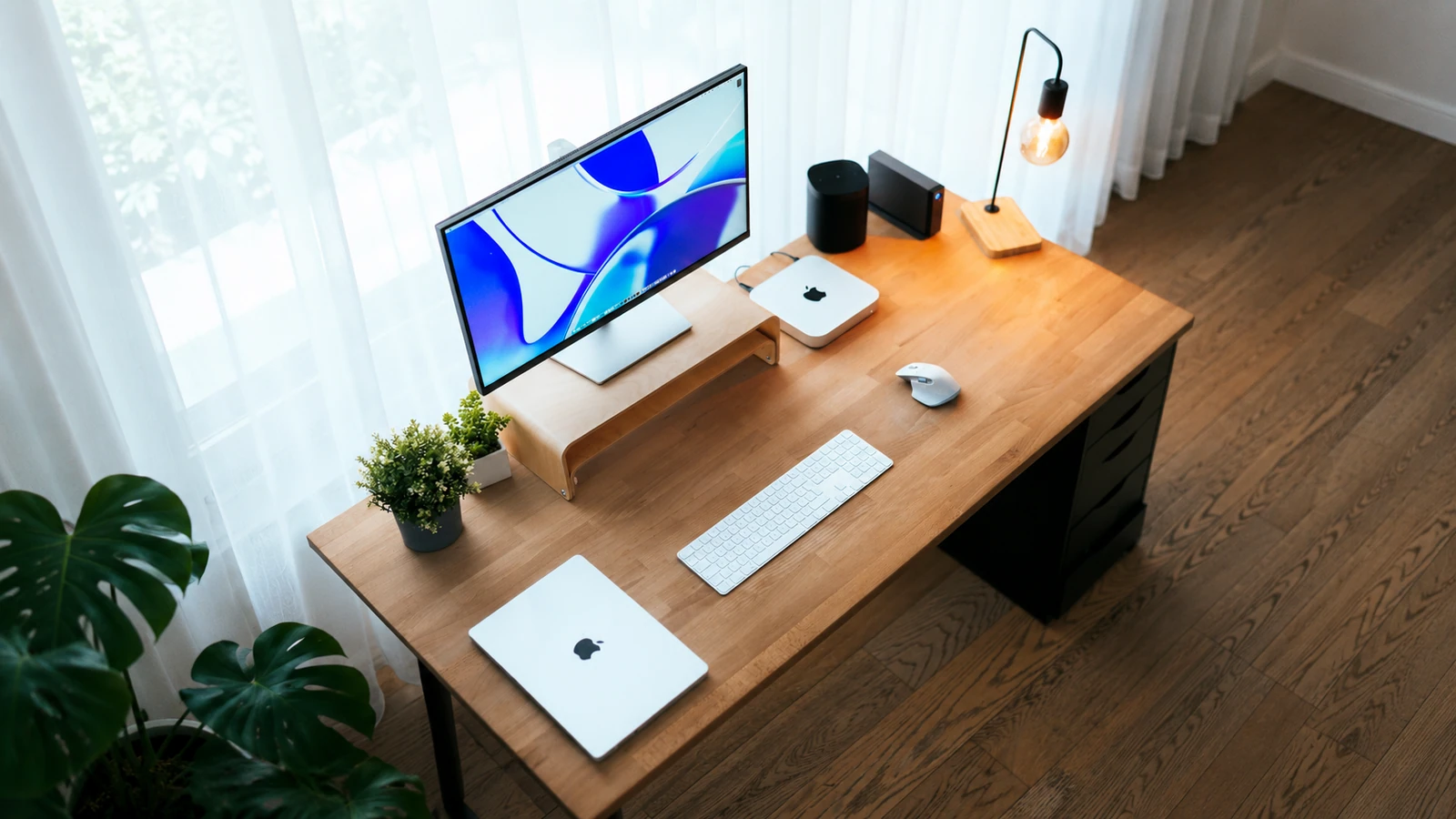
DESK GUIDE / Small spaces
Three ways to keep the space under a bedroom desk clear
A bedroom desk can look perfectly tidy with the chair tucked in and still be awkward when you sit down or open the wardrobe. Before choosing its dimensions, see how the chair, bed and doors share the same patch of floor.
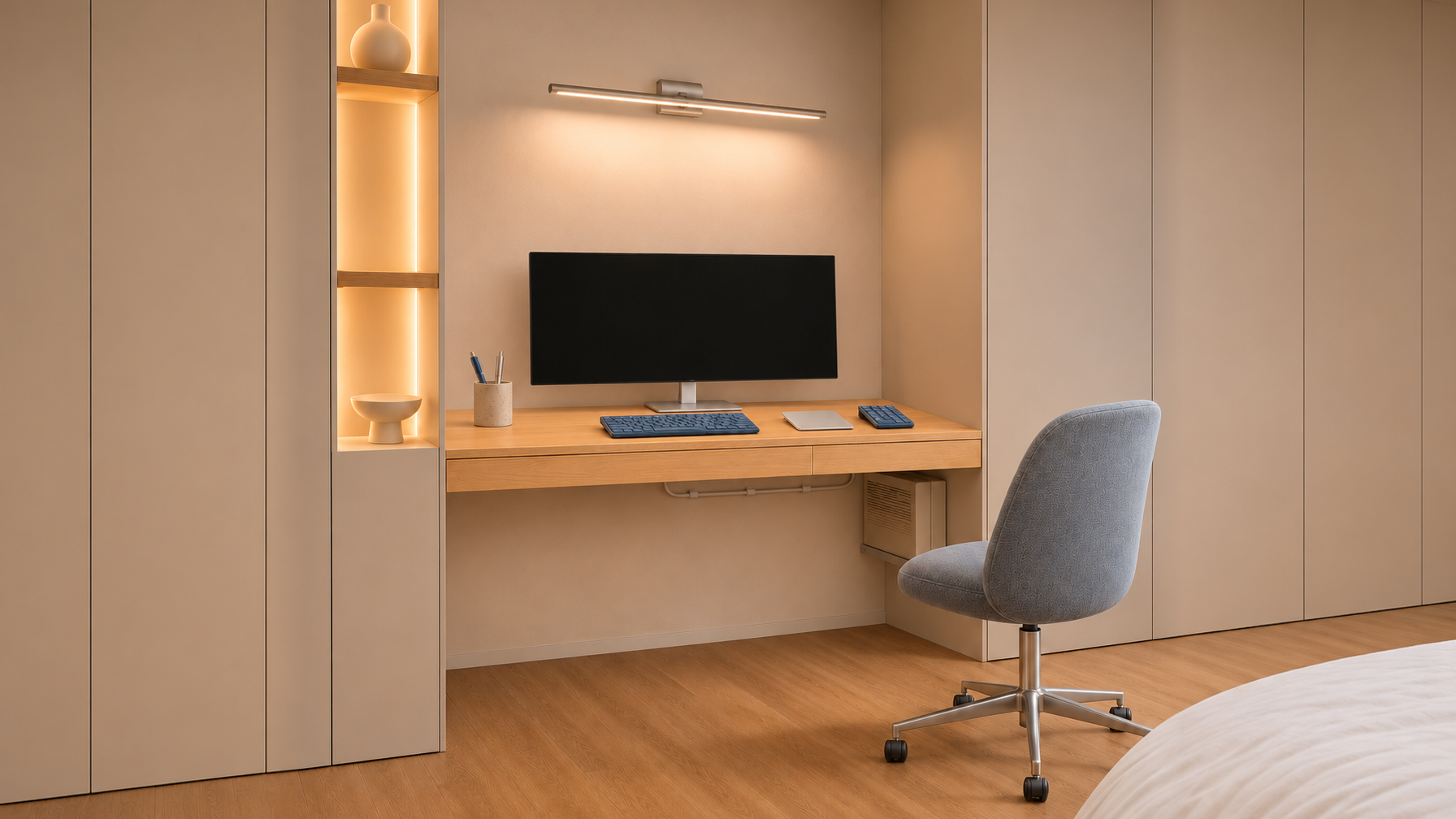
This oak setup keeps the center open and gathers the PC and cables at the edge. Start with the furniture’s range of movement, then find a place for the computer clear of your legs. Route the leads last.
1. Start by pulling out the chair
Mark the proposed front edge of the desk with masking tape. Sit, stand and pull back your usual chair, walk beside the bed, then open the nearest drawer or wardrobe door. If you catch a handle or have to push the chair away to reach your clothes, adjust the depth and seat position before ordering.
Test the wheelbase and your legroom separately. Swivel or sit slightly sideways and check whether a caster hits the bed frame. Tuck the armrests under the front edge or drawer. If you vary your chair height, repeat at the highest setting you use.
A legless desk needs support the photo can’t establish. Ask the installer to assess the wall and side cabinets, and supply the span and weight of the equipment. If there’s a drawer, mock up the clearance below it. Its thickness comes directly out of the space above your knees.
2. Put the PC where you can reach it and air can circulate
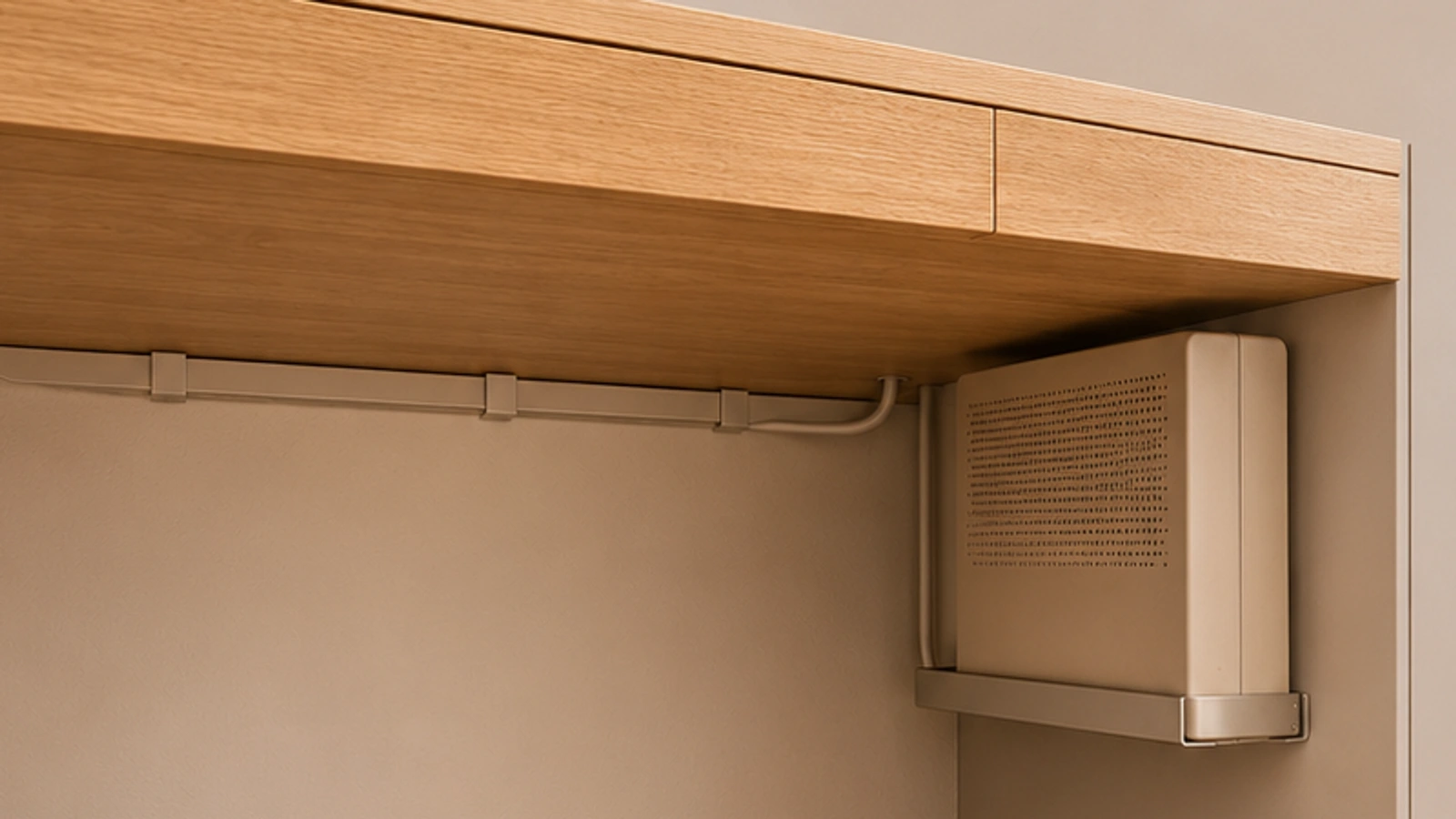
Here a compact PC hangs vertically under the right side, leaving the middle free for both knees. Mock up its width, height and depth with a box or folded cardboard. Turn your legs and move the chair. If you touch the box, shift it inward or try a different mounting face.
Check the orientation of ports and vents. Can you reach the power button and your usual connections with one hand? Leave room for the plugs and a gentle cable bend. Follow the PC maker’s ventilation and orientation requirements, and match the mount’s size and load rating to the case.
Rehearse taking it out. A bracket that releases downward needs space below; one that slides forward needs a clear path past the chair and drawers. The shortest cable tells you how far you can pull the computer out for cleaning or a port check.
3. Position the equipment, then secure the leads
Put the monitor and input devices where you use them. With a wide display, the base and its distance from the front edge affect keyboard space. Move any separate number pad or trackpad to its farthest working position and check the connector. Then mark a route from each device to its outlet or power strip.
In the underside view, one cable follows the rear edge before turning toward the PC. Keeping the computer to one side reduces runs through the middle. Loosely gather the leads first, move the chair and adjust the monitor, then secure them. Spotting a broad loop now saves repositioning clips later.
A power strip needs to be accessible as well as discreet. Sit between the desk and bed and try the switch or swap a plug. If you can’t see it or remove a bulky adapter, change its position or orientation. Make one last check for cords near chair wheels and wardrobe doors.
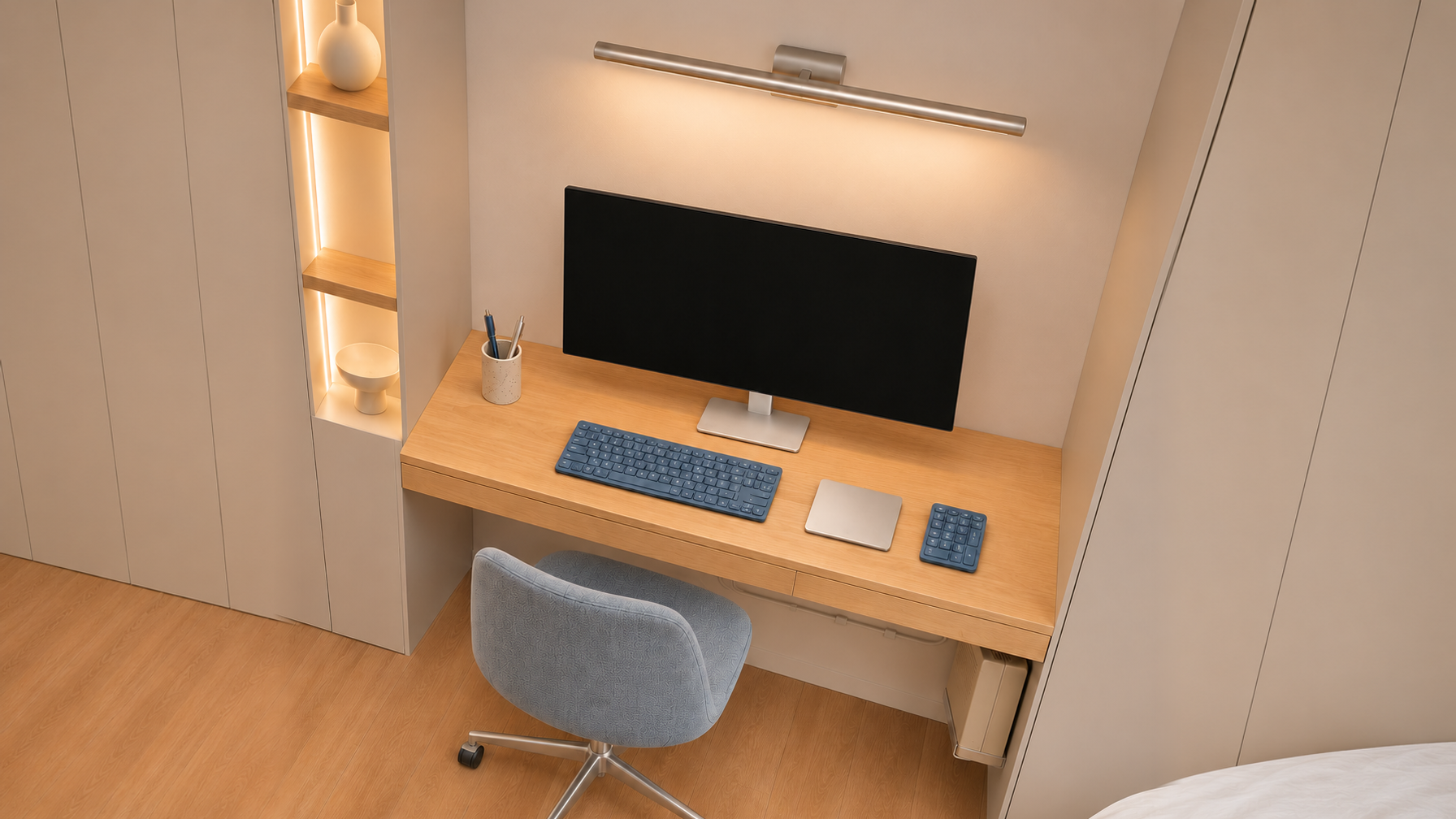
Walk through the room once more before installation
Put a laptop or keyboard on a temporary surface, pull out the chair, sit on the bed and come back. Open the wardrobe, take out some clothes, then tuck the chair in. An extra step every time you get dressed is a reason to change the gap or the chair’s resting place now.
Leave scope for the equipment you actually expect to change. A different monitor base or another external drive may need a longer cable or a port facing another way. If a laptop is all you use by the bed, skip the PC bracket and route only its charger. Keep frequently changed connections within reach.
CHECK BEFORE YOU FINISH
One last check
Tick off each item once you've checked it at your desk.
Products in this post
1 product · Prices as listed for the linked product below
Prices are as of when they were added and aren't updated in real time. Check the product page for the final price.