DESK STORY · Work from Home
A White Laptop Setup with Separate Screen and Keyboard Positions
White · Work from Home desk setup

URITRIP
October 9, 2026 · 4 views
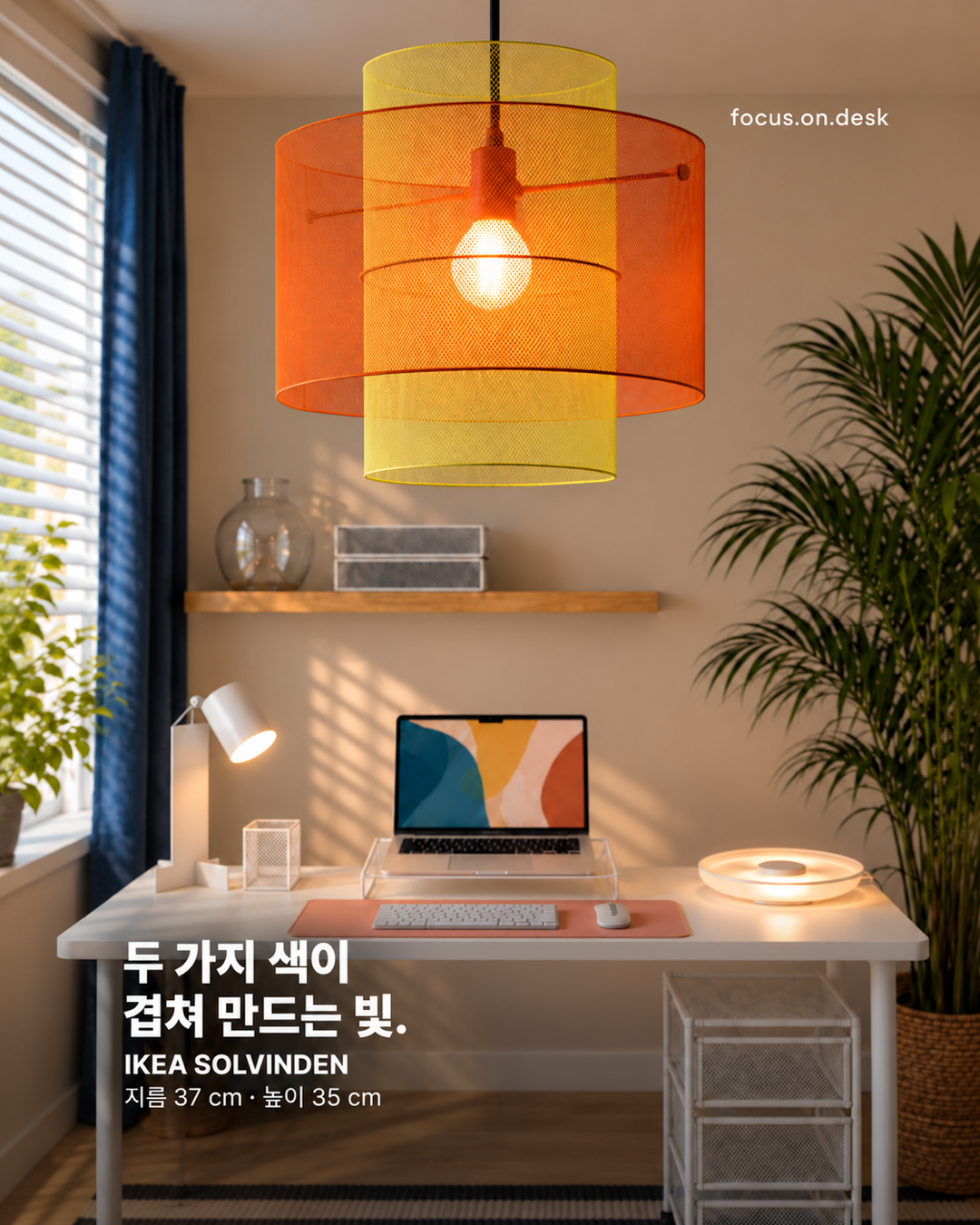
Does placing your laptop screen comfortably make its keyboard feel too far away? This setup raises the laptop on a rear stand and keeps an external keyboard and mouse in front, separating where you look from where your hands work.
Different roles for the rear screen and front input devices
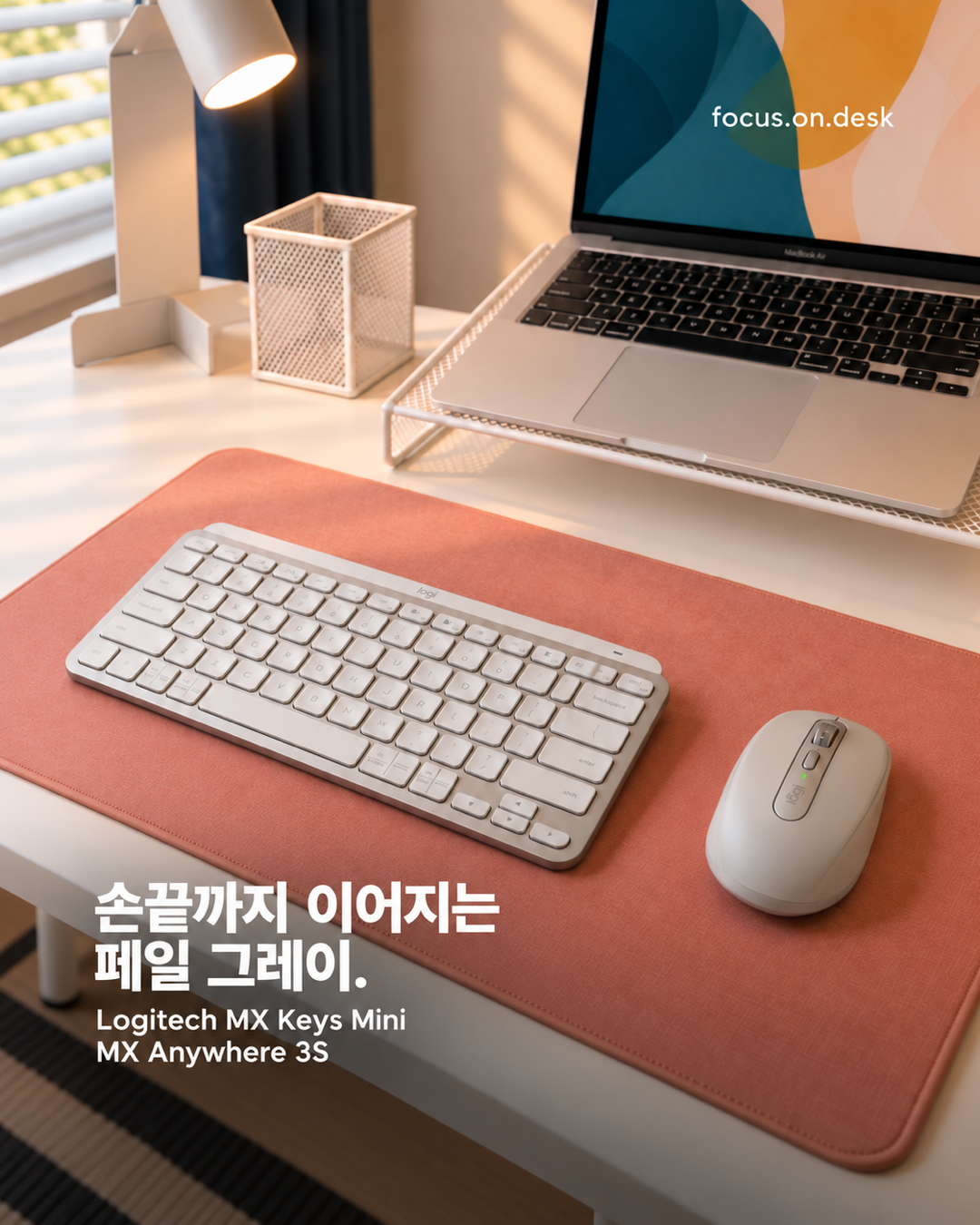
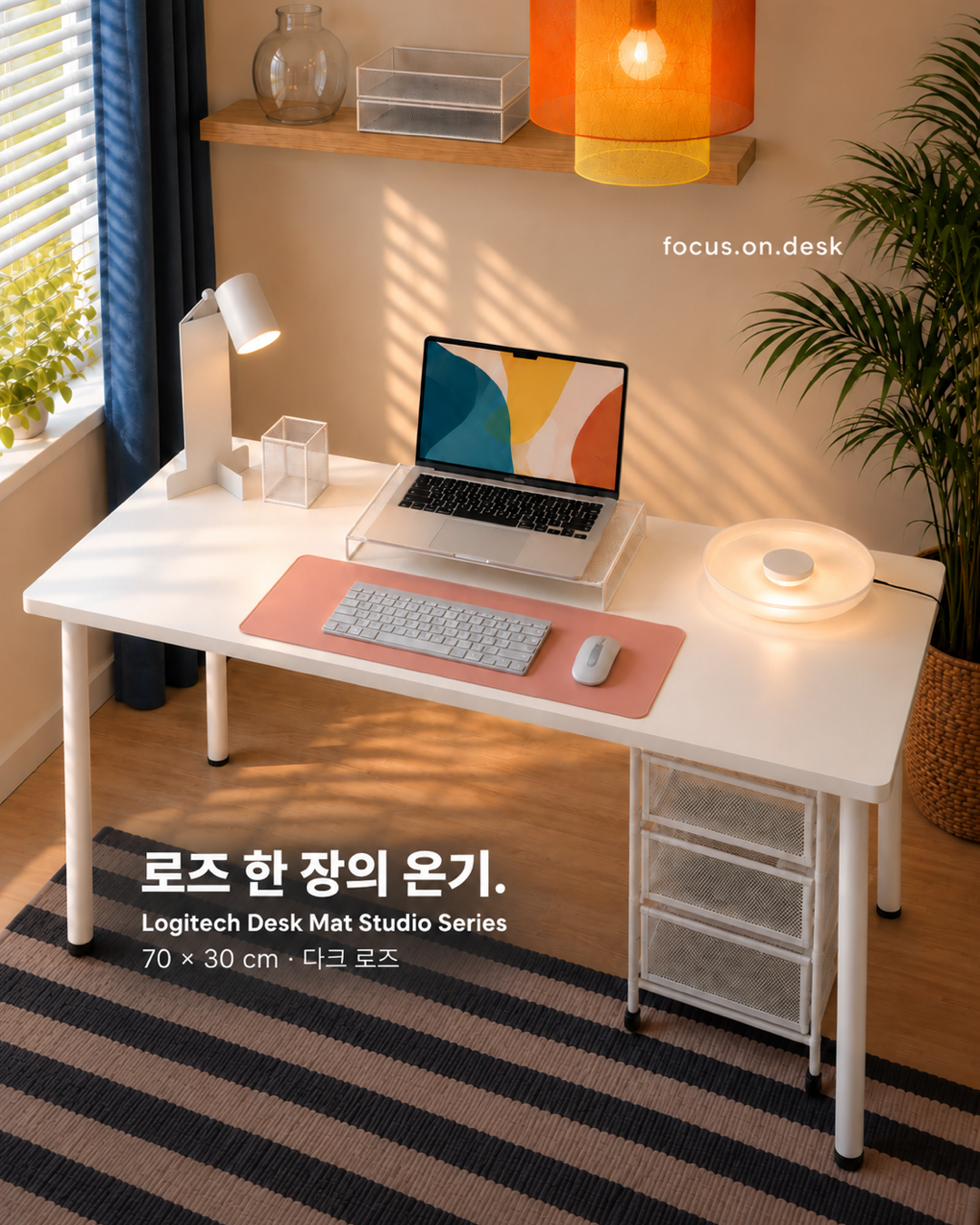
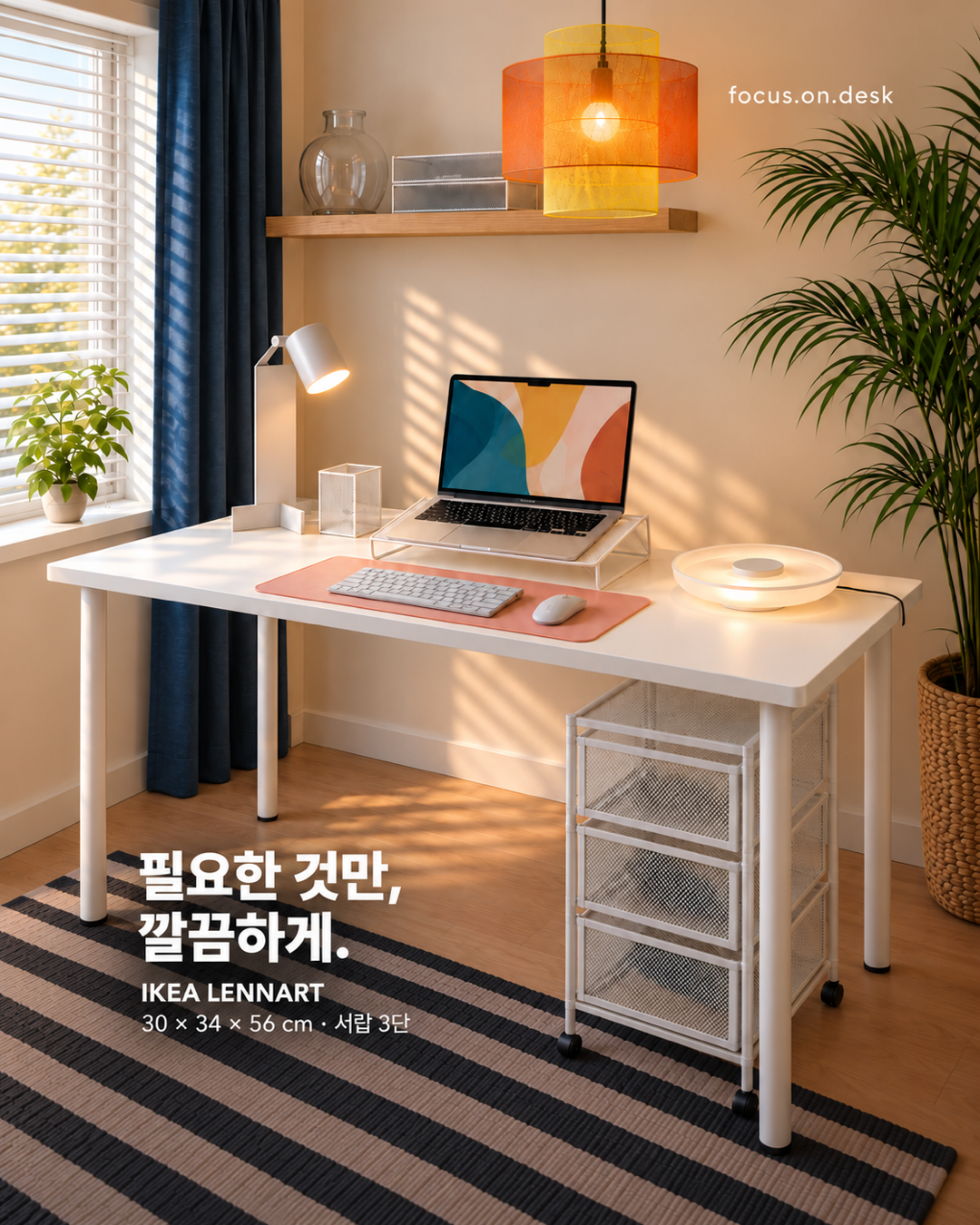
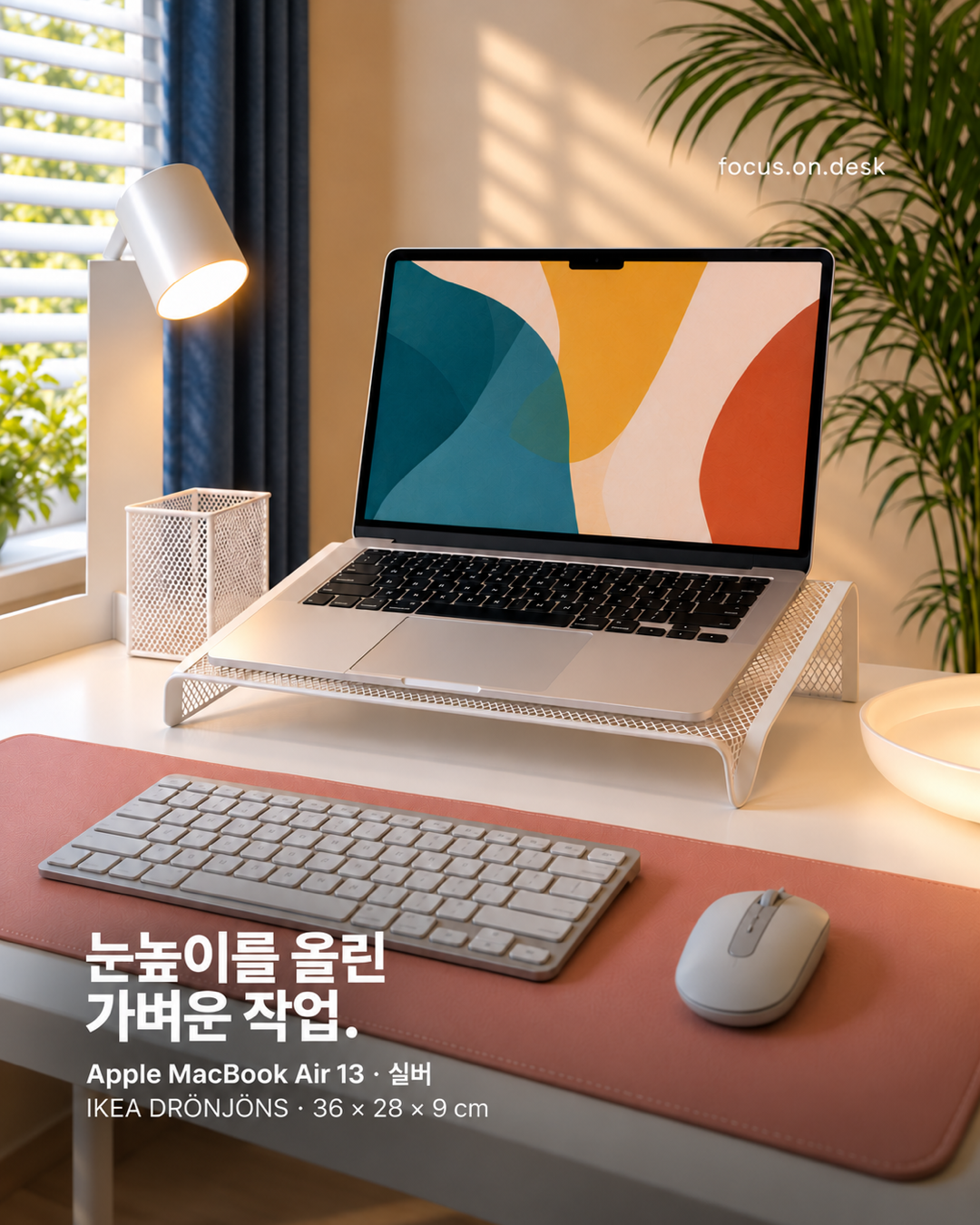
A silver laptop sits on the stand, while light gray input devices occupy a rose mat. The external keyboard and mouse use the space created in front of the raised screen. Even a small desk can give objects different heights and roles.
External devices let you adjust hand positions after placing the screen, rather than keeping the arrangement used with a laptop alone. The photographed height, however, will not suit everyone.
A white mesh stand connects with surrounding materials
The stand's white color continues into the pen cup and desk, while its mesh contrasts with the broad desktop. Openings in the structure add variation within the same color. The support beneath the laptop reads as part of the furniture rather than an ornament.
The reference stand is IKEA DRÖNJÖNS, paired with a laptop concept based on MacBook Air 13. Check support area, support requirements, and device dimensions in the product instructions. Image proportions alone cannot confirm compatibility.
A rose mat marks the hand-level area
The equipment is light and quiet in color, while the mat adds warmth. Different heights for the raised screen and front input devices leave the mat visible. Notice that small objects do not fill every gap beneath the screen.
After placing the keyboard, check whether you can open a notebook briefly. Space beside the mouse matters if you write while reading documents. The mat's center need not match your body's center; shift it to fit your working sequence.
Adjust screen distance and angle while seated
A stand can make placement feel settled, but screen distance and tilt still need checking. View the screen from your usual chair while using the input devices. Do not finish the layout based only on its front-facing appearance.
Check clearance with cables connected. Make sure cables do not bend awkwardly behind the stand and frequently used ports remain accessible. Assess the setup in use, not just before equipment is placed.
Keep a place for the laptop to return
If you carry the laptop elsewhere, plan the cables and the area around the stand. Objects accumulating in its empty spot mean reorganizing before the next session. Keep the stand as the laptop's return point.
The idea to borrow is separation of roles rather than one specific height: put the screen where it is comfortable to view and the keyboard and mouse where your hands can return easily. What could move a little farther back on your desk?
More desk stories to explore
Products in this photo 0
You can also tap + on the photo to see them