DESK STORY · Work from Home
Pairing a Rose Desk Mat with a Pale Gray Keyboard and Mouse
White · Work from Home desk setup

URITRIP
October 9, 2026 · 3 views
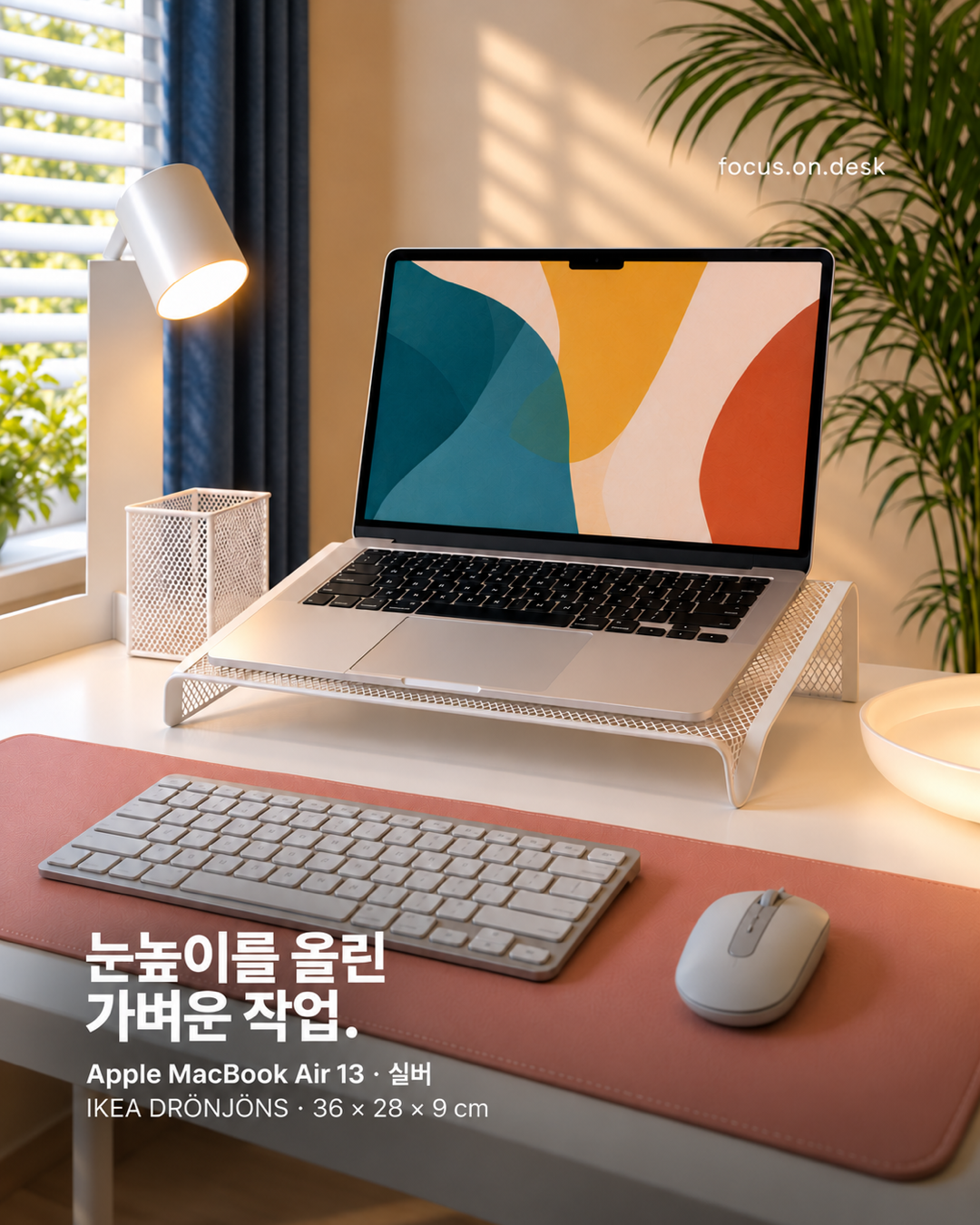
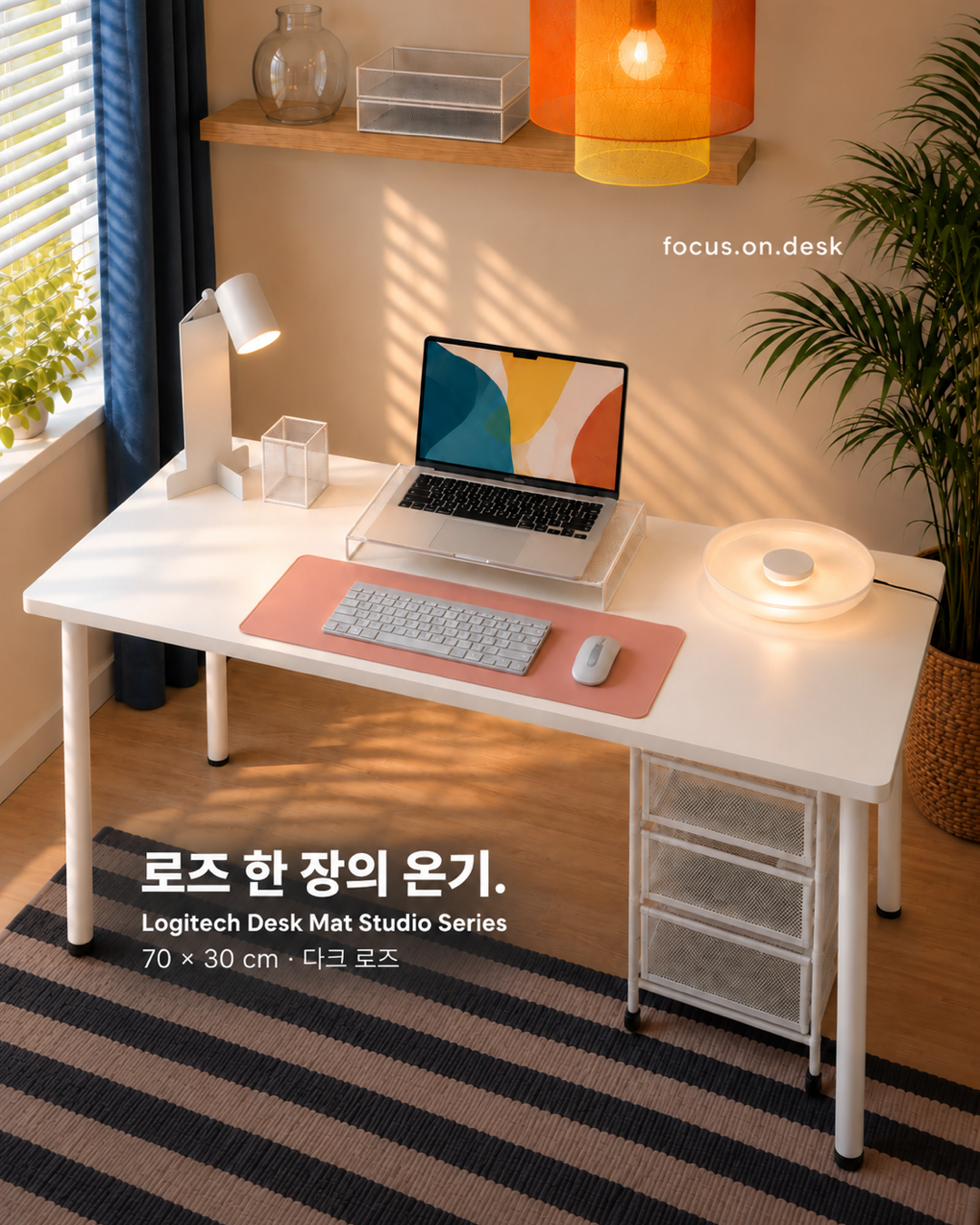
Do mismatched input devices make your desk feel busy? This setup gathers light gray devices on a rose-colored mat. Their forms differ, but connected colors make the hand-level area read as one workspace.
Pale gray connects with the silver laptop
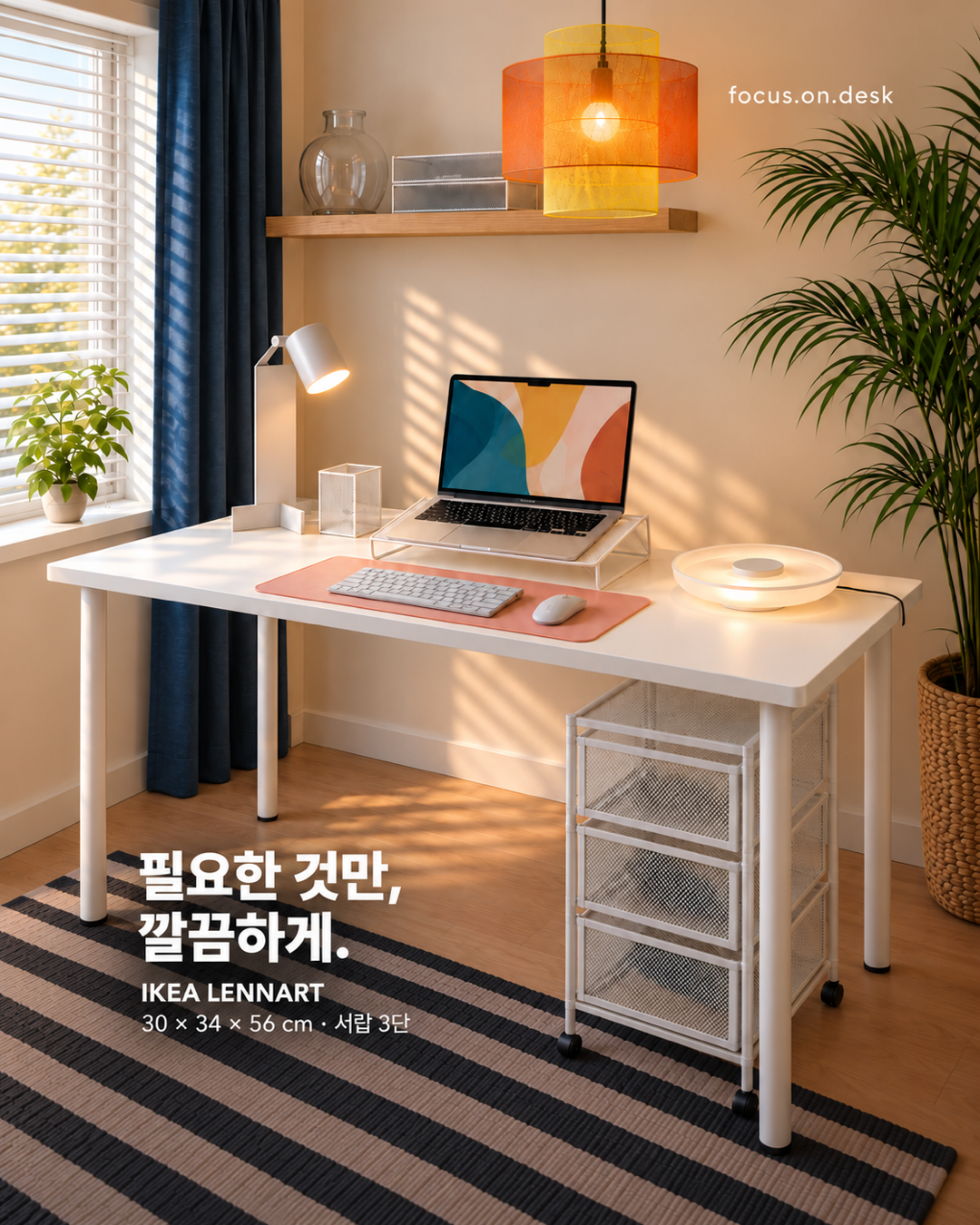
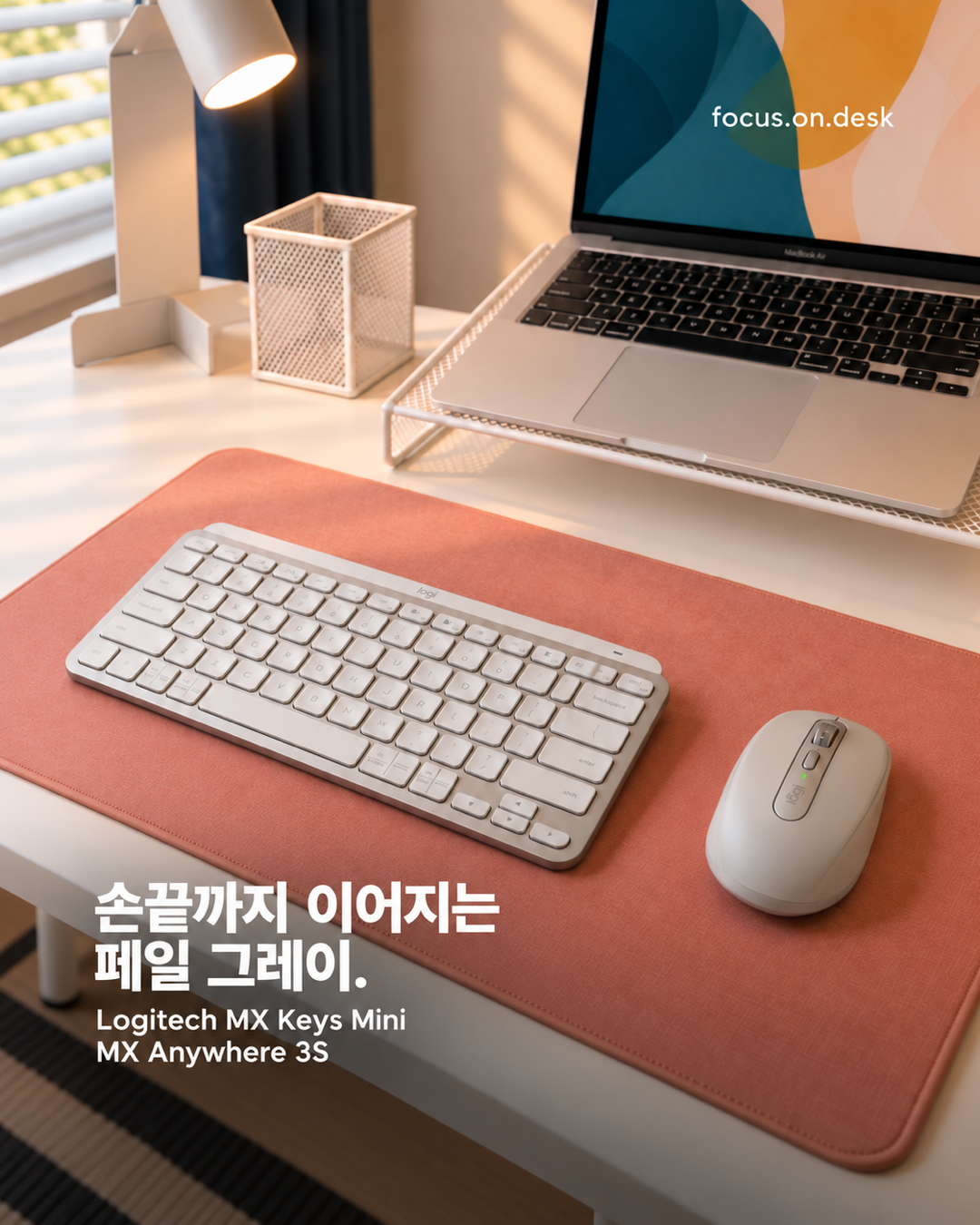
A light gray keyboard and mouse sit in front of a silver-toned laptop. Similar brightness repeats from the screen to the hands. Different sizes and forms still feel connected within one working area.
Matching input-device colors does not require a single brand. Look at the largest visible color on your existing devices beside the laptop. Nearby shades such as white, gray, and silver can work together.
Leave mat color visible around the devices
Rose appears between the devices and along the edges as well as beneath the keyboard. The exposed surface becomes the accent after equipment is placed. Covering the whole mat with storage and accessories would reduce this colored breathing room.
Position the keyboard and mouse where you actually use them before choosing a mat. Include mouse movement, not just each object's outline. Then decide how much surrounding color you want to see to guide the size.
Use white organizers as a background
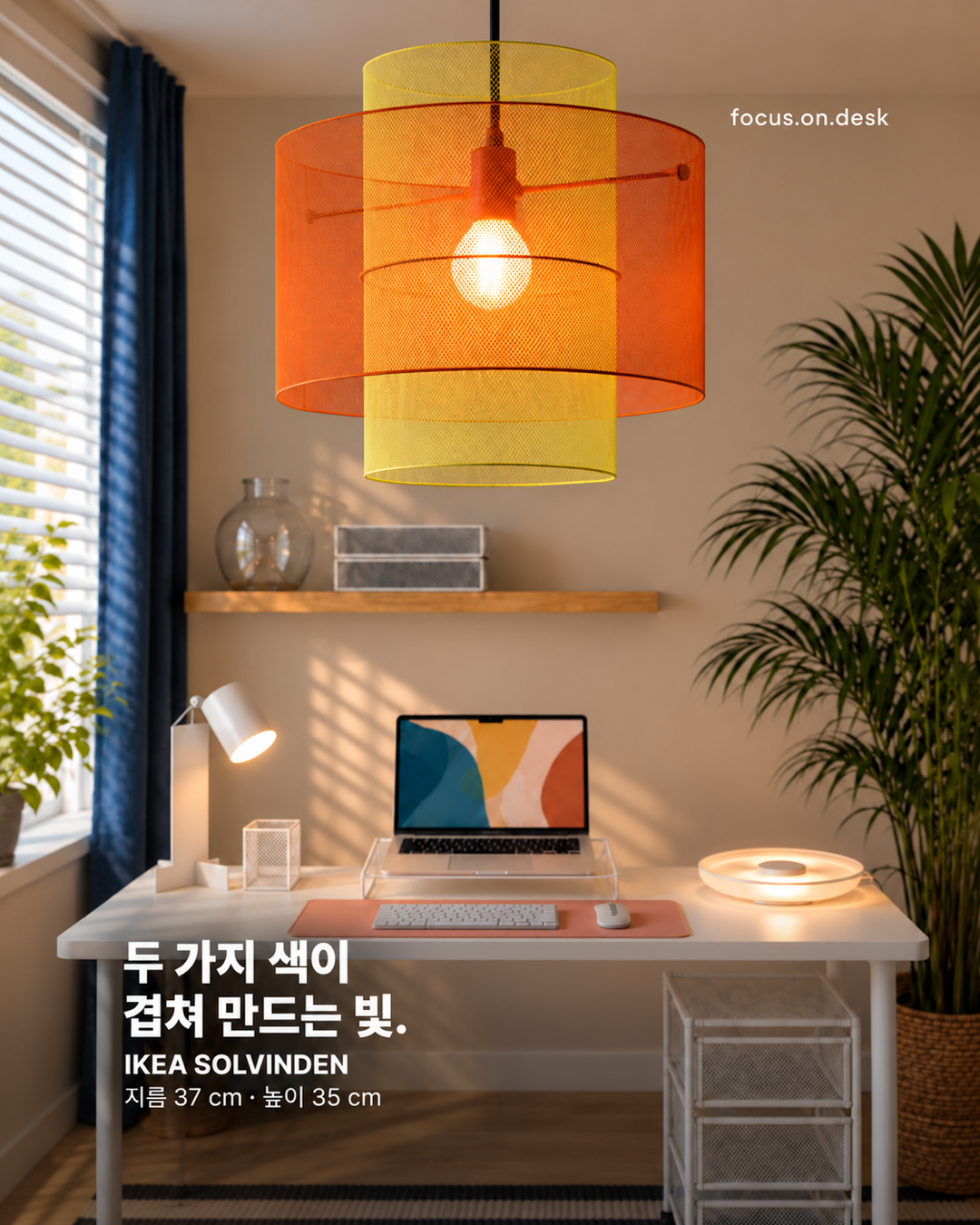
Nearby pen cups and organizers continue in white. With color already present in the mat and devices, storage adds few new shades. These quieter objects support the accent.
Group frequently used stationery to one side while keeping wrist and arm paths clear. Even a neatly aligned arrangement needs adjusting if it is awkward in use. Consider which hand you use to pick things up.
Separate reference models from the functions you need
This combination references Logitech MX Keys Mini and MX Anywhere 3S. Studying the concept's shapes and colors is different from selecting actual input devices. A photograph cannot establish key feel or hand fit.
List your preferred key layout, connection method, and regularly used functions first. An attractive keyboard still needs the keys your work requires. Position a mouse around how you move it, not simply where it can be stored.
Bring the color pairing to your own desk step by step
If you are keeping existing devices, changing one mat can alter the background. When the equipment already shares similar colors, simplifying nearby organizers may be enough to clarify the connection.
Find a comfortable alignment in front of your body before copying the photograph's symmetry. Place the keyboard, try the mouse, then adjust the mat. An attractive arrangement lasts better when your hands return to it comfortably.
More desk stories to explore
Products in this photo 0
You can also tap + on the photo to see them