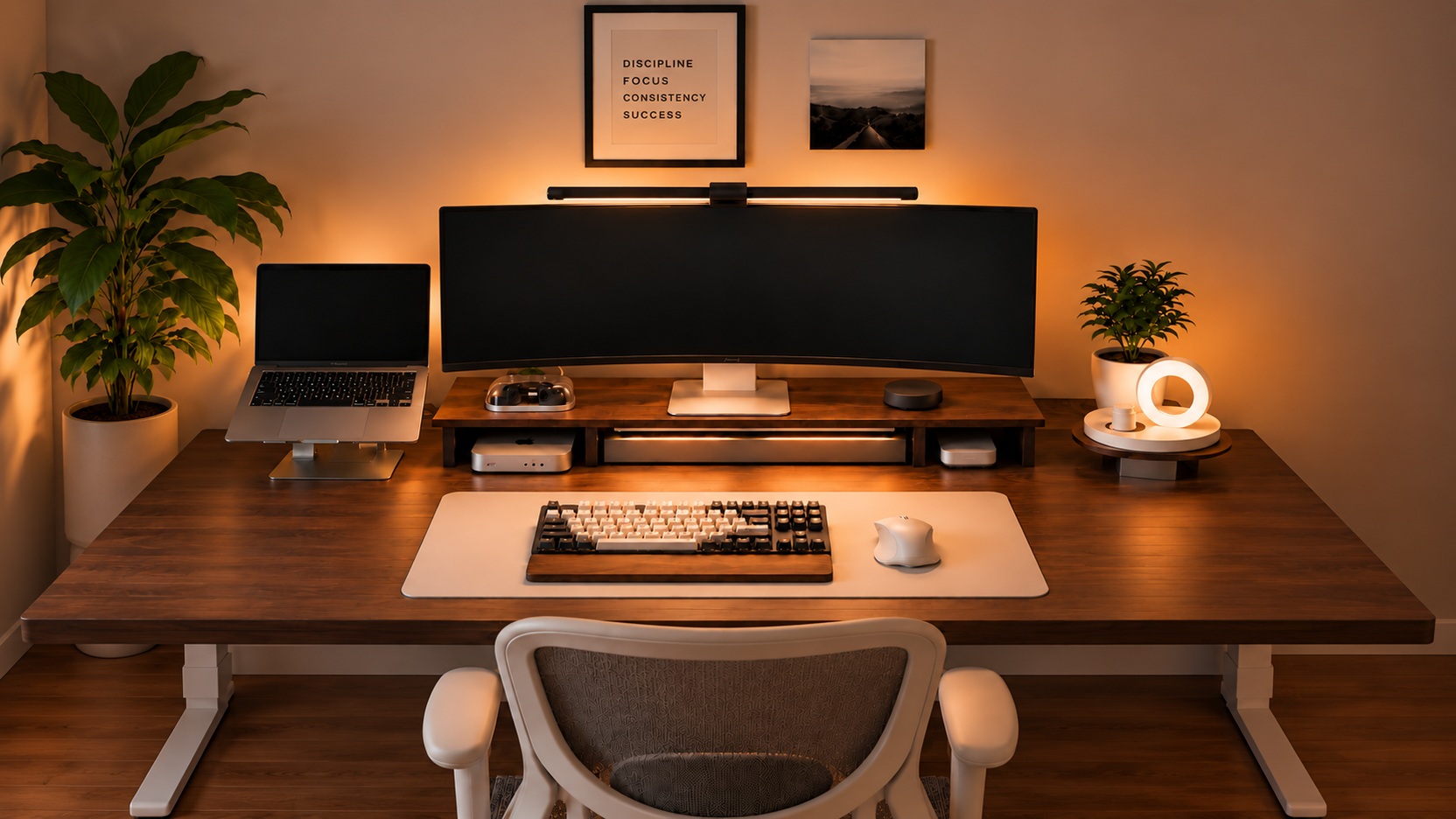
DESK GUIDE / Placement Guide
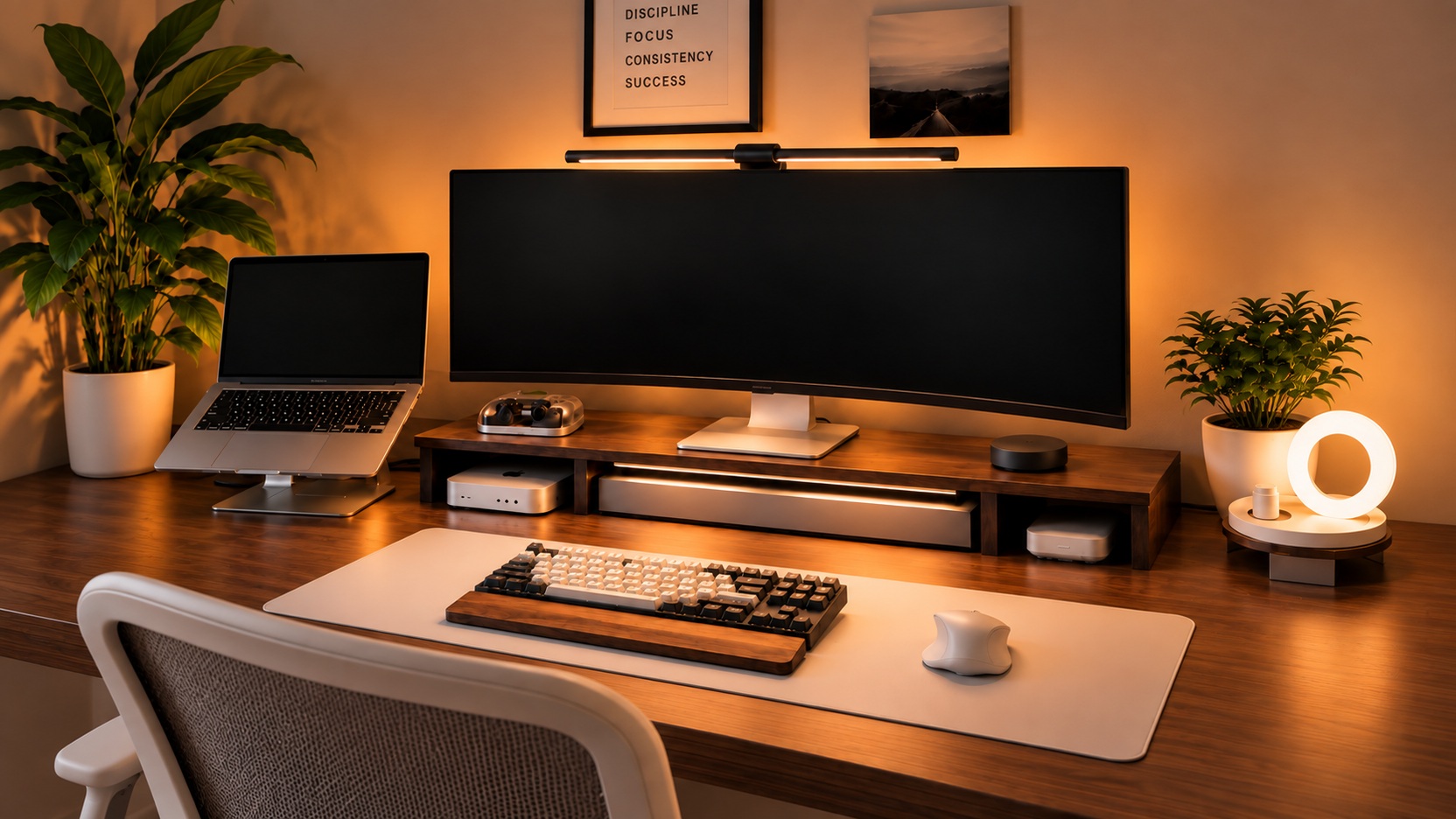
Desk arrangement with a large monitor and laptop together
If I place a laptop next to a large monitor, will the keyboard space be crowded out? Divide desktop back and forth and look at the seats, including the unfolded screen and connection lines. We will also point out parts that are easy to judge based on the length of the stand.
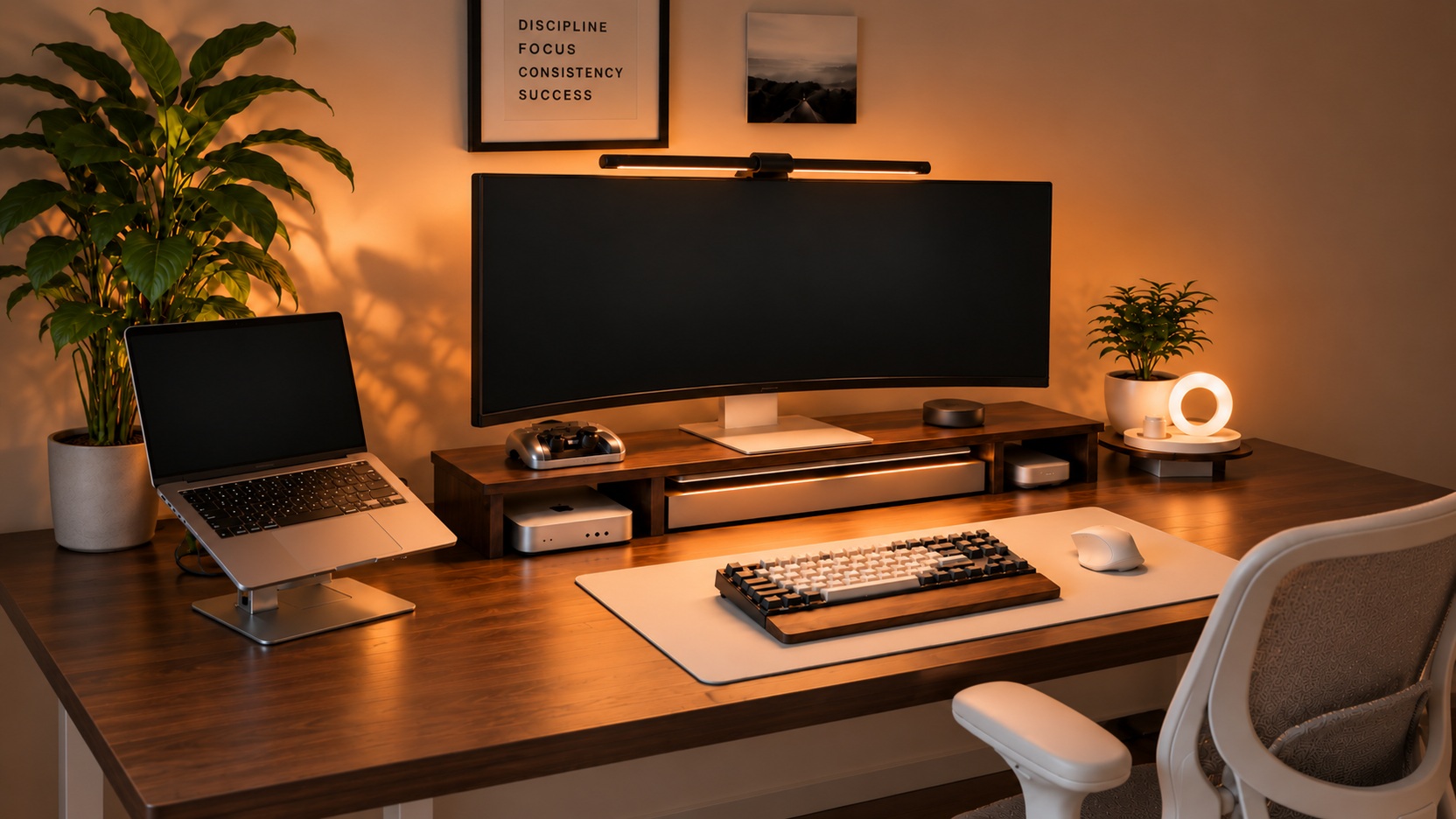
The connected product is an alternative for purchase reference only. MITTZON has a black frame and rear module, LÅNESPELARE has a black steel structure, TOKABO has glass instead of a ring, lampshade, and SUSIG are made of cork, which are different from the photos.
desktop Divide the depth into two zones, front and back
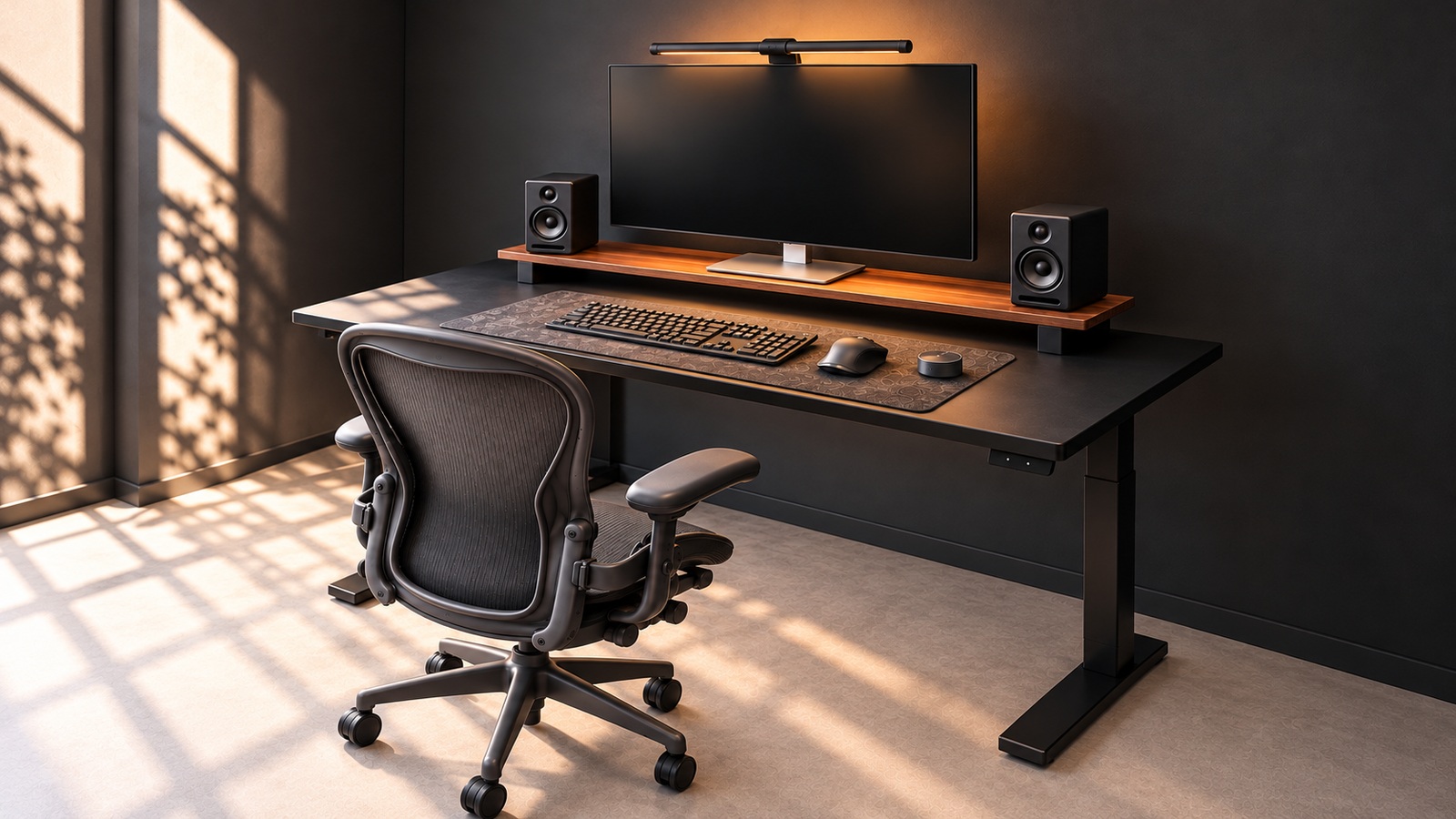
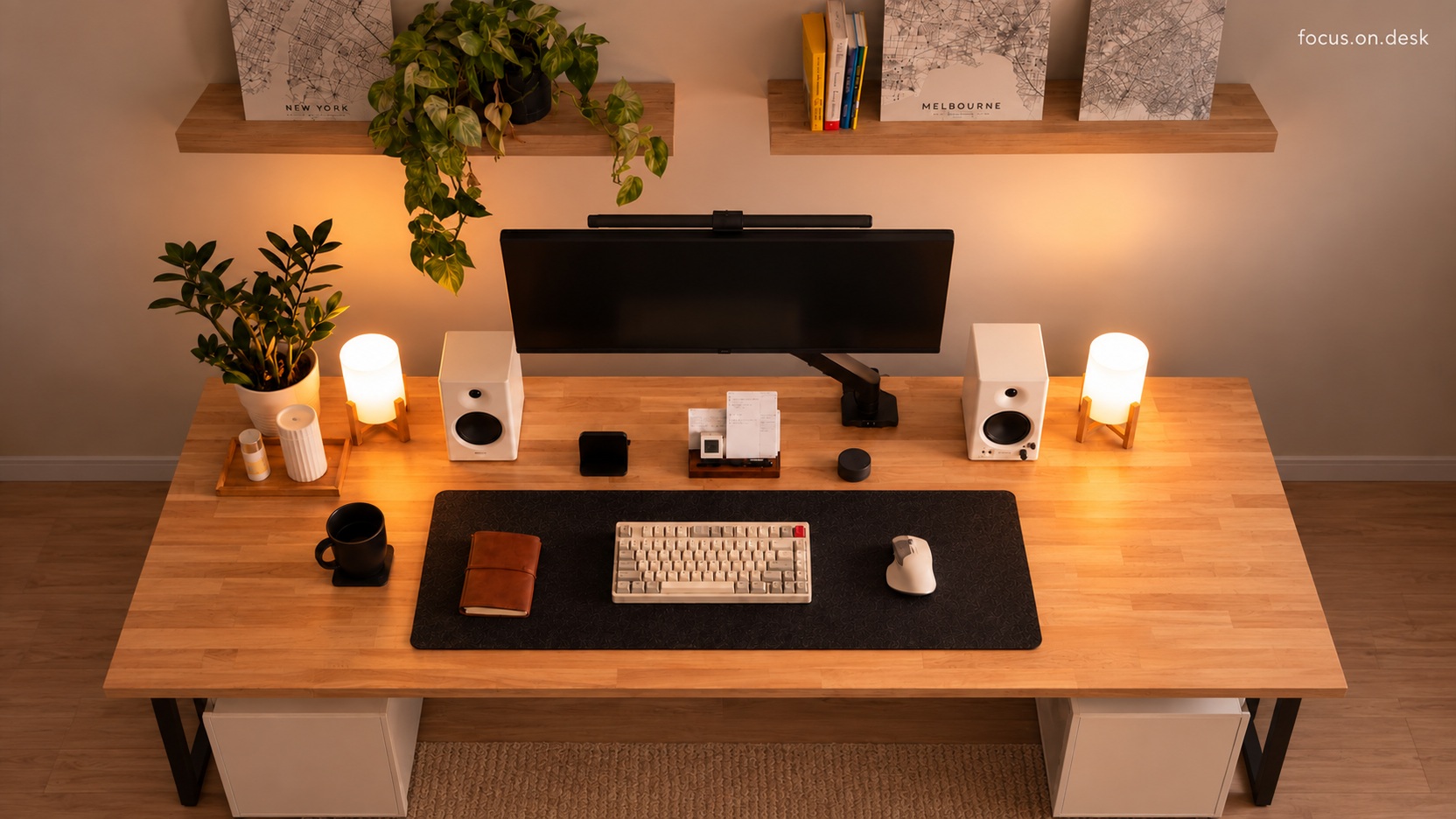
Place the monitor stand and connected devices at the back of the desktop, and place the keyboard and mouse at the front. Marking the actual floor size with paper or tape will help you see how much input space will be left when you add the feet. The linked MITTZON Walnut wood veneer/Black 160×80cm is an alternative to consider for this arrangement, and uses a different frame from the bright legs in the photo.
First, mark the depth that the stand and laptop stand will take up at the same time. In the front, you need not only an input device but also a place to place your hands and arms. Just because it is wide does not mean it has sufficient depth.
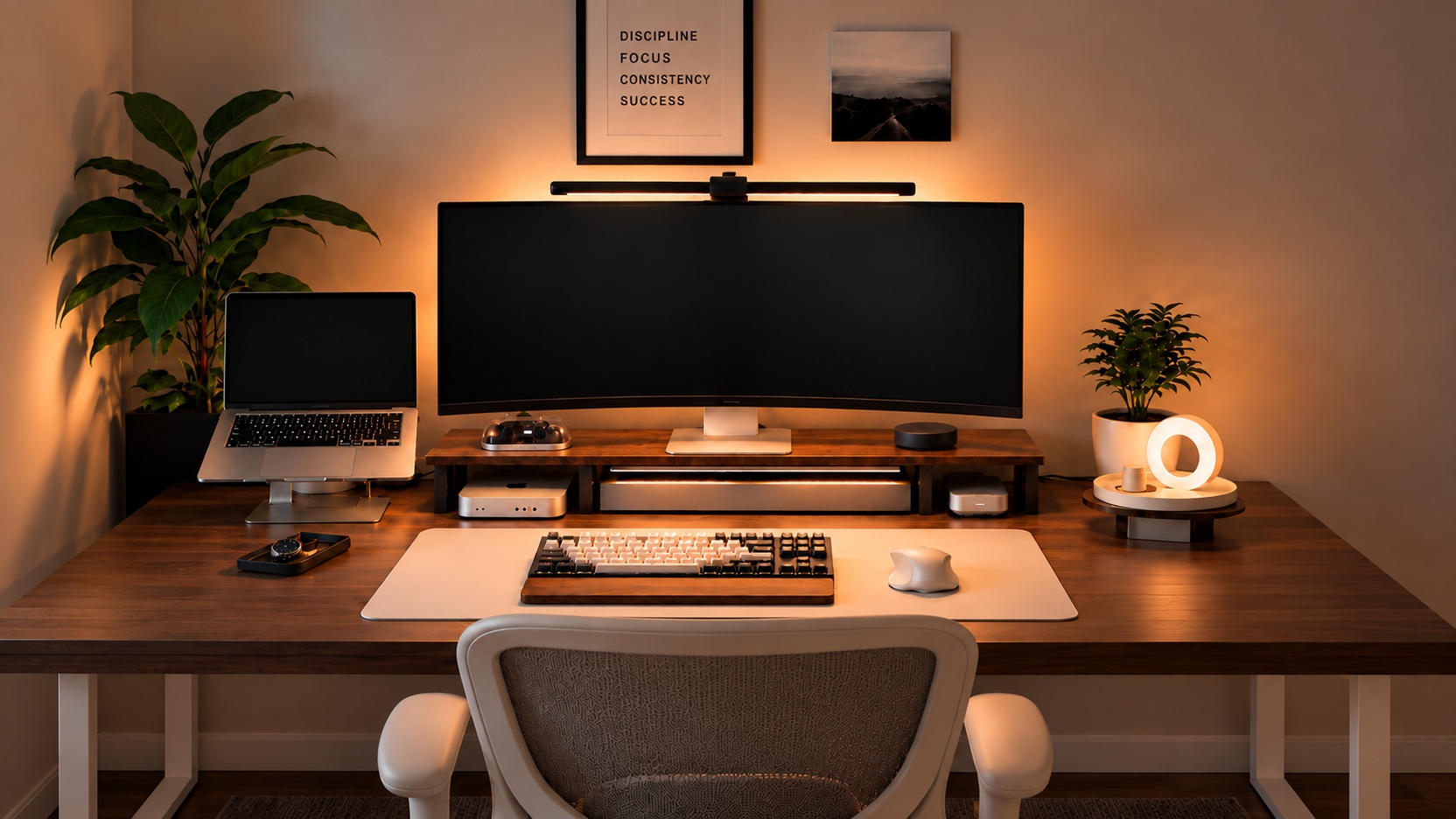
Look at the depth and load of the support first
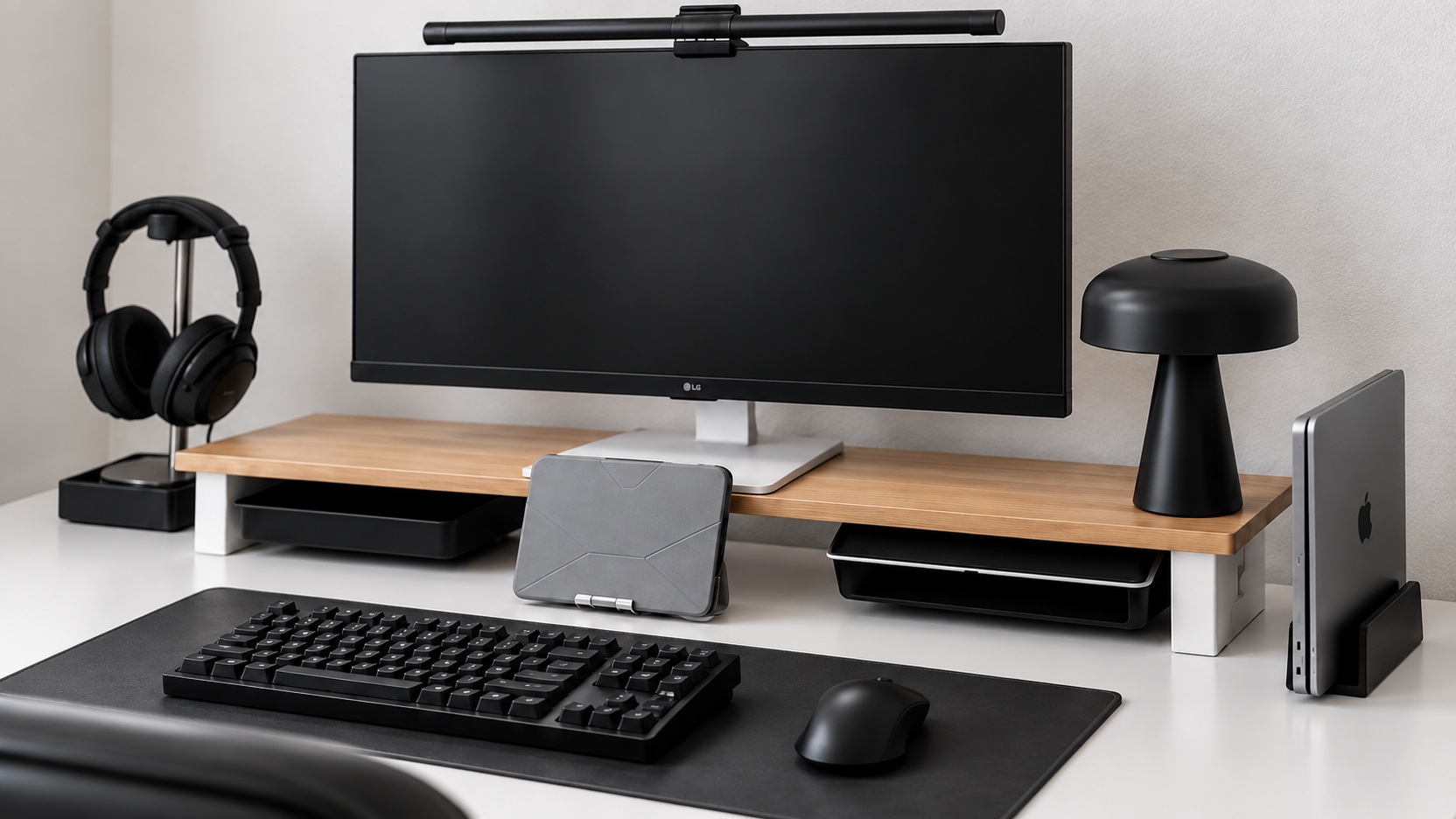
The maximum load of LÅNESPELARE 97×19×14cm is 20kg. Even if the length seems sufficient, it is not the right choice if the depth of the monitor's foot exceeds 19cm or if the foot comes out when supported. This does not mean that the curved monitor in the photo is compatible with this stand, so please check the monitor manufacturer's installation conditions and weight.
Look at the combined weight of all the tools you plan to place on the stand and the floor area of each. Even if the length is correct, if the support foot comes out of the support surface, you need to compare different configurations.