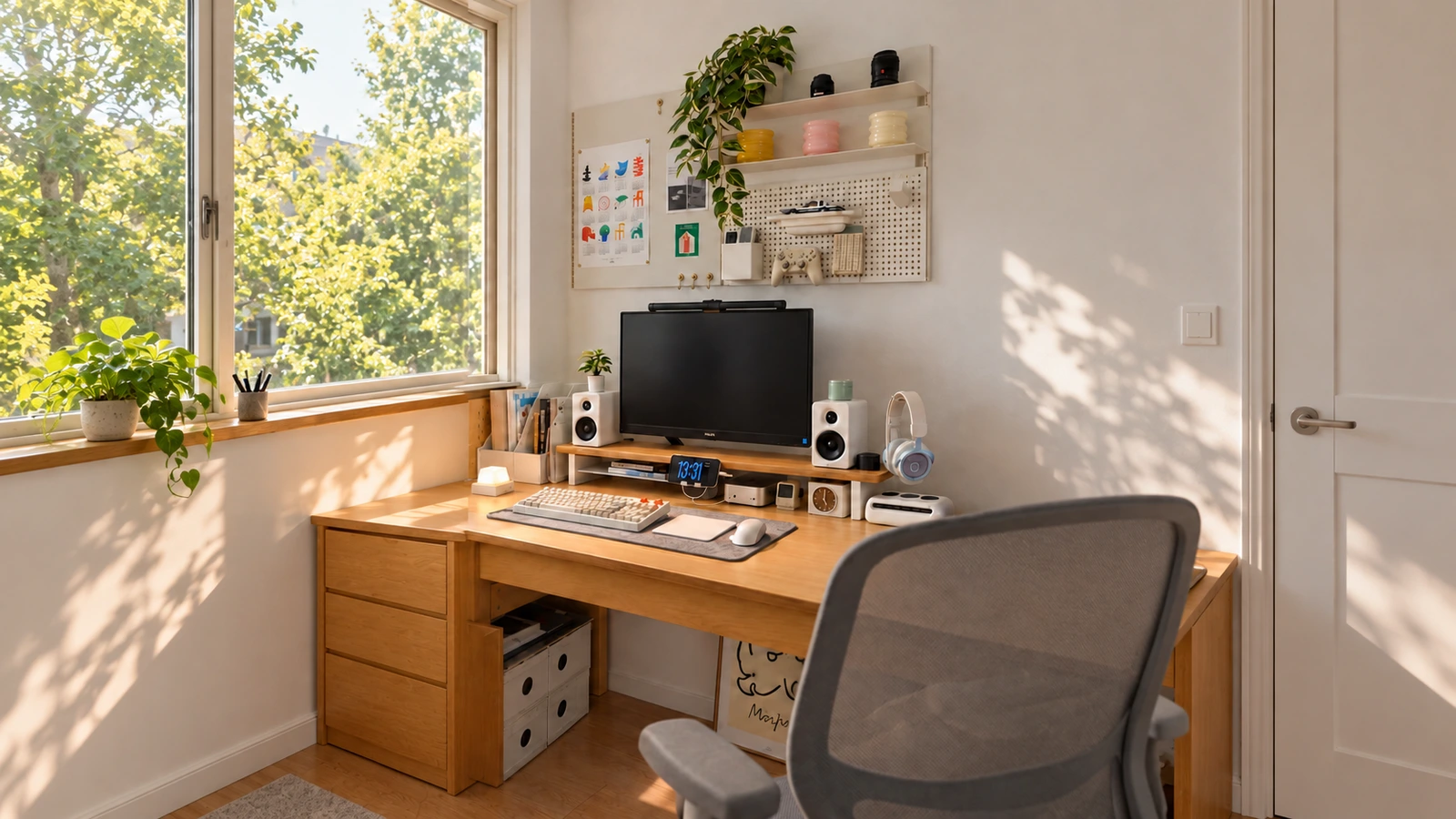
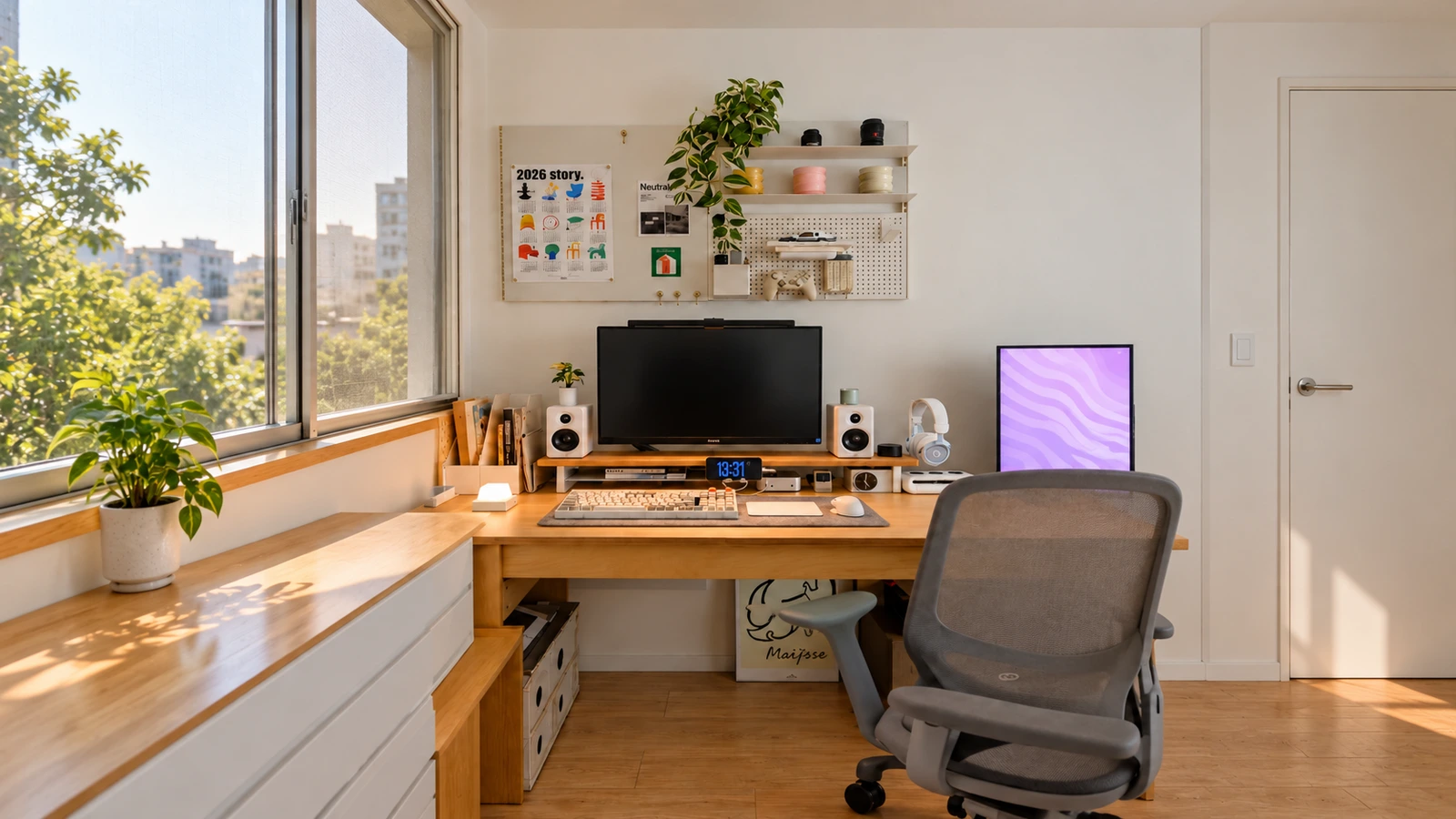
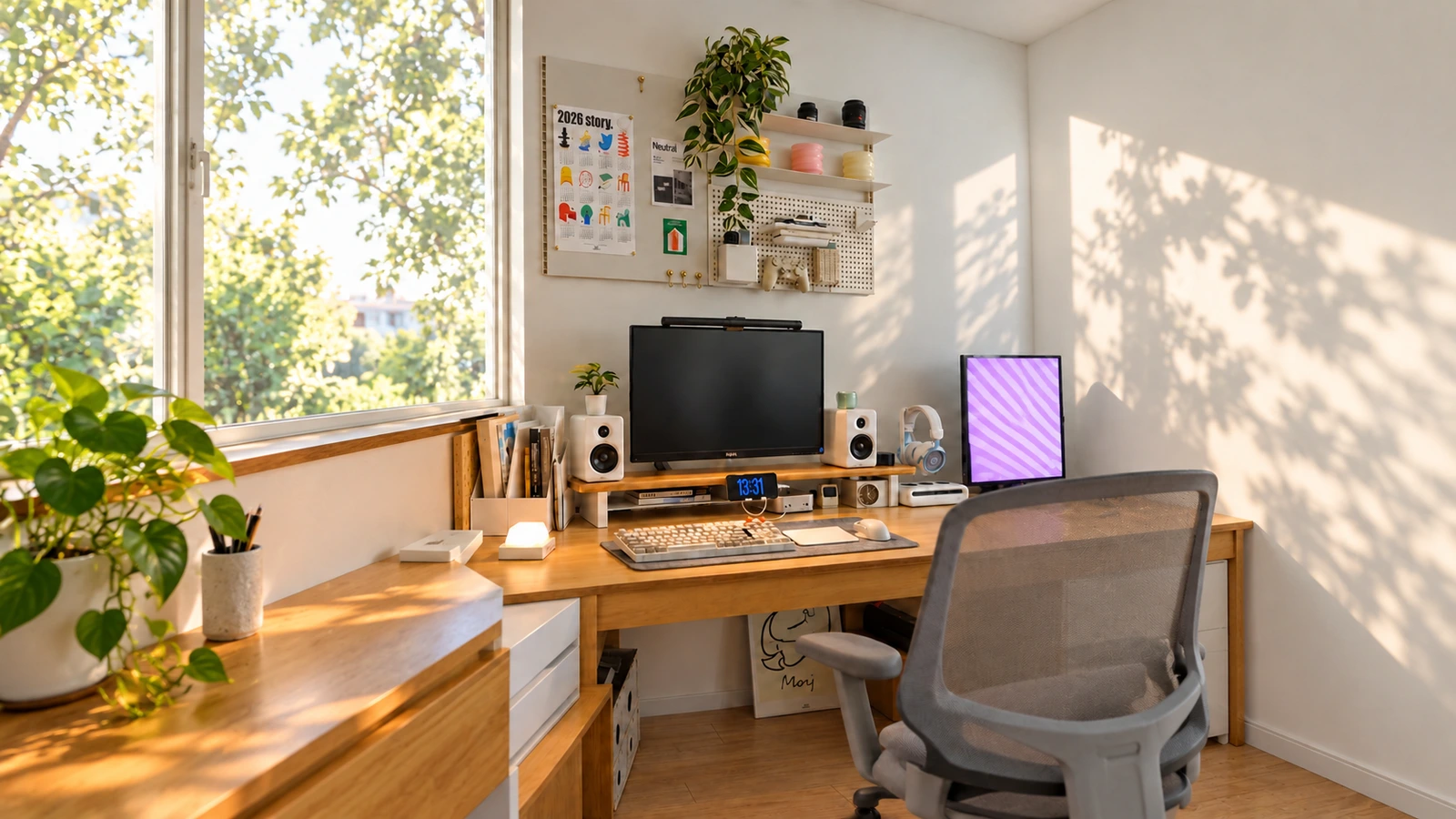
DESK GUIDE / Organize your desk
Wood desk, wall storage and how to divide work area
You've increased wall storage, but has your hands become more complicated? Separate items to be displayed and tools to be taken out frequently, and start by clearing the area where the keyboard and mouse move. You can add the stand and closed storage later.
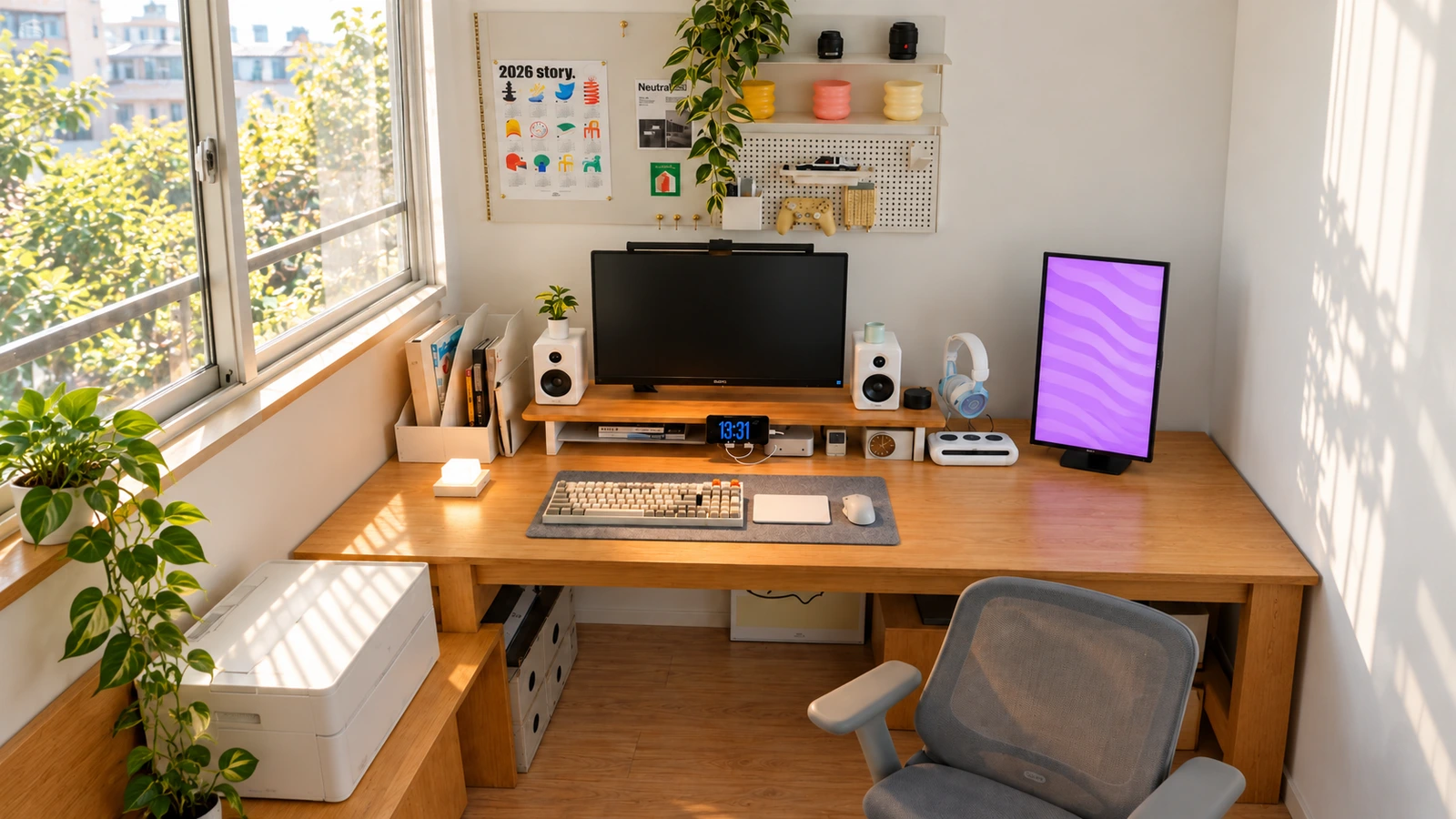
In the following order, first check the layout of the desk you currently have, and supplement only the roles that are lacking with products on sale. The linked product is an alternative to the same model in the photo.
The expanded space and detailed shape may differ from the actual appearance, so please look at it as a layout idea.
First clear the space to move your hand
Put down your keyboard and actually move your mouse and trackpad. If you decide on a mat based on that range, it's easier to secure the empty space you need rather than just arranging things in an attractive manner.
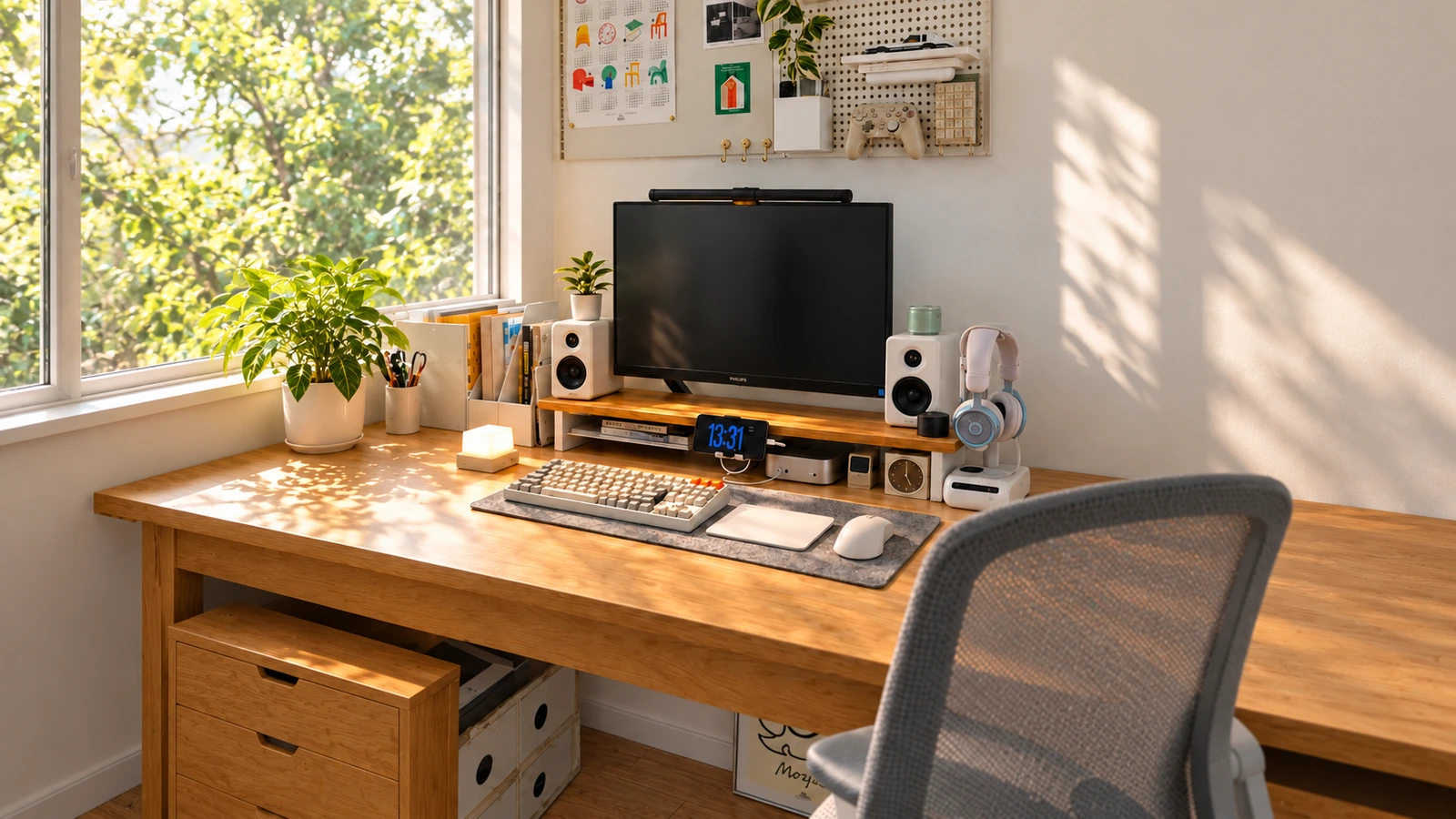
If you want to use two input devices together like in the picture, you need not only the width of the mat but also the depth to place your arms. The gray mat in the photo appears to have a fiber texture, but the exact material and specifications have not been confirmed.
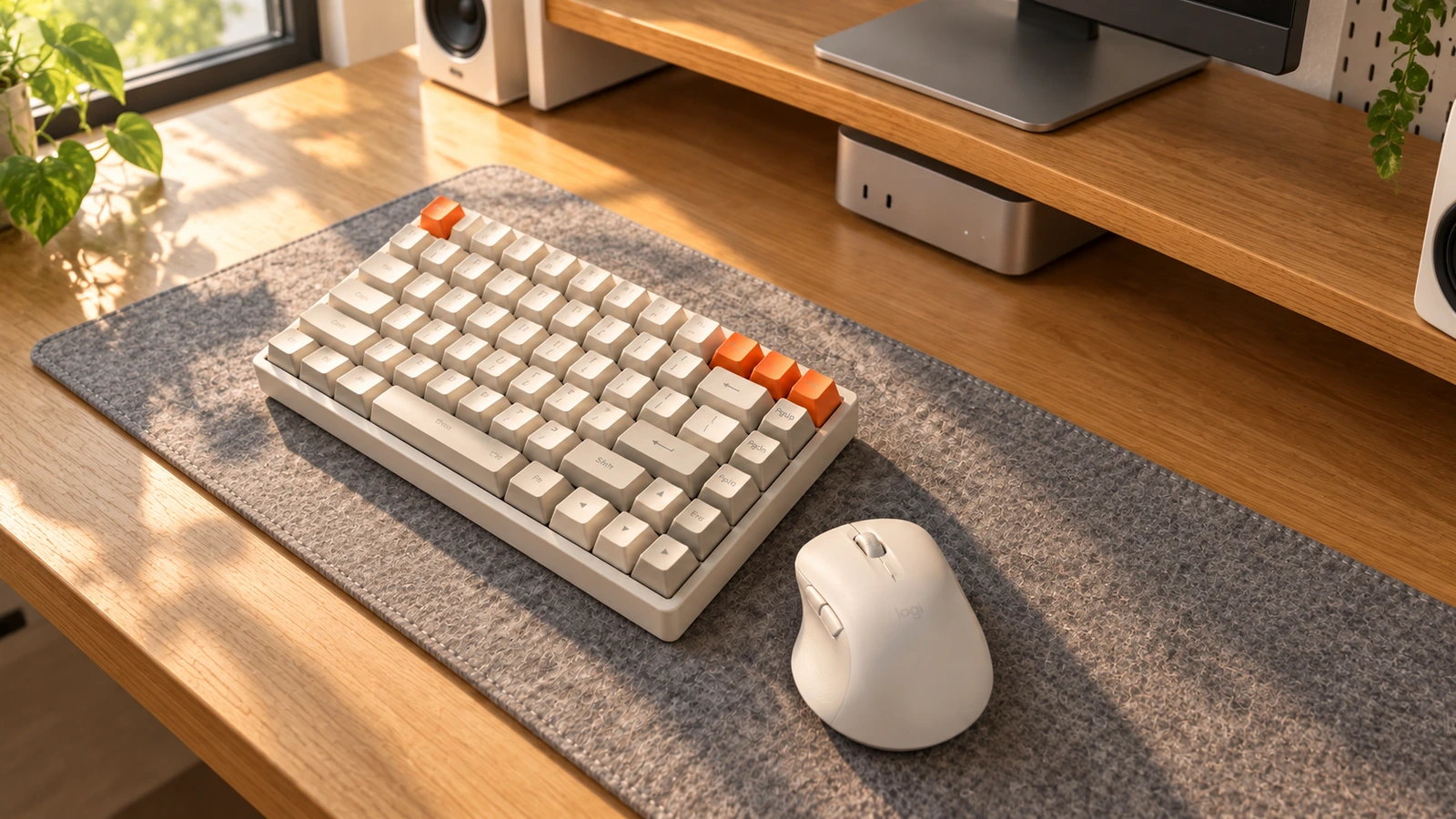
The stand depends on the size of the object to be placed rather than the height.
Measure the depth and width of the monitor footrest and the area occupied by the speakers that will be installed together. Devices to be placed below must secure the height, cable connection space, and ventilation space specified by the manufacturer.
The selling alternative is ELLOVEN, 47×26×10cm, maximum load 20kg, uses steel feet and bamboo drawers. The structure is different from the long wood shelf in the photo, so compare it as a small storage alternative centered around one monitor.